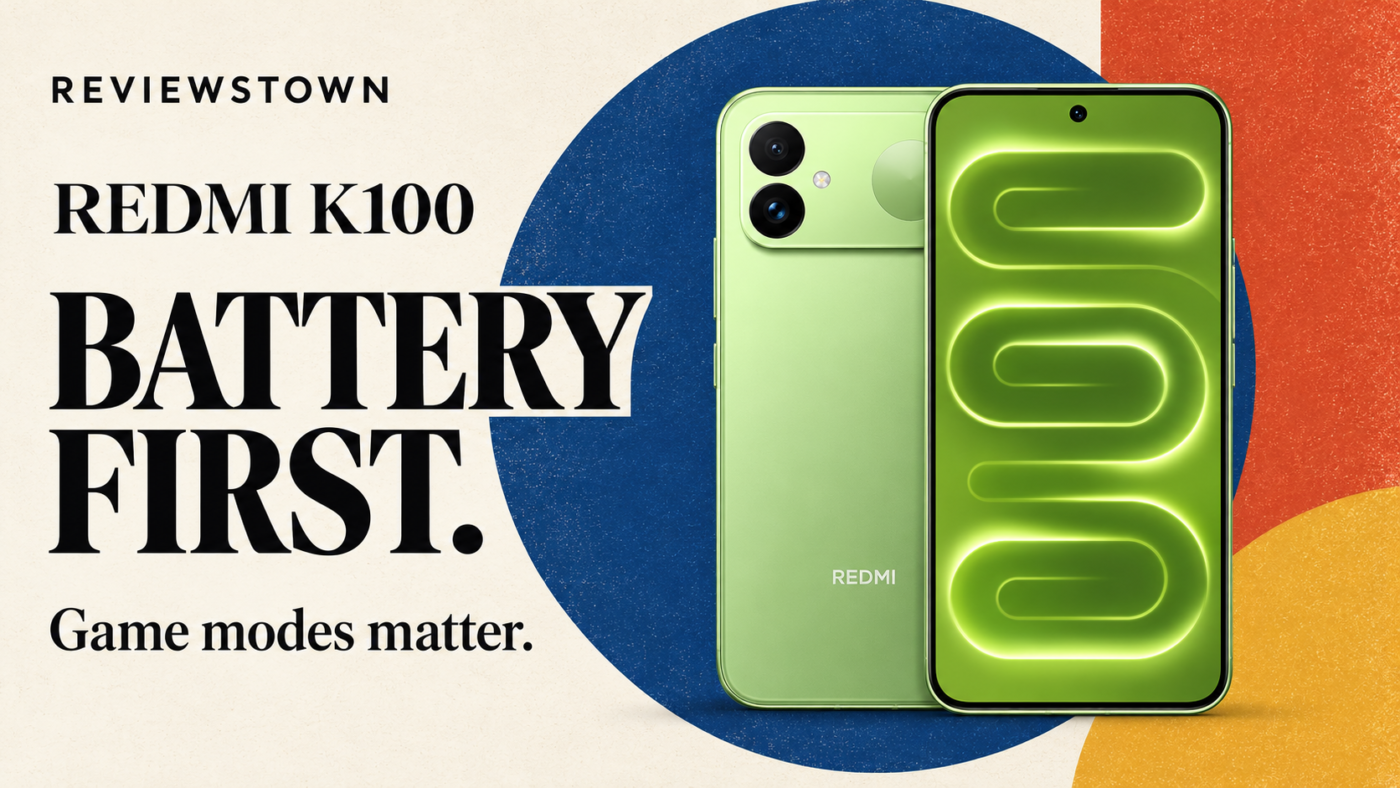
The REDMI K100 makes a clear offer: a large battery, a fast flat screen and gaming-focused hardware, with fewer resources devoted to camera versatility. The useful question is whether those priorities match your day. A long commute with intermittent gaming is a different task from an uninterrupted session of Honkai: Star Rail, even when both buyers want fewer charging stops.
Our assessment: the K100 is most convincing for people who value battery reserve and a large gaming display above a light handset or optical zoom. Its charging and game-mode results need context. A 100W label does not describe the time needed for a full charge, and a 165fps counter does not always describe native rendering.
What the REDMI K100 puts first
This is the standard REDMI K100, separate from the K100 Pro and Pro Max. Xiaomi’s official store lists the standard phone from CNY 3,499. That is a mainland-China store reference checked on November 3, 2026, not a global retail quote. Launch coupons and subsidies are separate from the permanent price; a purchasing comparison also needs the total price and warranty of the specific offer.
The core package combines Snapdragon 8 Elite with a D2 gaming display chip, a 6.83-inch 165Hz flat screen, a 10,000mAh battery, 100W wired charging and 27W wired reverse charging. These are the main specifications described in IT Home’s K100 evaluation. The attraction is how those parts work together: enough display space for games, extra battery reserve and graphics processing options beyond the main chipset.
There is a physical cost. AnTuTu’s evaluation lists a 234.5g body measuring 162.91 x 77.93 x 8.65mm. That puts width and weight on the buying checklist. A phone used mainly with two hands can accommodate different compromises from one held in a single hand throughout a crowded train journey.
IT Home describes symmetrical stereo speakers with Sound by Bose tuning and includes a charger, cable and protective case in its review package. Those details improve the completeness of the gaming setup, but a tuning badge alone is not a comparative audio measurement. The first decision remains straightforward: choose the K100 for endurance and gaming priorities, then decide whether carrying this much phone is acceptable.
Battery life: read the workload before the percentage
The strongest reason to consider the K100 is its battery reserve. Three evaluations support that direction, but they answer different questions. The table preserves their starting points and stopping rules rather than turning them into a single battery ranking.
| Publication | Published test | Reported result | What the result can tell you |
|---|---|---|---|
| MyDrivers | Battery Dog automated workload, 100% down to 20% | 14h 51m 34s | Long endurance in that specific automated workload |
| AnTuTu | Six hours split across local video, video calls, social apps, shopping and Honor of Kings | 66% remaining | Reserve after a varied six-hour schedule |
| IT Home | Two-hour mixed routine on Wi-Fi, balanced mode, brightness and volume at 50% | 94% remaining | Low drain during its shorter routine and settings |
These results are not three estimates of the same real-world runtime. The automated test consumes most of a charge before it ends; the other two stop after fixed schedules. Their app selections and settings also differ. Extending the two-hour result linearly would assume the same drain rate across every later activity and battery level, which those tests do not establish.
One useful comparison inside the same publication
AnTuTu also ran a separate three-hour gaming sequence from 100%: one hour each of Honor of Kings, Honkai: Star Rail and Genshin. It ended at 69%, a loss of 31 percentage points. Its six-hour mixed routine ended at 66%, a loss of 34 points.
That comparison reveals more than a generic claim of long battery life. The gaming schedule consumed almost as much charge in half the time. Dividing each observed loss by its own duration gives approximately 10.3 percentage points per hour for the three-game schedule and 5.7 for the mixed schedule, a ratio of about 1.82. These are calculated averages of two complete schedules, not isolated game power measurements or forecasts of total runtime.
For someone buying primarily to play demanding games, the three-hour result is the more relevant reserve checkpoint. For a day dominated by communication and media, the mixed routine is a better starting reference. Neither schedule makes IT Home’s shorter Wi-Fi result incorrect; they demonstrate why a very low drain percentage from a brief routine is a weak basis for choosing a phone for sustained gaming.
Our buying rule is to choose the evidence before the battery promise: the three-game reserve for a gaming-led purchase, the mixed reserve for a varied day, and an actual charging window for a fixed departure time. This keeps the recommendation tied to an observable task rather than an extrapolated number of days.
Charging: 100W does not mean a short full-charge cycle
The charge window changes the meaning of the headline. MyDrivers reports approximately 64 minutes from 20% to 100% with the original 100W charger. AnTuTu reports 80 minutes from a displayed 1% to 100%, while IT Home reports 84 minutes from 0% to 100%. Those measurements come from their linked evaluations, not a shared charging protocol.
It would be misleading to call the 64-minute result faster than the other two without mentioning its higher starting percentage. It is also unnecessary to decide which outlet has the single correct time. Together, the curves point to a more useful habit: allow a substantial charging window when you want a full battery, and judge a short top-up by how much charge it restores during your available break.
MyDrivers’ curve reaches 80% after 40 minutes when starting at 20%, then slows toward full. This makes the middle of the curve more relevant to a lunch-break top-up than the final few percent. The K100’s appeal is carrying more stored energy into the next session, rather than winning a contest for the shortest advertised full-charge time.
Turn the charging curve into a departure plan
Starting at the same 20% charge used by MyDrivers, its published curve produces the following planning table. Added charge is our subtraction of the starting percentage from the reported endpoint; it is not a measurement of energy or hours of use.
| Time available | Reported endpoint | Added charge, calculated | Useful planning question |
|---|---|---|---|
| 10 minutes | 35% | 15 percentage points | Is this a brief emergency top-up or enough reserve for your next task? |
| 20 minutes | 50% | 30 percentage points | Can a short break restore the reserve you want? |
| 30 minutes | 65% | 45 percentage points | Does a longer break cover your afternoon target? |
| 40 minutes | 80% | 60 percentage points | Is reaching 80% sufficient before departure? |
| About 64 minutes | 100% | 80 percentage points | Is a full charge worth waiting beyond 80%? |
The important difference is the final waiting period. In this curve, reaching 80% takes 40 minutes, and filling the remaining 20 percentage points takes approximately another 24 minutes. Choosing the 80% stopping point would shorten this particular session by about 38%, calculated as 24 divided by 64. That is a scheduling comparison within one test, not a claim about charging efficiency or battery health.
For a routine with a fixed departure time and another charging opportunity that evening, the 20% to 80% window is more useful than a full-charge headline. Before a trip without a reliable socket, the remaining reserve can justify the extra wait. This is our scheduling interpretation of the curve, not additional testing.
The reported 27W reverse wired charging suggests a useful contingency for accessories or a second phone. That is an editorial inference from the feature, not a measured transfer test. Account for the K100 charge it consumes before deciding how much reserve you need at departure.
Gaming: separate native frames from D2-assisted output
The Snapdragon 8 Elite remains a capable basis for this phone, but software support and workload are more informative than the chip’s name. MyDrivers reports 164.5fps in a nearly half-hour Game for Peace run with the smooth graphics preset and 165Hz selected. Its heavier Genshin Impact run averaged 59.9fps over more than 35 minutes at maximum graphics and the 60fps setting.
AnTuTu’s half-hour Genshin run averaged 60.06fps. Its Honkai: Star Rail run was less consistent: 57.25fps on average, a 27.8fps 1% low and a rear-surface maximum of 44.8°C. These are separate tests, not matched comparisons, but they make the buying distinction clearer. A stable average in one game does not establish equal stability in a more demanding title.
GAME MODE CHECK
What does the frame counter measure?
Check both the game setting and the graphics-assistance mode before comparing frame-rate claims.
The game produces the frames. A supported high-frame-rate mode is the relevant setting for a native-output claim.
The display-processing path adds intermediate frames. Its output count should be identified separately from the game’s native rendering rate.
Takeaway: A higher assisted-output counter alone does not prove a proportional improvement in game simulation or input response.
IT Home specifically describes Genshin running at up to 60fps in standard mode, then a built-in panel showing 165fps after super resolution and intelligent frame interpolation were enabled. That is useful evidence of the D2-assisted mode, not proof that Genshin rendered 165 native frames every second. The technical distinction describes how the output is produced; it does not quantify any latency difference, which these evaluations do not measure.
Game support is also time-sensitive. Both AnTuTu and IT Home encountered a 60fps limit in Honor of Kings on their review setups, whereas MyDrivers later reports a 144.09fps average. The publications do not establish a controlled before-and-after update test. Their differing results are a reason to match firmware, game version and enabled modes before comparing performance, rather than a reason to promise every high-refresh option on every setup.
For a purchase driven by one competitive title, confirmed support in that title should carry more weight than the panel’s maximum refresh rate. If active cooling is also a priority, our REDMI K90 Max coverage provides context for that different gaming-phone approach. Its measurements should not be placed beside K100 results as though both were tested under identical conditions.
Design and cameras: the compromise is easy to identify
The large flat screen and substantial body suit a device used for games and video, but portability deserves the same attention as endurance. Weight is present during every session, including the quiet ones when the battery advantage is not being used. The K100 is therefore a more natural fit for buyers already comfortable with large handsets than for someone trying to reduce pocket bulk.
MyDrivers lists a 50MP main camera, an 8MP ultrawide and a 20MP front camera. Its sample discussion identifies weaker fine detail at 2x and a gap between the ultrawide and main camera. IT Home likewise describes the 2x option as digital zoom. The practical implication is that framing flexibility should not be confused with having a separate telephoto camera.
For everyday pictures, the main camera is the central option. For distant subjects, frequent zoom shooting or camera-led travel, it is worth prioritizing a model with the lens arrangement you need. The K100’s hardware allocation makes more sense when photography is secondary to a long gaming or communication day.
Who should choose the REDMI K100?
Choose it when your priorities line up in this order: battery reserve, a large gaming screen, then camera versatility and low weight. It is particularly relevant when charging opportunities are inconvenient but predictable, such as a long workday followed by gaming on the journey home. The published endurance evidence is more persuasive for that use than a bare capacity figure would be.
Consider another approach if you want a lighter one-handed phone, rely on optical zoom, or expect demanding games to maintain the same behavior across every graphics mode. Buyers focused on gaming thermals can also read our iQOO 15 Ultra coverage for an alternative active-cooling design, while keeping its different product and test conditions in mind.
The K100’s strongest argument is fewer compromises around stored energy. Its weakest sales pitch would be treating every high-refresh claim as equivalent or presenting a partial-charge measurement as a full-charge time. With those distinctions clear, the phone offers a coherent endurance-first choice: substantial reserve, useful gaming flexibility and camera compromises that are visible before purchase.
- Substantial battery reserve across several published test routines
- Large flat screen and D2-assisted gaming options
- Reverse wired charging for occasional device top-ups
- Wide, heavy body compared with compact phone priorities
- Digital zoom cannot replace a dedicated telephoto lens
- High-refresh support depends on the game and operating mode