Your logo is the face of your brand. It is the first thing potential customers notice about your business, and it shapes their perception of your company before they ever read a word about your products or services. In 2026, you no longer need a design degree or a $500 budget to create a professional-looking logo. Free and affordable online logo makers have become sophisticated enough to rival mid-tier design work, especially for startups, small businesses, and solo entrepreneurs.
This guide compares the top 5 online logo makers that help you build a strong visual identity, with detailed breakdowns of free vs paid features, watermark policies, and download quality. Whether you are launching a new business, refreshing an existing brand, or creating a logo for a side project, you will find a tool here that fits your needs and budget.
What Makes a Good Company Logo? Essential Design Principles for 2026
Before you open any logo maker tool, it is worth understanding what separates a memorable, effective logo from one that gets ignored. These principles have not changed much over the years, but the way they apply to digital-first brands in 2026 has evolved.
Color Psychology and Font Choices That Build Brand Recognition
Color is one of the most powerful communication tools in logo design. Studies consistently show that color increases brand recognition by up to 80 percent. Blue conveys trust and professionalism (think LinkedIn, PayPal), red signals energy and excitement (YouTube, Netflix), green suggests growth and health (Spotify, Whole Foods), and black communicates luxury and sophistication (Chanel, Nike).
When using an online logo maker, you will typically have full control over your color palette. The best approach is to pick one primary color that reflects your brand personality, plus one or two secondary colors for accents. Most logo makers, including Canva and DesignEvo, let you input exact hex codes so you can match your existing brand colors precisely.
Font selection is equally important. Serif fonts (with decorative strokes) convey tradition and reliability, making them popular with law firms and financial institutions. Sans-serif fonts (clean, no strokes) feel modern and approachable, ideal for tech startups and lifestyle brands. Script fonts can add elegance but should be used sparingly and only when readability is not compromised at small sizes.
Simplicity and Memorability: Why Minimalist Logos Win
The most iconic logos in the world, from Apple and Nike to McDonald’s and Target, all share one trait: extreme simplicity. A simple logo is easier to recognize at a glance, easier to remember, and easier to reproduce across different media. When using an online logo maker, resist the temptation to add too many elements, gradients, or decorative details. A single distinctive shape or typographic treatment is often more effective than a complex illustration.
A good test: can someone describe your logo from memory after seeing it once? If not, it may be too complicated. The online logo makers covered in this guide all offer minimalist template categories that you can browse for inspiration.
Designing for Versatility Across Digital and Print Media
Your logo needs to work everywhere: on a website header, a social media profile picture, a business card, a product label, and possibly a billboard. This means it should be legible at small sizes (think favicon or app icon) and look sharp when scaled up for large formats.
The most important technical consideration is file format. Vector files (SVG, EPS, AI) can be scaled to any size without losing quality, making them essential for print use. Raster files (PNG, JPG) are pixel-based and will blur when enlarged. When choosing an online logo maker, pay attention to whether the free or paid plan includes vector downloads. We cover this in detail for each tool in the comparison below.
How to Create a Professional Logo From Scratch Without Hiring a Designer
Hiring a professional graphic designer for a custom logo typically costs anywhere from $300 to $2,500 or more. For many startups and small businesses, that is a significant expense that could be allocated elsewhere. The good news is that online logo makers have matured to the point where you can create a polished, unique logo entirely on your own, even with zero design experience.
Define Your Brand Identity Before You Start Designing
Before you click on any template, take 15 minutes to write down the answers to these questions: What does your business do, in one sentence? Who is your ideal customer? What three adjectives should describe your brand personality (for example, playful, trustworthy, innovative)? What feeling do you want customers to have when they see your logo?
This exercise prevents the most common mistake beginners make: picking a template because it looks cool rather than because it fits their brand. When you know your brand personality, you can filter templates more efficiently and make confident design decisions about colors, fonts, and icon styles.
Step-by-Step: Template Selection, Customization, and Final Export
Here is a practical workflow that works with any of the logo makers covered in this guide:
- Enter your business name and, if applicable, a short tagline into the logo maker. Some tools like Looka also ask for your industry to generate more relevant templates.
- Browse templates filtered by your industry or style preference. Narrow down to 3 to 5 options that resonate with your brand personality.
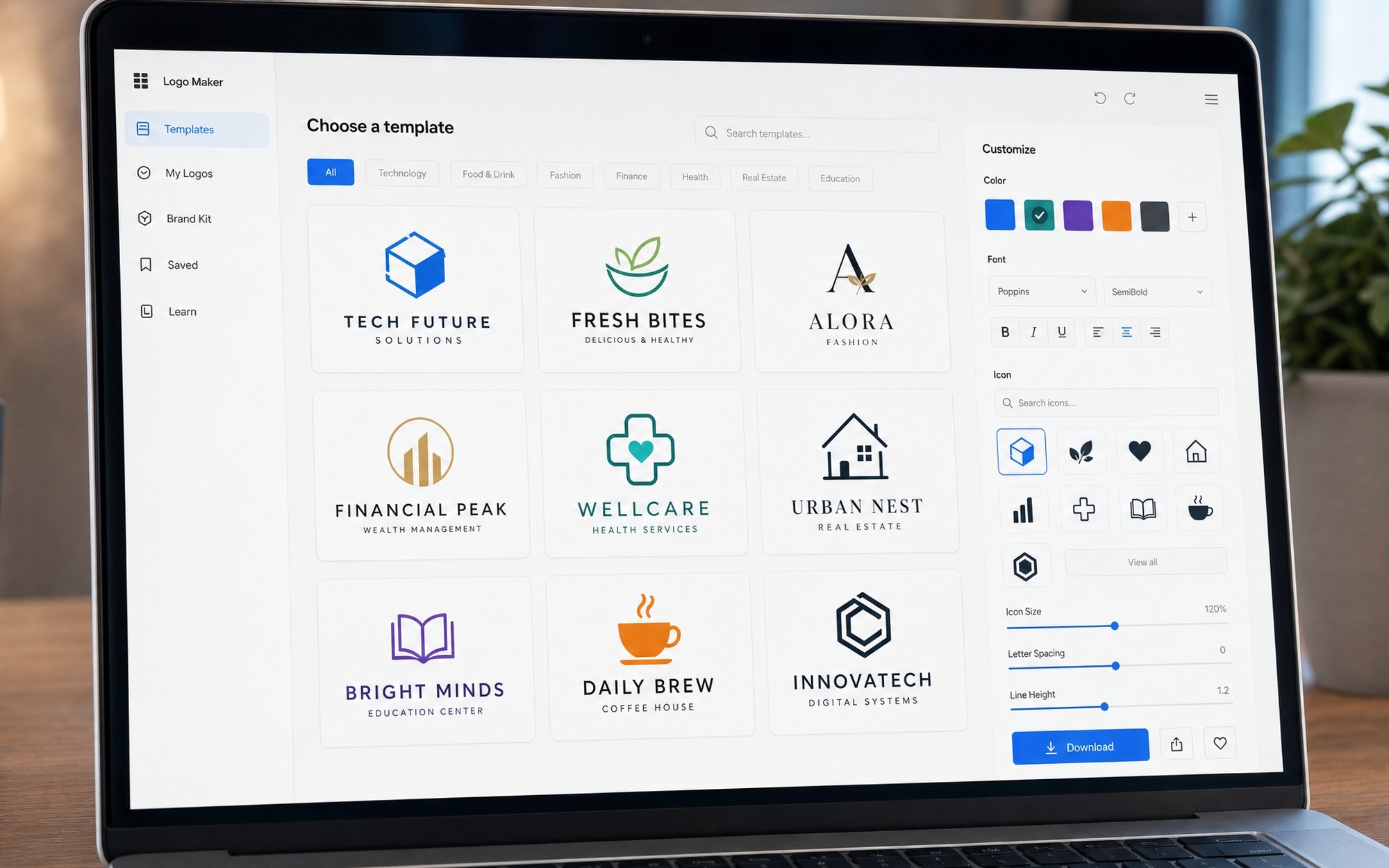
- Customize your chosen template. Change the colors to match your brand palette. Swap the icon if it does not fit your business. Adjust font pairings until the typography feels balanced. Most tools offer hundreds of font combinations.
- Preview your logo in different contexts. Canva and DesignEvo both offer mockup previews showing how your logo looks on business cards, websites, and merchandise.
- Export your files. If you are on a free plan, download the highest resolution available. If you paid for a plan, always download both vector (SVG/EPS) and raster (PNG with transparent background) versions.
Common Logo Design Mistakes Beginners Should Avoid
The most frequent mistake is using too many fonts. Stick to one or two typefaces at most. A second common error is choosing colors that look great on screen but wash out in print. Test your logo in grayscale as well as color: if it does not work in black and white, it will cause problems when printed on invoices or faxed documents. Finally, avoid heavily detailed icons that become unrecognizable when scaled down to a social media avatar size (typically 100 to 200 pixels square).
Top 5 Free Online Logo Makers: 2026 Detailed Comparison
The following five tools represent the best combination of free features, ease of use, template quality, and download options available in 2026. Each has been evaluated based on template variety, customization flexibility, free tier generosity, watermark policy, and file format support.
Canva: Best All-Round Design Platform with Free Logo Maker
Canva is far more than a logo maker. It is a complete visual design platform, and its logo creation tool benefits from that ecosystem. The free tier includes thousands of logo templates organized by industry, full access to fonts and color controls, and the ability to download your logo as a PNG file with no watermark.
The drag-and-drop editor is intuitive enough for complete beginners but powerful enough to produce designs that look professionally crafted. Canva’s AI features, including Magic Design, can generate logo concepts based on text descriptions of your business. The free plan limits you to low-resolution PNG (2000 x 2000 px at 72 DPI), which is adequate for websites and social media but not for large-format printing.
Canva Pro ($69.30 per year, billed annually) unlocks background remover, brand kit storage, and high-resolution downloads with transparent backgrounds. For teams managing multiple brand assets beyond just a logo, the Pro plan offers excellent value.
Best for: Beginners, social media branding, businesses that need more than just a logo.
DesignEvo: Largest Template Library with No-Watermark Free Downloads
DesignEvo boasts a library of over 10,000 professionally designed logo templates, categorized by industry, style, and color. For users who want to browse and customize rather than build from scratch, the sheer volume of templates makes it easy to find a starting point that fits.
The standout feature of DesignEvo is its free tier generosity: you can download your logo as a 500px PNG file with absolutely no watermark, completely free. For a website favicon, social media profile picture, or blog header, this resolution is often sufficient. The one-time payment model is also appealing: the Basic plan costs $24.99 (lifetime) for high-resolution JPG and PNG files, while the Plus plan at $49.99 (lifetime) adds vector PDF, SVG, and font files for unlimited revisions. There is no recurring subscription.
The customization toolkit includes layer management, color adjustment, resizing, rotation, and undo/redo, giving you finer control than many competitors. The interface, while functional, is not quite as polished as Canva’s, but it compensates with raw template volume.
Best for: One-time logo creation, no-watermark free downloads, lifetime pricing.
Looka: AI-Powered Logo Generation for Professional Branding
Looka takes a fundamentally different approach from template-based logo makers. Instead of browsing a library, you enter your business name and industry, then pick a few logo styles you like from examples. Looka’s AI engine generates dozens of custom logo concepts based on your preferences, each with variations in layout, color, and icon.
The AI-generated results tend to be more unique than template-based designs because they are not simply a pre-made icon with your name swapped in. Looka also generates a complete brand kit including color palettes, font pairings, and business card designs, which is valuable for building a cohesive visual identity beyond just the logo.
The catch: you design for free, but downloading requires payment. The basic download is $20 (one-time) for a low-resolution PNG, while the premium package at $65 (one-time) includes high-resolution PNG, vector SVG and EPS files, color variations, and the full brand kit. There is no truly free download option, which makes Looka less suitable for those with zero budget.
Best for: AI-generated unique designs, complete brand kits, professionals who can invest a small budget.
DesignMantic vs GraphicSprings: Two More Solid Logo Maker Alternatives
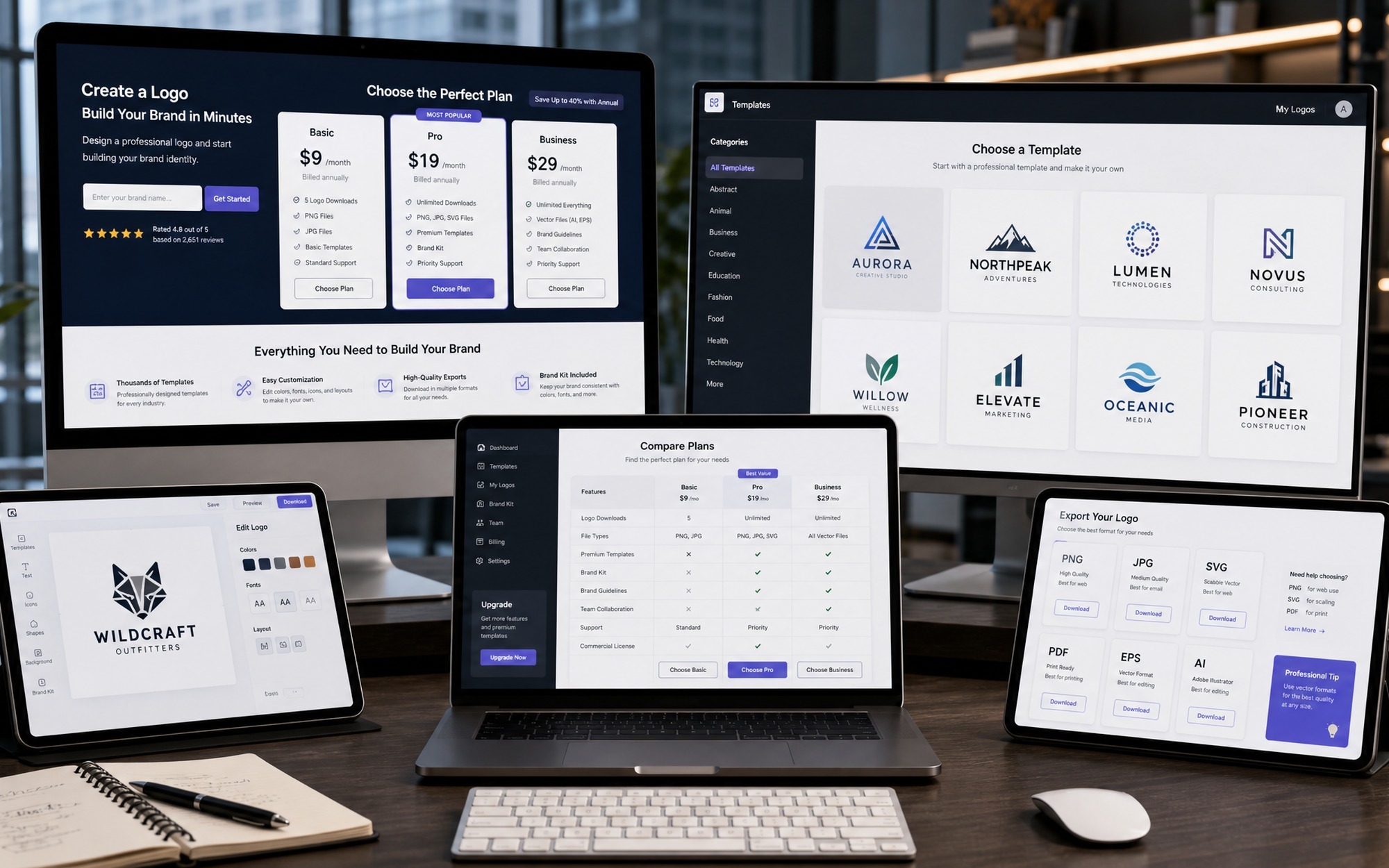
While Canva, DesignEvo, and Looka cover most use cases, DesignMantic and GraphicSprings offer specific strengths that may suit certain business types or workflows. Both follow a similar template-based model but differ in their industry coverage and editing capabilities.
DesignMantic: Industry-Specific Templates for Business Logos
DesignMantic organizes its template library by industry category more granularly than most competitors. Whether you run a real estate agency, a bakery, a tech startup, or a fitness brand, you will find templates that already incorporate visual cues common to your field. The step-by-step wizard walks you through entering your company name, selecting your industry, browsing generated concepts, and customizing colors and fonts.
Free downloads are available but limited to low-resolution files that are adequate only for web previews. Paid plans unlock high-resolution JPG, PNG, and vector PDF files. DesignMantic also offers a logo design contest service where multiple designers submit concepts based on your brief, which is an interesting hybrid between DIY and professional design.
GraphicSprings: Drag-and-Drop Editor with Vector Export Options
GraphicSprings provides a straightforward drag-and-drop logo editor with a solid range of templates across industries from education to photography to construction. The editor offers more granular control over individual elements compared to some competitors, letting you adjust spacing, rotation, and layering with precision.
The free tier allows unlimited design and preview but does not include downloads. Paid plans start at $19.99 (one-time) for a low-resolution JPG and go up to $199.99 for a complete brand package including vector files, social media kit, and lifetime support. GraphicSprings is a good fit if you value precise editing control and are willing to pay a moderate one-time fee for your final files.
Pricing, Templates, and Download Quality: At-a-Glance Comparison
| Feature | Canva | DesignEvo | Looka | DesignMantic | GraphicSprings |
|---|---|---|---|---|---|
| Free Download | Yes (PNG, low-res) | Yes (PNG, 500px, no watermark) | No | Yes (PNG, low-res) | No |
| Lowest Paid Tier | $69.30/yr | $24.99 lifetime | $20 one-time | Varies | $19.99 one-time |
| Vector Files (SVG/EPS) | Pro plan only | Plus plan ($49.99) | Premium ($65) | Paid plans | Premium ($69.99+) |
| Template Count | 5,000+ | 10,000+ | AI-generated | 1,000+ | 500+ |
| AI Features | Magic Design, BG remover | None | Full AI generation | None | None |
| Best For | All-round design | Template variety | Unique AI logos | Industry-specific | Precision editing |
If you want to explore more options beyond the five tools covered here, TechRadar’s independent review of logo makers provides additional perspective from professional testers who evaluate each tool with identical design briefs.
[IMAGE_3]
Free Logo Maker With No Watermark vs Paid Design Services: What Is Right for You?
Choosing between a free online logo maker and a paid solution depends on your business stage, budget, and long-term branding needs. Here is a practical decision framework.
When Free Online Logo Makers Are Good Enough
A free logo maker is the right choice when you are launching a minimum viable product, testing a business idea, creating branding for a side project or hobby blog, or operating on a shoestring budget where every dollar counts. A well-chosen template from DesignEvo or Canva, customized with your brand colors and fonts, can produce a logo that looks clean and professional enough for most digital-first businesses.
The key is to invest time in customization rather than settling for a template as-is. Change the default icon, adjust the color scheme to something distinctive, and experiment with font pairings until the result feels unique to your brand. A free logo that has been thoughtfully customized will outperform a generic template that was downloaded in two minutes.
When to Invest in a Professional Designer or Paid Plan
Paid plans or professional designers become worth the investment when your business depends on visual trust and credibility. If you sell physical products that carry your logo on packaging, if you operate in a competitive market where brand differentiation matters (fashion, cosmetics, premium services), or if you need your logo to scale across large-format print materials like trade show banners and vehicle wraps, vector files from a paid plan are non-negotiable.
Hiring a professional designer (budget: $300 to $2,500) is the right call when you need a truly original logo that has been crafted specifically for your brand story, target audience, and competitive landscape. A designer brings strategic thinking, not just aesthetic skill, to the process, and the result is a logo that is legally protectable as a trademark in a way that template-based logos may not be.
Hidden Costs to Watch For: Licensing, Scalability, and Originality
Free logo makers come with three hidden costs that are easy to overlook. First, licensing: some free logo maker platforms retain rights to the template design, meaning you cannot trademark a logo built from their stock components. Always check the terms of service for commercial use rights before finalizing your logo.
Second, scalability: a 500px PNG downloaded for free will look pixelated on a printed business card, let alone a storefront sign. If you anticipate needing your logo in print, budget for at least one paid vector download.
Third, originality: since templates are available to any user, it is possible that another business, possibly even a competitor, will use the same base template with different colors and text. While this is rare in practice with a large template library, it is a risk worth acknowledging.
If you found this guide useful, check out our review of Fotor, a free online photo editor for additional visual branding tools, or browse our roundup of the best free online video editing software for content creation beyond static graphics.
- Multiple free tiers available with no-watermark downloads from DesignEvo and Canva
- No design experience needed: all five tools offer intuitive drag-and-drop editors
- AI-powered logo generation from Looka creates unique designs not limited to templates
- DesignEvo offers lifetime pricing with no recurring subscription fees
- Canva’s ecosystem includes brand kit, social media templates, and team collaboration
- Free downloads are typically low-resolution and unsuitable for large-format printing
- Template-based logos from free tiers may not be legally protectable as trademarks
- Looka requires payment to download any logo file (no free download option)
- Vector files (SVG/EPS) are locked behind paid plans on all platforms
- Another business could potentially use the same base template with minor changes
Frequently Asked Questions
What is the best free online logo maker with no watermark in 2026?
DesignEvo is the best free online logo maker with no watermark in 2026. It offers over 10,000 templates and allows you to download a 500px PNG logo completely free with no watermark. Canva is a close second, providing free PNG downloads (low resolution) with no watermark from its extensive template library. For users who need high-resolution or vector files without watermarks, both platforms offer affordable one-time or subscription-based paid plans.
How do I create a professional logo for my business without design experience?
Creating a professional logo without design experience is straightforward with modern online logo makers. Start by defining your brand identity (business type, target audience, three brand personality adjectives). Then use a tool like Canva or DesignEvo to browse industry-specific templates. Customize the template by changing colors to match your brand palette, adjusting fonts, and swapping icons. Preview your logo in different contexts (website header, business card, social media). Finally, download in the highest resolution your plan allows, ideally with a transparent background PNG for web use and SVG for print.
Can I use a free logo created with an online logo maker for commercial purposes?
Most online logo makers, including Canva, DesignEvo, and DesignMantic, allow commercial use of logos created with their free tools. However, there are important caveats. The template design itself remains the intellectual property of the platform, which means you may not be able to trademark a logo built from stock template components. Additionally, another user could use the same base template with different colors and text. Always read the specific terms of service for the platform you choose, and consider a paid plan or custom designer if you need a legally protectable, truly unique logo for your brand.
What file format should I download my logo in: PNG, SVG, or EPS?
For digital use (websites, social media, email signatures), download your logo as a PNG with a transparent background. PNG is a raster format that displays well on screens and supports transparency. For print use (business cards, merchandise, signage, flyers), you need vector files: SVG (Scalable Vector Graphics) or EPS (Encapsulated PostScript). Vector files can be scaled to any size without losing quality. If your budget allows, always purchase the plan that includes vector downloads, as this future-proofs your logo for any application that may arise.
Is an AI-generated logo from Looka as good as one from a professional designer?
AI-generated logos from Looka and similar platforms have improved significantly and can produce professional-looking results suitable for most small businesses, startups, and digital-first brands. However, they differ from professional designer logos in several ways. A professional designer brings strategic thinking about your target audience, competitive landscape, and brand story, and creates a fully original, trademarkable design. AI tools generate logos based on algorithmic pattern matching from existing designs. For businesses with modest branding budgets (under $500), AI logo makers offer excellent value. For brands where visual identity directly impacts revenue (luxury, fashion, premium services), investing in a professional designer is still the superior choice.