The Dawn of the Touchscreen MacBook Pro
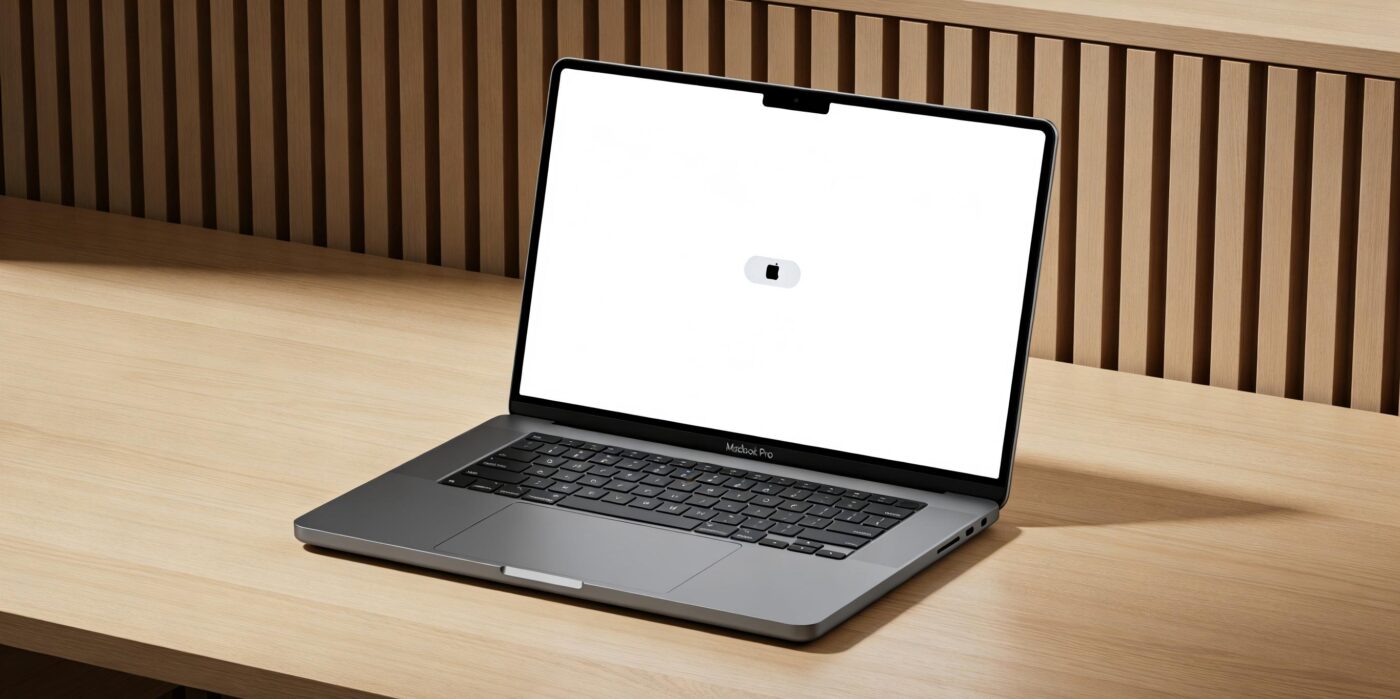
Apple is preparing a massive hardware overhaul for its premium laptops. We are looking at a thinner chassis, a dual-layer OLED display, a Dynamic Island, and yes, a fully functional touchscreen.
The current MacBook Pro design debuted back in late 2021 with the M1 Pro and M1 Max. Five years is an absolute eternity in laptop life cycles. Apple desperately needs a hardware hook to convince users to upgrade from those incredibly capable older machines.
Tandem OLED Meets the Dynamic Island
The M6 update centers around a major transition to OLED technology. Instead of the hated camera notch, the new Pro will feature a Dynamic Island. The Dynamic Island on the iPhone is inherently a touch-first interface.
Clicking it with a tiny mouse pointer always felt like a clumsy workaround in macOS mockups. Soon, it will serve as a hub for media controls and background tasks that you can simply tap with a finger.
- Tandem OLED: Apple will use the same tandem OLED technology found in the 2024 M4 iPad Pro.
- Unmatched Brightness: Expect sustained SDR brightness well over 1000 nits and perfect contrast ratios.
- Touch Integration: The advanced screen will utilize cutting-edge on-cell touch sensors.
Debunking the Gorilla Arm Myth
Apple is not trying to turn the MacBook into a giant iPad. macOS 26 is already showing signs of subtle adaptation rather than a complete overhaul. The old argument about arm fatigue ignores how people actually use touch laptops.
Nobody types an entire essay on a vertical screen. You use the excellent keyboard and trackpad for 95 percent of your daily work. You just reach out to poke the screen for quick, intuitive interactions.
- Reaching out to simply pause a video.
- Using pinch gestures to zoom in on a PDF.
- Quickly tapping to dismiss a rogue notification.
- UI elements like control center sliders are getting slightly larger.
- Menus will dynamically scale up when a finger is detected, preventing accidental misclicks.
Windows laptops have offered this exact functionality for years. Premium devices like the Surface Laptop proved it is entirely practical. More importantly, an entire generation of consumers grew up tapping iPads.
When teenagers sit down at a laptop today, their immediate instinct is to touch the glass. Refusing to support touch on a premium computing device just feels completely broken to them.
The Real Challenge: Preventing Staingate 2.0
Apple does face one massive hurdle with a touchscreen Mac. The biggest issue is not the software, but the physical durability of the display itself. MacBook screens are notoriously fragile.
The anti-reflective coating is highly prone to scratching and smudging. Anyone who remembers the massive “Staingate” repair programs of the mid-2010s knows that Apple sometimes struggles with screen laminations degrading over time.
If millions of users start jabbing their oily fingers into a premium OLED panel daily, the coating needs to be practically bulletproof. My grandmother could smudge a pristine MacBook screen just by pointing at it.
A Seamless Choice for the User
Apple has to fix this hardware vulnerability first. However, you will not be forced to use the touchscreen. Apple will undoubtedly maintain its massive glass trackpad as the primary input method.
But for those specific moments when reaching out is faster than swiping a cursor across 16 inches of digital space, the M6 MacBook Pro will finally be ready.
What do you think about a touchscreen MacBook? Are you worried about smudges, or is it a long overdue feature? Drop your thoughts in the comments below.

- Apple M6 MacBook Pro: Touchscreen, OLED & Dynamic Island Detailed - March 1, 2026
- Kali Audio LP-UNF Review: Ugly Build, Studio-Grade Sound? - February 14, 2026
- Apple Ecosystem Review 2025: Is the “Magic” Worth the High Price? - February 11, 2026