- The “Calm” Philosophy: Apple prioritizes reducing decision fatigue over raw specs, using background processing to predict user intent.
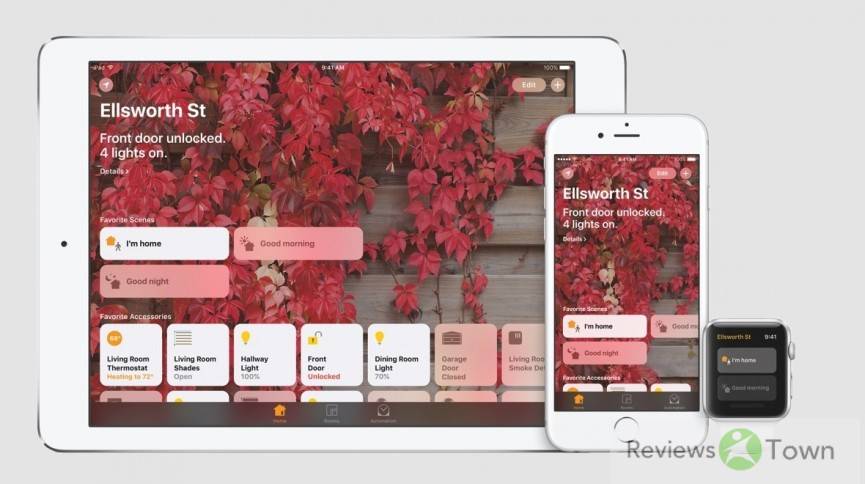
- Hardware vs. Software: Features like Dynamic Island and Universal Control blur physical boundaries to create a “single organism” feel.
- The “Curb Cut” Effect: Accessibility features like Double Tap and Back Tap enhance usability for general users in edge-case scenarios.
- The Trade-off: The ecosystem drastically lowers cognitive load but removes user agency when glitches occur.
The Third Law of Cupertinology
Arthur C. Clarke famously wrote that any sufficiently advanced technology is indistinguishable from magic. Apple’s marketing team clearly took this personally.
For decades, they haven’t just sold us phones or laptops; they’ve sold us the “Magic” of them working together. But in 2025, “magic” is a loaded term. It implies trickery. It implies that you don’t need to know how the sausage is made.
I’ve spent the last month living exclusively within the Walled Garden to answer a simple question: Is the premium we pay for Apple products actually buying us better hardware, or are we just renting a very expensive, very polite butler who occasionally hides our keys?
The Art of the “Calm”
Most tech companies shout at you. Windows loves a good pop-up; Android loves a dense notification shade. Apple’s approach, according to their software chief Craig Federighi, is “calm.”
This isn’t marketing fluff. It’s a tangible difference in how the machinery operates.
Take the AirPods. The “magic” isn’t the audio quality, as audiophiles will tell you Sony or Sennheiser win there. The magic is the handshake. There is no “pairing mode” ritual where you hold a button for five seconds and pray to the Bluetooth gods. You open the case; it works.
Behind the scenes, this is a chaotic ballet of Low Energy Bluetooth (BLE) handshakes and instant Wi-Fi direct switching. The system burns processing power to predict your intent.
If I’m watching a video on my MacBook and my iPhone rings, the audio shifts instantly. No toggle switches. No confirmation boxes.
It saves you micro-seconds, sure. But cumulatively, it saves you from “decision fatigue.” It’s the difference between driving a manual transmission in traffic and being driven in a town car.
When Hardware Dissolves
The second pillar of this ecosystem is the refusal to acknowledge where plastic ends and code begins.
The Dynamic Island on the iPhone 15/16 series is the perfect example. It’s a hardware flaw, a hole in the screen for cameras, that they gaslit us into thinking was a feature. And it worked.
When you collapse a timer or a music track, it bounces into that black pill with a physics-based “thud” that tricks your brain into thinking the software has physical weight.
The “Continuity” Suite
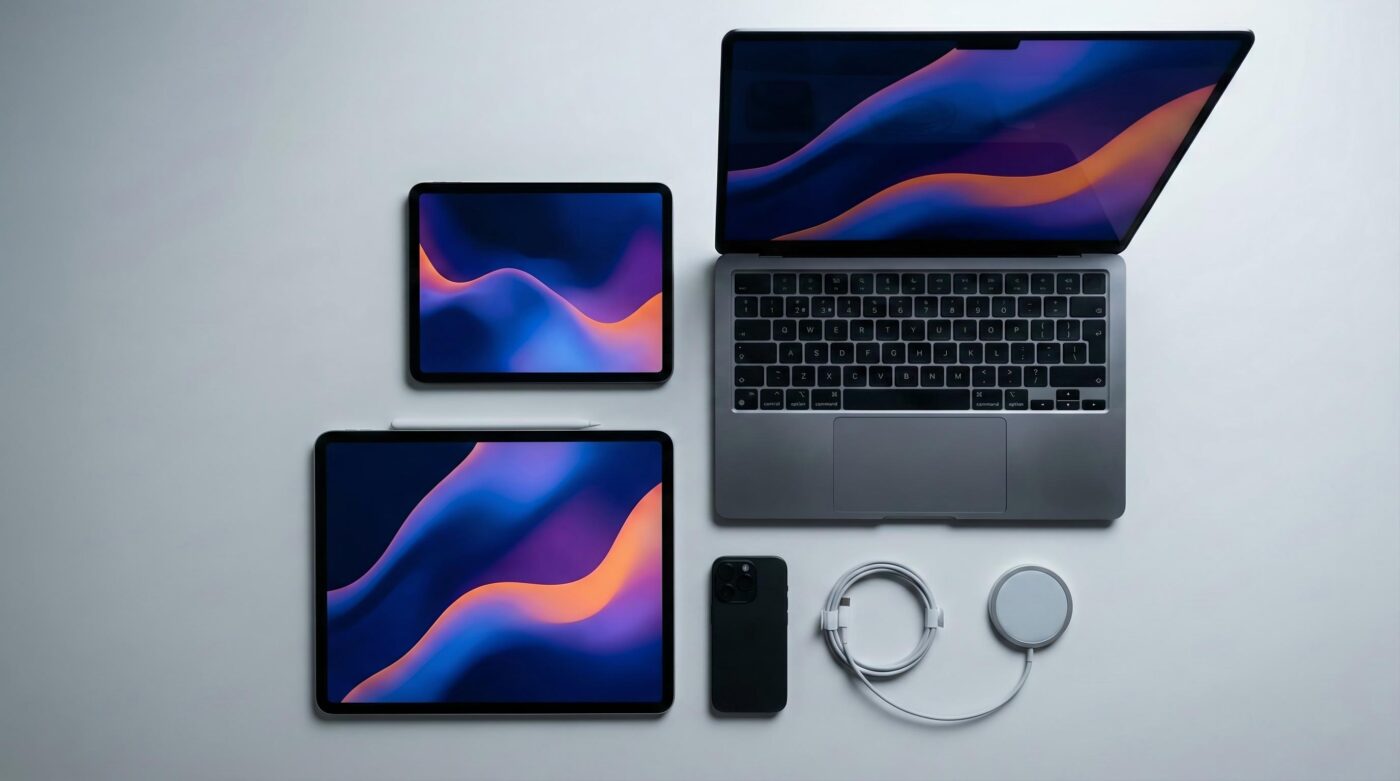
Then there’s the “Continuity” suite. I sat at a coffee shop with a MacBook Air and an iPad Pro. I pushed my mouse cursor off the edge of the Mac screen, and it just… hopped onto the iPad. No setup. No cables.
This is “Universal Control.” It effectively turns distinct devices into a single computing organism. Later, I needed to scan a document on the Mac. I right-clicked, selected “Scan Document,” and my iPhone camera woke up in my pocket, ready to shoot.
It’s impressive, but it’s also where the illusion gets risky. Because when you blur the lines between devices, you become helpless without the whole set. An iPhone is great. An iPhone and a Mac are formidable. An iPhone, Mac, and iPad are a fortress.
The “Curb Cut” Effect
Perhaps the most surprising finding in this deep dive was that Apple’s best features are often designed for people who can’t use the devices normally.
There’s a concept in design called the “Curb Cut Effect.” Ramps cut into sidewalks were originally for wheelchair users, but they ended up helping parents with strollers, travelers with suitcases, and skaters.
Apple leans hard into this. They assume the user is “disabled” by circumstance, whether that’s a broken arm, a bumpy car ride, or just hands full of coffee. By designing for the edge cases, the core experience gets tighter for everyone.
- Double Tap (Apple Watch): Built for users with limited motor function. Now, it’s the lazy man’s way to answer a call while carrying groceries.
- Vehicle Motion Cues (iOS 18): Puts little dots on the screen that move with your car to stop motion sickness.
- Back Tap: Turns the Apple logo on the back of your phone into a button.
The Verdict: The Cost of the Black Box
So, is it magic? Yes, but magic has rules. The downside of Apple’s “it just works” philosophy is that when it doesn’t work, you are screwed.
Because the system is a black box, you can’t fix it. If AirDrop decides not to find your contact, you can’t clear a cache or reset a driver. You just stand there, toggling Wi-Fi on and off like a caveman banging rocks together. You have surrendered control for convenience.
Pros:
- Cognitive Load: Drastically lower than Windows/Android combos.
- Interoperability: Universal Control and Continuity Camera are unrivaled.
- Accessibility: Features like Double Tap are genuinely useful for everyone.
Cons:
- The Trap: You need all the devices to feel the benefit.
- Opacity: When the “magic” breaks, there is no fix.
- Price: You are paying a “peace of mind” tax on every product.
If you value control and customization, stay away. But if you want technology that treats you like a busy executive rather than a sysadmin, the Apple tax is still the only bill worth paying.

- I Strapped a $40 E-Ink Screen to My iPhone (And It Cured My Doomscrolling) - March 6, 2026
- Apple M6 MacBook Pro: Touchscreen, OLED & Dynamic Island Detailed - March 1, 2026
- Kali Audio LP-UNF Review: Ugly Build, Studio-Grade Sound? - February 14, 2026