
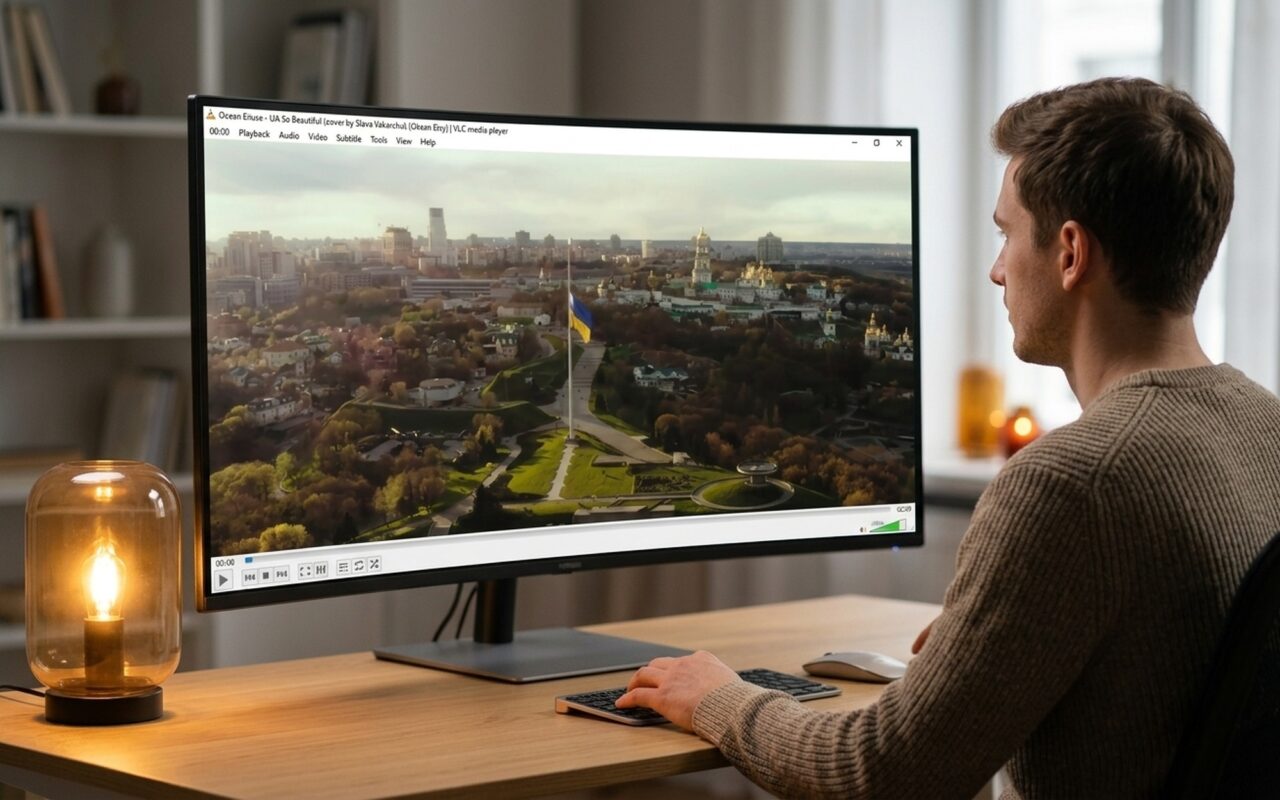
If you have ever tried to play a video file and seen a blank screen or a codec error, you have encountered a gap in Windows’ native format support. The right combination of video player and codec pack solves this instantly – but the best option depends on how you watch video and which apps you rely on.
This guide covers the best free video players and codec packs for Windows in 2025, updated to reflect which tools are still actively maintained and which older options have been superseded.

Do You Still Need Video Codecs on Windows?
Modern video players like VLC and PotPlayer bundle their own internal codecs, which means you can play MKV, HEVC, AV1, and most other formats without installing anything extra at the system level. However, system-level codec packs still matter in two scenarios:
- You use Windows Media Player or apps that rely on DirectShow filters (some video editors, capture software, media center apps)
- You want other software – screen recorders, video editors, browser plugins – to read formats they do not natively support
Windows 11 improved its native codec coverage compared to earlier Windows versions, but gaps remain – particularly with older DivX files, certain HEVC streams, and RealMedia content. The tools below fill those gaps.
Best Free Video Codecs for Windows
K-Lite Codec Pack
K-Lite Codec Pack is the most widely used codec collection for Windows, and it remains the go-to system-level solution in 2025. It installs a complete set of DirectShow filters and VFW/ACM codecs, extending Windows Media Player and all DirectShow-based applications to handle virtually any video format.
K-Lite comes in four editions – Basic, Standard, Full, and Mega – so you can install only what you need. The Full edition covers every mainstream format including MKV, MP4, AVI, HEVC/H.265, AV1, Dolby Atmos, and DTS.
What the Full edition includes:
- LAV Filters – the modern audio and video decoder (replaces the abandoned ffdshow)
- MadVR – high-quality video renderer for enthusiast home-theater setups
- Media Player Classic – Home Cinema (MPC-HC) as a bundled lightweight player
- Codec Tweak Tool for diagnosing and resolving playback conflicts
K-Lite is updated regularly and has an excellent record of avoiding codec conflicts – a common problem with older packs from the Windows XP era. Download only from the official site (codecguide.com) to avoid bundled adware.
Who it’s for: Anyone using Windows Media Player, WMP-based apps, or software that relies on system-level DirectShow support.
LAV Filters
If you want a lightweight alternative to a full codec pack, LAV Filters installs only the essentials: a modern DirectShow splitter and audio/video decoder that powers K-Lite Codec Pack under the hood.
LAV Filters replaced the older ffdshow decoder, which has not been updated since 2014. If ffdshow is still installed on your system, remove it and switch to LAV Filters.
LAV Filters codec support:
| Category | Supported Formats |
|---|---|
| Containers | MKV, MP4, AVI, MOV, TS, M2TS, FLV |
| Video codecs | H.264, H.265/HEVC, AV1, VP9, MPEG-2, DivX, XviD |
| Audio codecs | AAC, AC3, DTS, Dolby TrueHD, FLAC, MP3 |
| HW acceleration | DXVA2, D3D11, NVIDIA CUDA, Intel QuickSync |
Who it’s for: Users who want system-level codec support without installing a full pack. Works with any DirectShow-compatible player.
Best Free Video Players for Windows
VLC Media Player
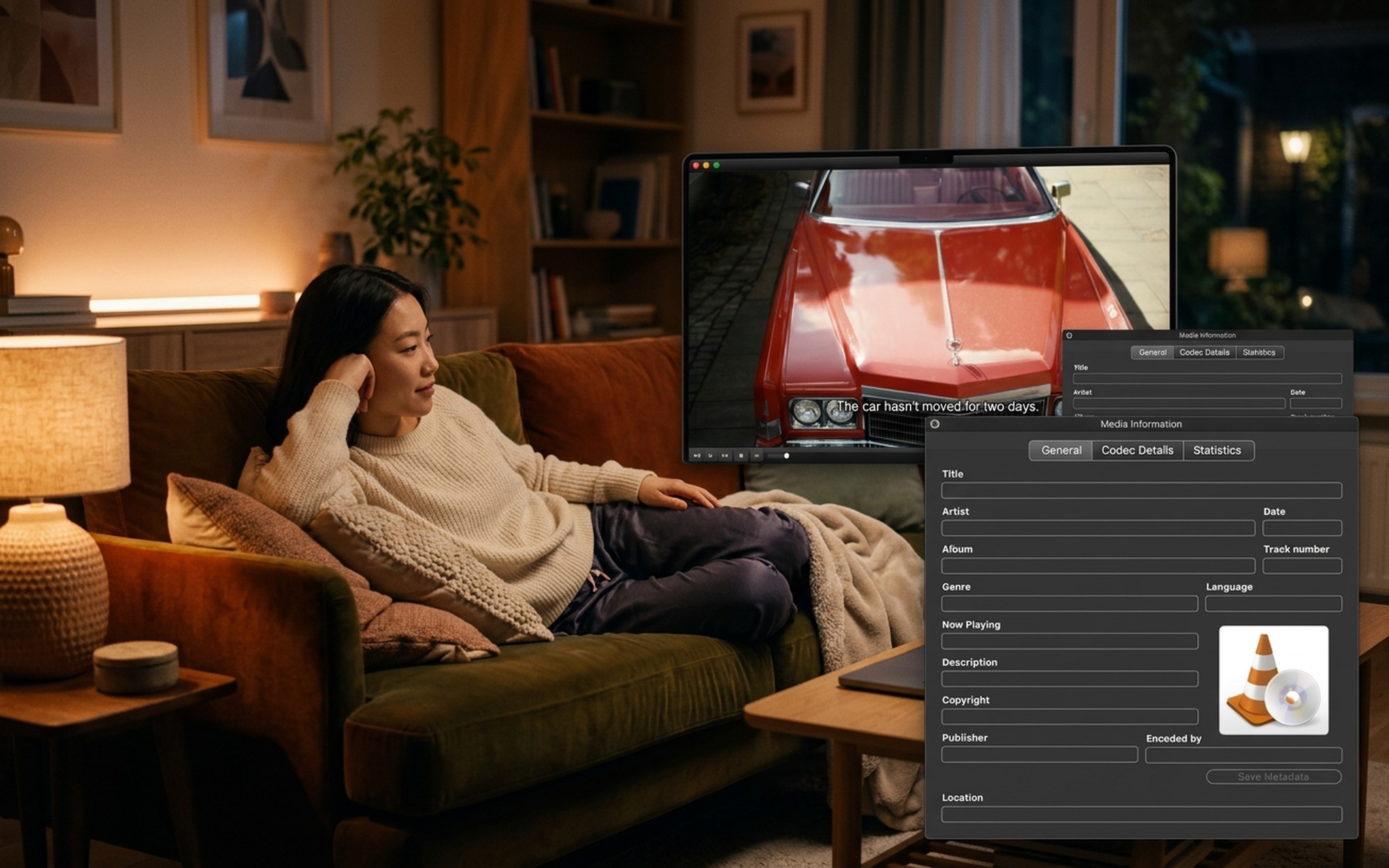
VLC is the most downloaded free video player in the world for a reason: it plays virtually any file you throw at it, with zero configuration required. VLC ships with built-in codecs for every major format, so it does not alter your system’s DirectShow filters or interfere with other software.
What VLC plays natively:
- Video: MKV, MP4, AVI, MOV, WMV, FLV, WebM, HEVC/H.265, AV1
- Audio: MP3, FLAC, AAC, AC3, DTS, Dolby Atmos (E-AC3)
- Discs: DVD, Blu-ray (with AACS key file), Audio CD, VCD
- Streaming: HLS, RTSP, RTMP, and local network shares
Beyond playback, VLC handles video conversion, network streaming, screen recording, and audio filtering – making it a complete multimedia toolkit in a single free download. It runs on Windows, macOS, Linux, Android, and iOS.
Verdict: The best starting point for almost every Windows user. Install this first.
PotPlayer
PotPlayer by Kakao has become the preferred choice for power users who want fine-grained control over playback. It uses internal decoders but also integrates with external components including LAV Filters and MadVR, making it highly configurable for home-theater setups.
PotPlayer standout features:
- Hardware-accelerated decoding for H.265, AV1, and 4K HDR content
- Advanced subtitle support: ASS, SSA, SRT, PGS, with per-track font, color, and timing control
- Frame-by-frame playback and A-B loop (ideal for language learners)
- 360° video and VR content playback
- Extensive keyboard shortcut customization and skinnable interface
- Built-in screen capture and GIF export
PotPlayer is free and frequently updated. Its installer may offer optional third-party software – deselect anything you do not need.
Verdict: Best choice for users who want more control than VLC provides, particularly for subtitle-heavy content, 4K HDR, or home-theater configurations.
KMPlayer
KMPlayer has been a Windows staple since the mid-2000s and remains actively developed. It handles a wide range of container formats – AVI, MKV, MP4, FLV, OGG, 3GP, MPEG-1/2/4, WMV, RealMedia – and supports both internal and external filters.
KMPlayer highlights:
- Detailed audio and video capture and screenshot tools
- 3D and 360° video playback
- Built-in subtitle search and one-click download
- Separate mobile apps for Android and iOS with playlist syncing
KMPlayer is free but ad-supported. Ads appear in the player interface rather than during video playback.
Verdict: A solid choice with a long track record, especially for users who want cross-device playlist syncing between Windows and mobile.
MPC-HC (Media Player Classic – Home Cinema)
MPC-HC looks almost identical to Windows Media Player 6.4 but is far more capable under the hood. After the original project went dormant, the community revived it and continues to release updates. It is bundled with K-Lite Codec Pack and pairs particularly well with MadVR for high-quality upscaling.
MPC-HC is especially good for:
- Minimal resource usage on older or low-spec hardware
- Frame-accurate seeking for editors and content reviewers
- DVD ISO playback with full menu support
- Integration with MadVR for 4K upscaling and HDR tone-mapping
Verdict: Best for users on older hardware, or as a precision secondary player for frame-accurate navigation.
Essential Free Video Utility Tools
HandBrake
HandBrake is the leading free, open-source video converter for Windows. It transcodes virtually any input into H.264, H.265, AV1, or VP9 – useful for compressing large files, converting formats for device compatibility, or making backups of your DVD collection.
HandBrake key features:
- Hardware-accelerated encoding via Intel QSV, NVIDIA NVENC, and AMD VCE
- Batch conversion queue for processing multiple files
- Built-in presets for Apple devices, Android, Chromecast, gaming consoles, and more
- Video filters: deinterlace, denoise, crop, and burned-in subtitles
HandBrake is completely free with no watermarks or output time limits.
MediaInfo
MediaInfo is an indispensable diagnostic tool that shows you exactly what is inside any video file – codecs, bitrates, resolution, HDR metadata, color space, and audio track details. When a video refuses to play correctly, MediaInfo tells you precisely why: whether the file uses an unsupported codec, has a corrupt audio track, or is encoded in a profile your player does not support.
It is free, portable, and takes under a minute to install. Run it on any video file before troubleshooting playback issues or choosing a conversion target in HandBrake.
- VLC handles virtually any video format without installing separate codec packs
- K-Lite Codec Pack extends Windows Media Player with comprehensive DirectShow support
- PotPlayer offers advanced subtitle, HDR, and audio control for power users
- All recommended tools are free and actively maintained in 2025
- MPC-HC remains the best lightweight option for older or low-spec hardware
- Windows 11 still lacks native MKV embedded subtitle support in some apps
- Installing multiple codec packs simultaneously can cause DirectShow filter conflicts
- PotPlayer’s installer bundles optional third-party software — read each step carefully
- KMPlayer’s free version is ad-supported with interface banners
Frequently Asked Questions
What is the best free video player for Windows?
VLC Media Player is the best choice for most Windows users. It plays virtually every format — MKV, MP4, AVI, HEVC, AV1, Blu-ray — without requiring separate codec packs, and it is completely free and open source. PotPlayer is the best alternative for power users who want advanced subtitle control and HDR playback configuration.
Do I need to install video codecs on Windows 11?
Not necessarily. If you use VLC or PotPlayer, those players bundle their own internal codecs and handle most formats without any system-level codec pack. However, if you rely on Windows Media Player or apps that use DirectShow filters, installing K-Lite Codec Pack is still worthwhile. Windows 11 improved native codec support but still has gaps with some HEVC content and older DivX or RealMedia files.
Is K-Lite Codec Pack still worth using in 2025?
Yes — if you use Windows Media Player or DirectShow-dependent applications. K-Lite is actively maintained and now uses LAV Filters as its core decoder (replacing the outdated ffdshow), along with MPC-HC and MadVR. For users who only need a standalone video player, VLC or PotPlayer alone may be sufficient without installing any codec pack.
What is the difference between VLC and a codec pack?
VLC bundles codecs internally and uses them only for its own playback — it does not change your system’s codec library. A codec pack like K-Lite installs codecs at the system level via DirectShow filters, so all applications that use DirectShow — including Windows Media Player, some browsers, and video editors — gain the expanded format support.
Is K-Lite Codec Pack safe to install?
Yes, when downloaded from the official site at codecguide.com. K-Lite is well-tested, widely used, and has a strong track record of avoiding codec conflicts. Avoid downloading it from third-party mirror sites. The Standard or Full edition covers virtually every mainstream video and audio format.