
What Is OpenSCAD and What Is It Used For?
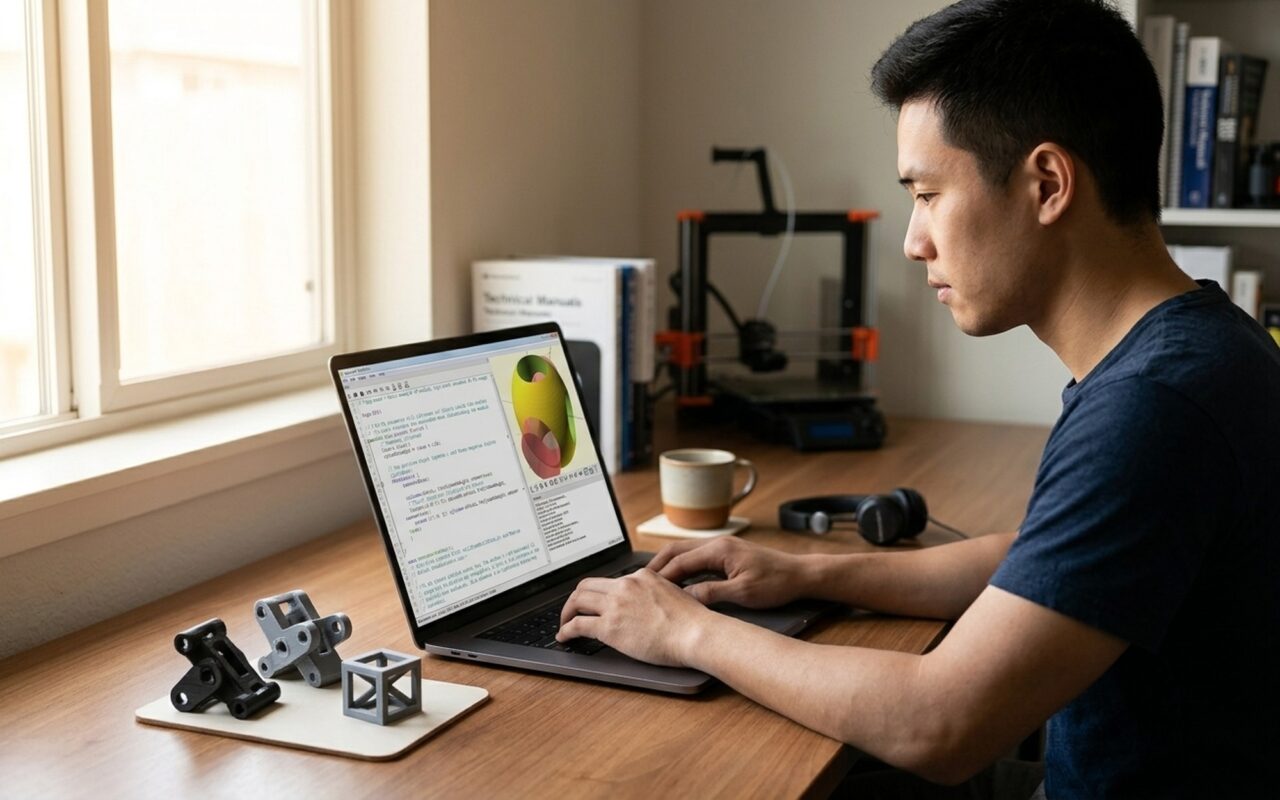
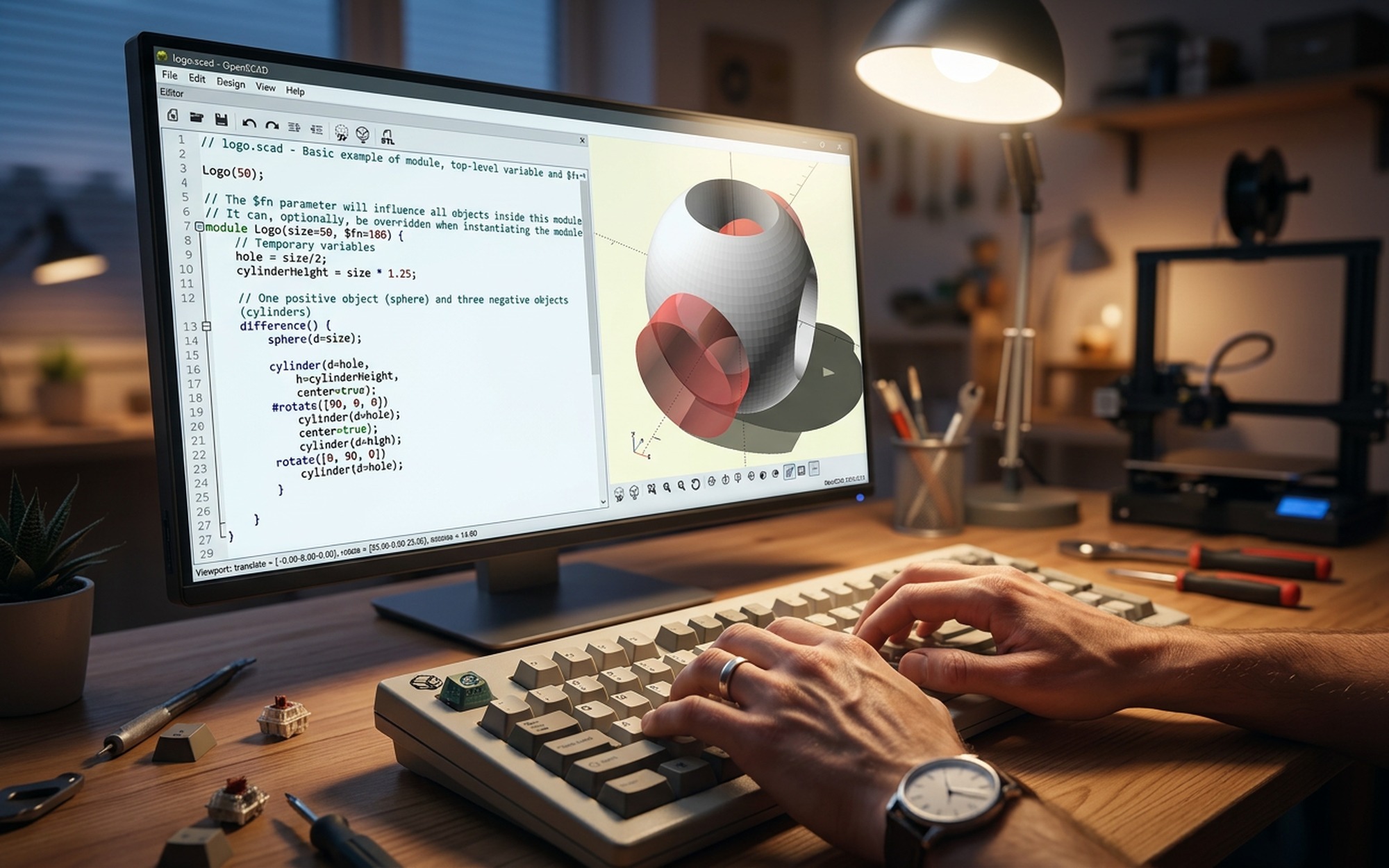
OpenSCAD is a free, open-source 3D CAD modeling program that works fundamentally differently from every other popular design tool. Instead of dragging and clicking shapes in a graphical viewport, you write code to describe your model. The software then compiles that script into a 3D solid, much like a programming language compiles source code into a binary.
This makes OpenSCAD what its developers call “The Programmers’ Solid 3D CAD Modeller.” It is not designed for artistic sculpting. It is designed for precise, repeatable, parametric engineering parts.
OpenSCAD is most commonly used for:
- Designing custom enclosures, brackets, and mounts for electronics
- Creating replacement parts where exact dimensions matter
- Building parametric models that update automatically when you change a single variable
- Generating geometry programmatically, such as gear sets, threads, or complex arrays
- Sharing fully editable designs on platforms like Thingiverse and Printables
The script-based approach means every measurement is explicit, every dimension is a number you typed, and every change lives in a plain-text .scad file that you can version-control with Git.
Is OpenSCAD Good for 3D Printing?
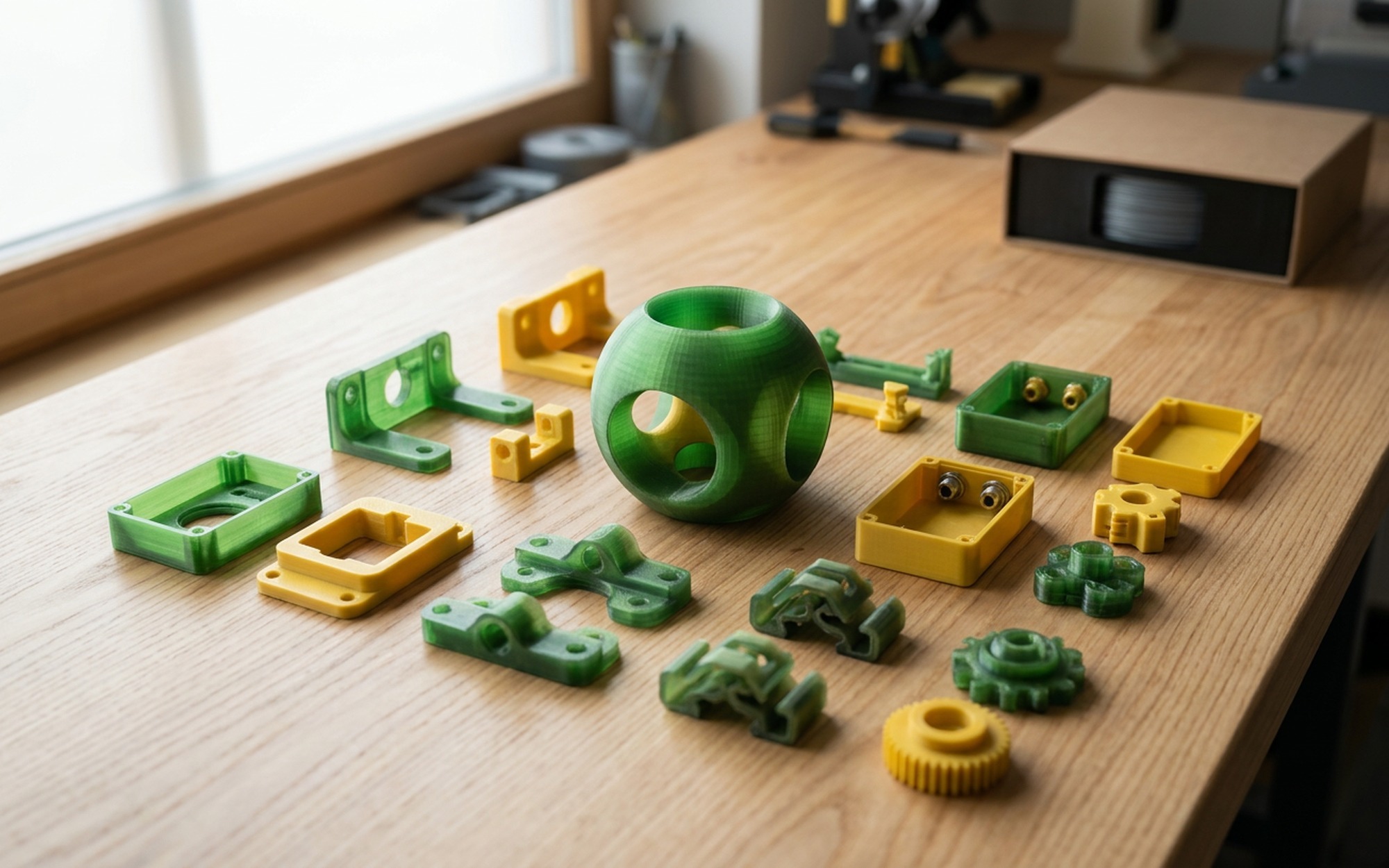
Yes, and for functional, mechanical 3D printing specifically, it is one of the best free tools available. Here is why it works so well:
Dimensional accuracy: Because you type exact values, parts fit together as calculated. A hole defined as 3.2 mm will be exactly 3.2 mm, not approximately close after a drag operation.
Parametric customization: Change one variable at the top of your script and the entire model updates instantly. Resizing a phone stand for a different device, or scaling a mounting bracket for a new wall thickness, takes one number change and one keypress.
Clean STL export: OpenSCAD exports standard .stl and .off files that any slicer, including PrusaSlicer, Cura, and Bambu Studio, can open without conversion.
Customizer tool: The built-in Customizer panel exposes your variables as sliders and input fields. Other users on Thingiverse and Printables can remix your designs directly in the browser without ever touching code.
Where OpenSCAD falls short is organic shapes: curved surfaces, characters, figurines, and anything that requires sculpting or freeform modeling. For those use cases, Blender or ZBrush are the right tools.
Key Features of OpenSCAD
Constructive Solid Geometry (CSG): All modeling is done by combining primitive shapes (cube, sphere, cylinder) using boolean operations: union(), difference(), and intersection(). This approach is the mechanical backbone of parametric part design.
2D-to-3D extrusion: Import a DXF or SVG outline and extrude or revolve it into a 3D solid. Useful for logos, custom profiles, gear teeth, and cross-section-based parts.
DXF and STL support: Import .dxf files from AutoCAD or Illustrator. Export .stl for any slicer or .off for other tools in your pipeline.
Dual preview modes: Press F5 for a fast OpenGL preview during modeling. Press F6 to trigger a full geometric render at any resolution you specify for export.
Cross-platform consistency: The interface and .scad file format are identical on Windows, macOS, and Linux. A file written on one platform runs exactly the same on another.
Open-source, no paywalls: The source code lives on GitHub. No license fees, no subscription, no feature tiers.
How to Install OpenSCAD
- Visit openscad.org and click Downloads
- Select your operating system (Windows installer, macOS DMG, or Linux package)
- Run the installer and launch OpenSCAD
- The interface opens with two panels: the code editor on the left and the 3D preview on the right
The current stable release is version 2021.01. A development snapshot with experimental features is also available on the downloads page for users who want early access to upcoming functionality.
Getting Started: Your First OpenSCAD Model
The fastest way to understand OpenSCAD is to build something real. Open the editor and type the following:
“`scad
// Parametric hollow box
box_width = 50;
box_depth = 30;
box_height = 25;
wall = 2;
difference() {
cube([box_width, box_depth, box_height]);
translate([wall, wall, wall])
cube([box_width – wall2, box_depth – wall2, box_height]);
}
“`
Press F5 to preview. You will see a hollow open-top box with 2 mm walls.
What each part does:
- The four variables at the top define all dimensions. Change
box_width = 80and press F5 to watch the model update immediately. cube()creates the solid outer shell.difference()subtracts the inner cube from the outer one, hollowing it out.translate()moves the inner cube so each wall has equal thickness.
This is the core loop of OpenSCAD: define variables, build primitives, combine them with boolean operations. Once you learn the 10 or so most-used commands, you can model almost any mechanical part.
Essential Commands to Learn First
| Command | What it does |
|---|---|
cube([x,y,z]) |
Creates a rectangular box |
sphere(r) |
Creates a sphere |
cylinder(h, r) |
Creates a cylinder or cone |
translate([x,y,z]) |
Moves an object in space |
rotate([x,y,z]) |
Rotates an object around axes |
scale([x,y,z]) |
Scales an object along axes |
union() |
Merges two or more shapes |
difference() |
Subtracts one shape from another |
intersection() |
Keeps only the overlapping volume |
for() |
Loops to repeat geometry with offsets |
module |
Defines reusable named shapes |
linear_extrude() |
Extrudes a 2D shape into a 3D solid |
The official OpenSCAD Cheat Sheet is the single best reference to bookmark once you start building real models.
OpenSCAD vs Blender vs FreeCAD vs TinkerCAD
Choosing the right free CAD tool depends entirely on what you are making. Here is how the main options compare:
| Feature | OpenSCAD | Blender | FreeCAD | TinkerCAD |
|---|---|---|---|---|
| Price | Free | Free | Free | Free |
| Interface | Code/Script | GUI | GUI | Browser GUI |
| 3D printing focus | Yes | No | Yes | Yes |
| Parametric design | Yes | Limited | Yes | Limited |
| Organic shapes | No | Yes | Limited | Limited |
| Learning curve | Steep for non-coders | Very steep | Moderate | Easy |
| Best for | Engineers, developers | Artists, animators | Mechanical engineers | Beginners, kids |
OpenSCAD vs Blender: Blender is a general 3D creation suite built for animation, rendering, and game assets. It can export STL files, but it is not built for dimensional accuracy or parametric workflows. If your goal is functional, precise 3D printing, OpenSCAD is the more appropriate tool. If your goal is artistic or decorative prints, Blender gives you capabilities OpenSCAD cannot match.
OpenSCAD vs FreeCAD: FreeCAD offers a traditional GUI with a parametric history tree, similar to SolidWorks or Fusion 360. It is more accessible for users who prefer visual interfaces, but has a historical reputation for instability on complex assemblies. OpenSCAD is simpler, faster, and more predictable for straightforward mechanical parts where you do not need an assembly constraint solver.
OpenSCAD vs TinkerCAD: TinkerCAD runs in a browser and is designed for absolute beginners and classroom use. Its drag-and-drop block approach shares the same boolean logic as OpenSCAD but without scripting power or dimensional precision. For anyone comfortable writing basic code, OpenSCAD offers significantly more control and scalability.
Who Should Use OpenSCAD in 2026?
OpenSCAD is the right tool if you fit one or more of these profiles:
Programmers new to 3D printing: If you already think in code, the learning curve flattens dramatically. The syntax is clean, logical, and consistent, and the immediate visual feedback of F5 preview makes it satisfying to use.
Makers building functional enclosures: Arduino cases, Raspberry Pi mounts, wall brackets, cable organizers, custom jigs. Anything that needs to fit precisely and be reproducible.
Engineers prototyping parts: The parametric approach makes it fast to iterate on tolerances, wall thicknesses, and hole placements without redrawing. Change a variable, press F5, export, print, test.
Open-source contributors: .scad files are plain text. They diff cleanly in Git, accept pull requests, and allow the community to customize designs through the Customizer tool without writing a line of code.
OpenSCAD is not the right tool for people who have never coded, anyone creating organic or decorative models, or projects that require assembly constraints, motion simulation, or engineering drawing outputs. For those needs, FreeCAD or Autodesk Fusion 360 are better choices.
- Completely free and open-source with no subscription or feature limits
- Parametric design: change one variable and the entire model updates instantly
- Plain-text .scad files work perfectly with Git for version control and collaboration
- Exports clean STL and OFF files compatible with all major slicers
- Cross-platform: identical experience on Windows, macOS, and Linux
- Built-in Customizer tool lets others remix your designs without touching code
- No graphical drag-and-drop interface: requires learning a scripting language
- Not suitable for organic, sculptural, or character-based 3D models
- Latest stable release (2021.01) has not had a major update since January 2021
- Render times on complex models with high $fn resolution can be slow
- No assembly constraints, simulation, or engineering drawing output
Frequently Asked Questions
What is OpenSCAD used for?
OpenSCAD is used to design precise, parametric 3D models through code rather than a graphical interface. It is most popular for creating mechanical parts, custom enclosures, brackets, and replacement components intended for 3D printing. Because every dimension is written as a number in a script, it excels at designs that require exact measurements and repeatable modifications.
Is OpenSCAD good for beginners?
OpenSCAD is good for beginners who already have basic coding experience. If you can write a simple script or understand variables and loops, you can pick up the syntax in a few hours. However, if you have never coded before, tools like TinkerCAD or FreeCAD offer a more forgiving graphical interface for getting started with 3D modeling.
Is OpenSCAD better than Blender for 3D printing?
For functional, mechanical 3D printing, OpenSCAD is the better choice. It produces dimensionally accurate parts through parametric scripting, and its STL exports are clean and printer-ready. Blender excels at organic shapes, animation, and artistic renders, but it is not built for the precision or parametric workflow that engineering parts require.
Does OpenSCAD cost anything?
No. OpenSCAD is completely free and open-source under the GPL license. There is no subscription, no paid tier, and no feature limitation. It is available for free download on Windows, macOS, and Linux from the official website at openscad.org.
What file formats does OpenSCAD support?
OpenSCAD exports 3D models as STL and OFF files, which are compatible with all major slicers including PrusaSlicer, Cura, and Bambu Studio. For 2D input, it reads DXF files from AutoCAD and SVG outlines. You can also import existing STL models to use as reference geometry inside your scripts.
What is the latest version of OpenSCAD?
The latest stable release is OpenSCAD 2021.01, released on January 31, 2021. It introduced function literals, the exponent operator, improved auto-complete in the editor, and better tail recursion support. Development snapshots with experimental features are also available on the official website for users who want early access to upcoming changes.