We have all been there. You try to dictate a text message while walking, you stumble over a word, change your mind mid-sentence, or throw in a few “umms.”
Standard dictation tools—whether it is Siri, Gboard, or the basic iOS microphone—are malicious compliers. They transcribe exactly what you say, warts and all. You end up spending more time deleting the mess than you would have spent just typing it out.
I stopped using voice input years ago for this exact reason. I do not speak in perfect prose. Neither do you.
Enter Typeless. It claims to be different. It does not just transcribe audio; it processes intent. It acts less like a stenographer and more like a human editor.
Not Just Transcription, Translation
The core promise here is simple: accurate output from sloppy input. I put Typeless through a few stress tests to see if the AI could actually handle the chaotic way human beings really speak.
Test 1: The “Change of Mind”
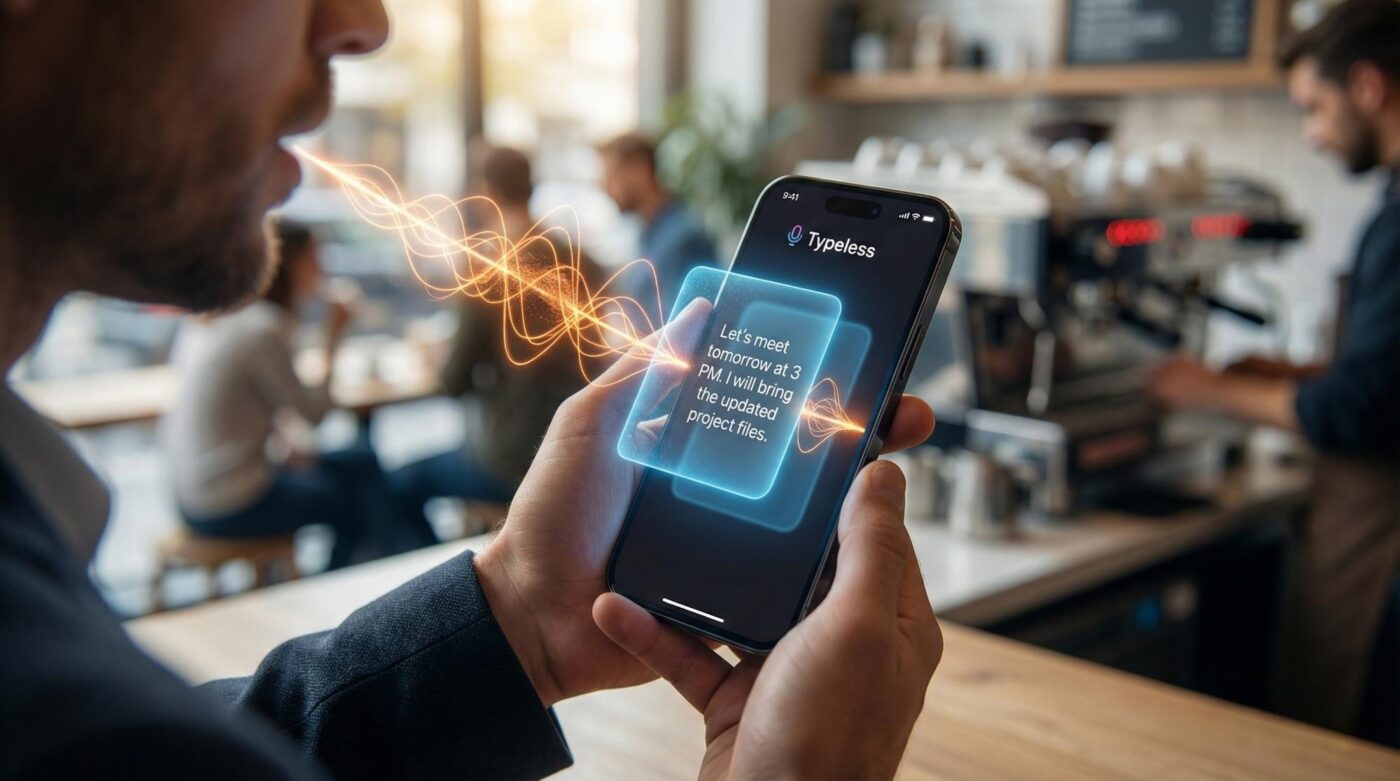
This is the killer feature. In a standard dictation app, if I say: “Let’s meet tomorrow at 9 AM, actually no, make it 3 PM,” the app writes exactly that.
When I tried this same phrase with Typeless, the AI analyzed the context.
🤖 Typeless Result: “Let’s meet tomorrow at 3 PM.”
It stripped out the error and the correction, leaving only the final intent.
Test 2: The “Filler Word” Filter
Most of us have a bad habit of saying “uh,” “like,” or “you know” when we are thinking. Typeless aggressively targets these.
I recorded a test paragraph full of hesitation markers. The app turned a nervous, stumbling recording into a clean, professional block of text. For anyone who drafts emails on the go, this saves massive amounts of editing time.
User Experience: The “Whisper” Factor
One reason people hate voice dictation is the “public shouting” factor. Nobody wants to be the person yelling into their phone in a quiet coffee shop.
Typeless supports a “Whisper” mode. You can speak at a volume barely above a breath, and it picks it up accurately. I tested this in a workspace with background chatter. I whispered into the microphone, almost inaudibly. The text appeared on screen perfectly.
The interface also includes four smart utility keys (@, Space, Delete, Return). The Return key is context-aware:
- ✅ In Chat Apps: It sends the message.
- ✅ In Notes: It creates a new line.
- ✅ In Browsers: It hits “Search.”
⚠️ The Cost of Intelligence
Here is where the skeptical reviewer in me wakes up. Typeless is fantastic, but the pricing is aggressive.
It offers a free tier (~4,000 words/week). After that, the Pro subscription is steep:
- ~$12/month (paid yearly)
- ~$30/month (paid monthly)
You have to be a serious power user—someone who dictates thousands of words a week—to justify that recurring cost.
The Verdict
Typeless is currently the best voice input experience I have used on iOS and Mac. It bridges the gap between how we think and how we write. If you are a writer who drafts by walking, or a professional who handles dozens of emails while commuting, the time saved on editing might justify the subscription.
👍 The Good
- Fixes mistakes and self-corrections automatically.
- Whisper mode works in public.
- Does not pause background music while recording.
- Seamless Mac/iOS handoff.
👎 The Bad
- Subscription pricing is very high for a consumer utility.
- Requires an internet connection for AI processing.
- Free tier limited to 4,000 words/week.
Is it worth the upgrade?
For most casual users, the free tier is enough. For power users, try the monthly plan before committing to a year.
Note: We do not accept payment for reviews. This is an independent test.

- Realme Neo8 Review: An 8000mAh Battery and Natively Played PC Games for Under $350 - February 27, 2026
- Boox Go 6 Review: The Best Open Android E-Reader for Total Freedom - February 25, 2026
- Zhipu GLM-5 Review: The ‘Pony Alpha’ Model That Fooled Silicon Valley - February 15, 2026