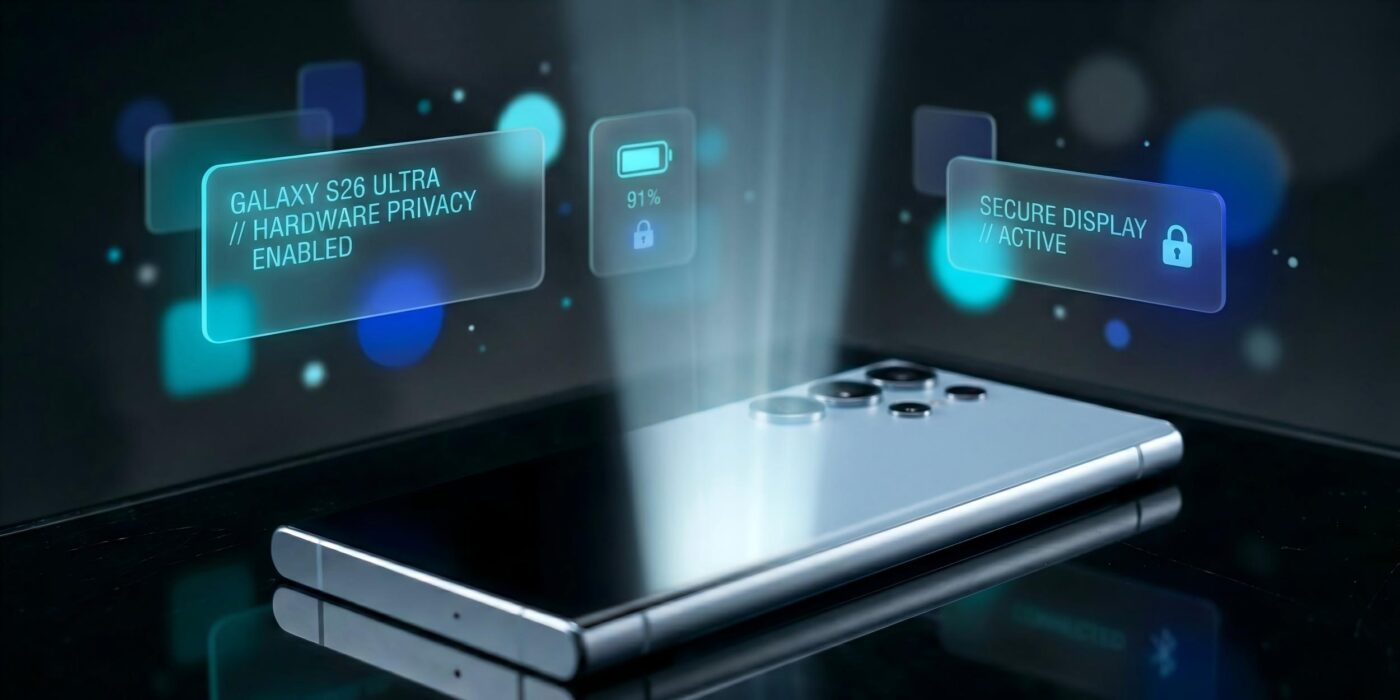
Samsung gave the Galaxy S26 Ultra one hardware feature that no other phone in the S26 family has: a display that can narrow its viewing angle on demand. That makes the phone easier to use around strangers without permanently accepting the dimming and viewing-angle limits of a privacy screen protector. It is a meaningful differentiator, but it does not automatically make every part of the phone better than the Galaxy S25 Ultra.
This is a source-led analysis, not a hands-on review. Reviewstown did not physically test the Galaxy S26 Ultra. The conclusions below separate Samsung’s specifications from measurements and observations published by independent reviewers.
The short answer: who should buy the Galaxy S26 Ultra?
The Galaxy S26 Ultra is most compelling for buyers who regularly handle private messages, financial apps, authentication codes, or work material in public. It also makes sense for owners of an S22 Ultra or older model who want a lighter chassis, faster charging, a brighter main camera lens, and Samsung’s current software support window.
The upgrade case is weaker for Galaxy S24 Ultra and S25 Ultra owners. The S26 Ultra still uses a 5,000mAh battery, remains a very large phone, and starts at $1,299 for 256GB in the United States. AP’s launch reporting confirms that Samsung held the Ultra’s base price while raising prices on the standard S26 and S26 Plus.
How Privacy Display actually works
Samsung’s official product documentation describes Privacy Display as a hardware and software system that controls the screen’s viewing angle. When enabled, content remains visible from the front but becomes difficult to read from the side. It can cover the entire display, activate for selected apps, or obscure specific elements such as notifications and password entry.
A switchable viewing-angle control, not a software blur
The panel changes how light reaches off-axis viewers. One UI decides when and where to apply that hardware behavior.
Useful on trains, planes, and other crowded spaces where the whole interface may contain private information.
Banking, email, password managers, and work apps can trigger privacy automatically.
Notifications and credential entry can be hidden without narrowing the full display.
The mode can be controlled from Quick Settings or assigned to a side-button shortcut.
Independent testing adds the part Samsung’s marketing cannot answer. Tom’s Guide measured 1,806 nits with HDR content, slightly below its 1,860-nit result for the S25 Ultra, and found the S26 Ultra noticeably dimmer off angle. Android Authority’s comparison concluded that a dedicated privacy protector can block side views more aggressively, but Samsung’s system is more flexible and pleasant for normal use.
That distinction matters. Privacy Display is not absolute security. It reduces casual shoulder surfing, but a nearby camera, someone directly behind the user, or malware on the phone remains outside its scope. It should complement strong authentication and app security, not replace them.
Display quality and the cost of narrower viewing angles
The phone uses a 6.9-inch QHD+ Dynamic AMOLED 2X display with a 120Hz refresh rate. Android Central’s specification table lists the 3120 by 1440 class panel alongside the Snapdragon 8 Elite Gen 5 for Galaxy, 12GB or 16GB of memory, and storage from 256GB to 1TB.
Head-on image quality remains flagship-level, but the privacy hardware changes the buying question. A person who frequently shares a screen with colleagues, shows photos to friends, or watches video from an angle may value wide viewing angles more than privacy. A commuter who handles confidential information is likely to make the opposite trade.
This is why the S26 Ultra should not be described as having an unqualified display upgrade. Its panel introduces a new capability and a new compromise at the same time.
Performance, software, and the limits of agentic AI
Samsung pairs the Snapdragon 8 Elite Gen 5 for Galaxy with Android 16 and One UI 8.5. Samsung promotes features such as Now Nudge, Now Brief, image editing, contextual suggestions, and app actions. These features may save steps when a supported app and region expose the required integration.
However, app automation should not be treated as universal. Availability depends on language, region, account settings, permissions, and third-party app support. The original article claimed Bixby could reliably order food and hail rides during Reviewstown testing. That claim has been removed because Reviewstown did not conduct such a test.
For buyers, the durable value is the processor, cooling system, long software support, and Samsung ecosystem. AI features can improve over time, but purchasing a $1,299 phone around promised integrations is less defensible than buying it for capabilities that work today.
Camera changes: brighter lenses, familiar processing choices
The S26 Ultra keeps a multi-camera flagship system. Android Central lists a 200MP main camera with an f/1.4 lens, a 50MP ultrawide, a 10MP 3x telephoto, and a 50MP 5x telephoto with an f/2.9 lens. The wider main and long-telephoto apertures are intended to improve low-light capture.
Independent findings are mixed in the useful way. Tom’s Guide reported cleaner low-light and zoom results but still preferred an iPhone for some macro, color, and daylight video examples. The right conclusion is not that Samsung wins every camera comparison. It is that the S26 Ultra strengthens the areas where Ultra phones already differentiate, especially long zoom and flexible focal lengths, while Samsung’s processing remains a matter of taste.
Battery, 60W charging, and what did not change
Samsung retains a 5,000mAh battery. The S26 Ultra supports 60W wired charging, a meaningful increase for users who often top up during the day, but battery capacity itself is not larger. Real endurance will still depend on display settings, signal quality, camera use, gaming, and background AI features.
The phone does not include built-in Qi2 magnets. Buyers who want magnetic accessories need a compatible case. This keeps the device thinner, but it is less convenient than native magnetic alignment.
Design and price
At 163.6 by 78.1 by 7.9mm and 214g, the S26 Ultra is thinner and lighter than the S25 Ultra. Samsung moved from titanium to aluminum and adopted more rounded corners. The large camera island can cause desk wobble, and the phone remains too wide for comfortable one-handed use for many people.
The US price starts at $1,299 for 12GB of RAM and 256GB of storage. Android Central reports $1,499 for 512GB and $1,799 for the 16GB and 1TB configuration. Those higher tiers need a clear storage or memory justification because cloud storage and external backups are cheaper for many buyers.
Anyone moving from an older Android phone should plan the migration before trading it in. Reviewstown’s phone-to-phone transfer guide covers the main transfer paths and the data categories that commonly get missed.
What owners and reviewers consistently report
Early owner discussions are anecdotal, but they help identify questions worth monitoring. A Galaxy S26 Ultra owner thread describes Privacy Display as more useful than expected. Another upgrade discussion shows disagreement about display quality and Wi-Fi behavior. These reports do not prove a widespread defect, but they reinforce the need to check the screen in person and test connectivity during the return window.
Across professional reviews, the recurring positives are Privacy Display, reduced weight, performance, zoom flexibility, and software breadth. Recurring negatives include off-angle display compromises, the camera bump, price, and the absence of native Qi2 magnets.
Upgrade decision by current phone
The Privacy Display is valuable only when it solves a real problem
Use the phone you already own as the baseline. A newer model is not automatically a meaningful upgrade.
The combined gains in performance, cameras, charging, weight, and support can justify the move.
Consider upgrading for privacy, charging, or a strong trade-in, not for routine speed alone.
Keep the current phone unless Privacy Display solves a frequent, specific need.
Compare camera preferences, ecosystem lock-in, repair options, and trade-in value before specifications.
Final assessment
The Galaxy S26 Ultra is a strong source-led recommendation for a narrow audience: people who want a large Samsung flagship and can identify situations where switchable screen privacy matters. It is also a substantial upgrade from much older Galaxy hardware.
For recent Ultra owners, the case is less convincing. Privacy Display is clever, but it brings viewing-angle trade-offs, and the rest of the phone is an iteration of Samsung’s existing formula. Buy it for a capability you can explain, not because the word Ultra implies every component changed.
- Privacy Display can protect the full screen, selected apps, notifications, or credential entry
- Thinner and lighter body than the Galaxy S25 Ultra
- 60W wired charging improves short top-up sessions
- Flexible camera system with brighter main and telephoto lenses
- Long software support and a mature Samsung ecosystem
- The display is dimmer off angle and may not suit people who frequently share their screen
- The 5,000mAh battery capacity is unchanged
- No native Qi2 magnets without a compatible case
- Large camera island can make the phone wobble on a desk
- A $1,299 starting price is difficult to justify for recent Ultra owners
Frequently Asked Questions
How does Galaxy S26 Ultra Privacy Display work?
It changes the display’s viewing angle so content remains readable from the front but becomes difficult to see from the side. One UI can apply it to the whole screen, selected apps, notifications, or credential entry.
Is Privacy Display better than a privacy screen protector?
It is more flexible because it can be switched off and applied selectively. A dedicated protector may block side views more strongly, but it permanently reduces viewing angles and can affect brightness and image quality.
How much does the Galaxy S26 Ultra cost?
The US launch price is $1,299 for 12GB of RAM and 256GB of storage. Reported prices rise to $1,499 for 512GB and $1,799 for the 16GB and 1TB model.
Does the Galaxy S26 Ultra support 60W charging?
Yes. The Ultra supports 60W wired charging. Actual charging time depends on the charger, cable, temperature, battery state, and whether the phone is being used while charging.
Should Galaxy S25 Ultra owners upgrade to the S26 Ultra?
Usually not for routine performance alone. The clearest reason is a frequent need for Privacy Display. Otherwise, the unchanged battery capacity and similar overall format make a strong trade-in offer more important than the specification changes.