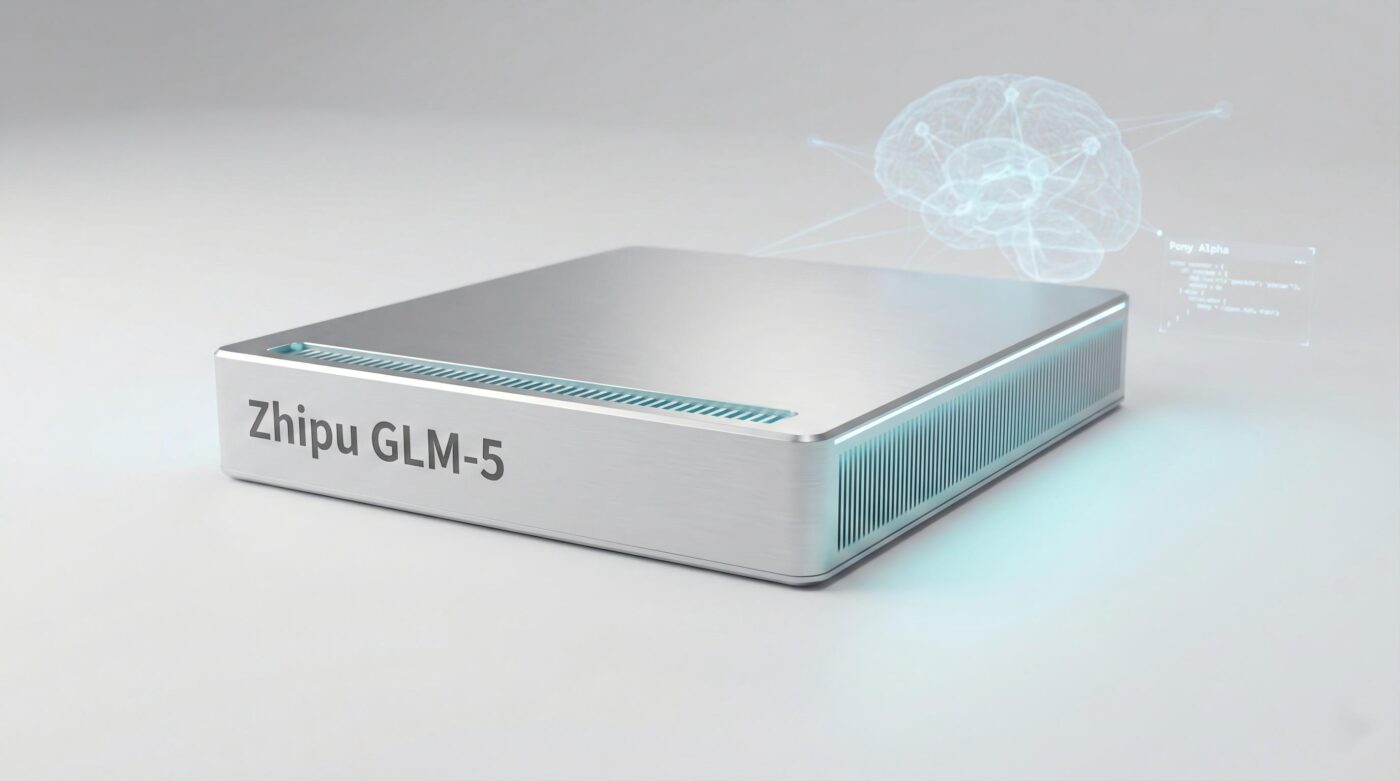
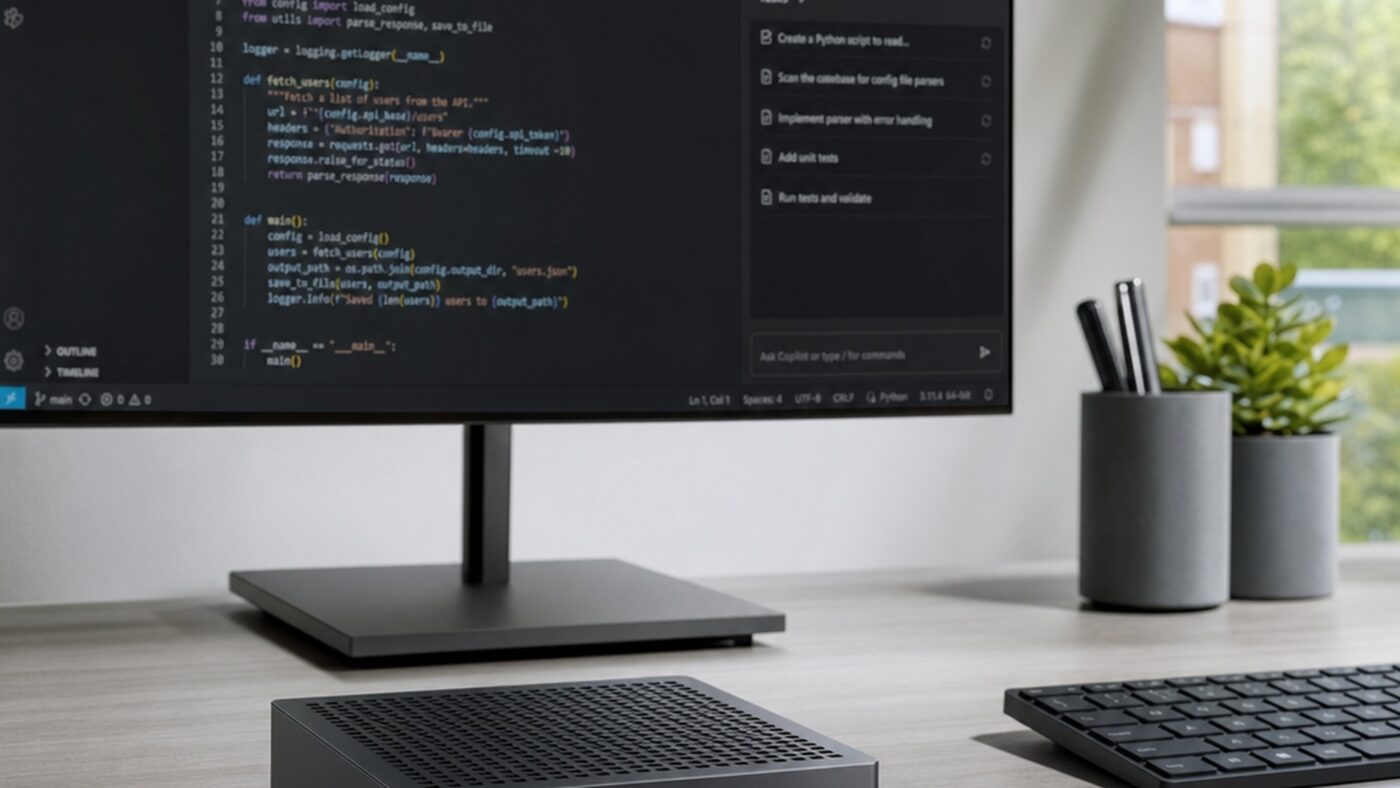
For most of the cloud era the answer to running a serious AI model was the same: rent a GPU somewhere else. The Surface RTX Spark Dev Box is Microsoft’s argument that the answer should now be a box on your desk. Unveiled at Microsoft Build 2026 on June 2, it is the company’s first Surface branded mini PC, and the first Surface designed entirely around an audience of developers building local AI agents.
The pitch is unusually focused. This machine is not chasing Mac Studio buyers or replacing a gaming rig. It is a Microsoft AI developer desktop 2026 aimed at the engineer who is tired of waiting on cloud GPU queues, watching token costs balloon, or pushing proprietary code into someone else’s data center to test an agent. Whether the hardware lives up to that ambition is what the next nine sections dig into.
What Is the Microsoft Surface RTX Spark Dev Box?
The Surface RTX Spark Dev Box is a compact aluminum desktop powered by NVIDIA’s RTX Spark superchip and shipped with Windows 11 Pro tuned for developers. Microsoft says the box can run AI models with more than 120 billion parameters locally, support context windows up to one million tokens and sustain a 100W thermal load through long agent pipelines and fine tuning jobs. Microsoft’s EVP of Windows and Devices, Pavan Davuluri, described it bluntly to reporters as being “in a different class of performance than Mac Minis, intentionally.”
What is the Surface RTX Spark Dev Box?
A 100W aluminum mini PC built around NVIDIA’s RTX Spark superchip, designed to run, fine tune and serve large AI models entirely on Windows 11 Pro instead of in the cloud.
20 Arm Grace cores joined to a Blackwell GPU with 6,144 CUDA cores in one package.
One pool the CPU and GPU share, so a 120B model loads without copying tensors back and forth.
Dev Mode on, PowerShell 7 default, WSL2 with CUDA, VS Code and GitHub Copilot preinstalled.
Secured core PC with BitLocker, Defender, Entra ID and Intune management out of the box.
This is the second Surface to lead with RTX Spark silicon, after the Surface Laptop Ultra reveal at Computex 2026. Microsoft is positioning the family as the consumer face of the same agentic Windows push driving the NVIDIA RTX Spark platform, with the Dev Box being the desktop tuned variant for builders rather than buyers.
Inside the Hardware: RTX Spark Superchip and 128GB Unified Memory
The Dev Box is built around the NVIDIA RTX Spark superchip, which collapses a discrete CPU, discrete GPU, dedicated VRAM and system RAM into a single package. According to NVIDIA, the chip ships with 20 Arm based Grace CPU cores, a Blackwell GPU with 6,144 CUDA cores and fifth generation Tensor Cores, and a unified pool of 128GB LPDDR5X memory rated at about 273 GB/s of bandwidth.
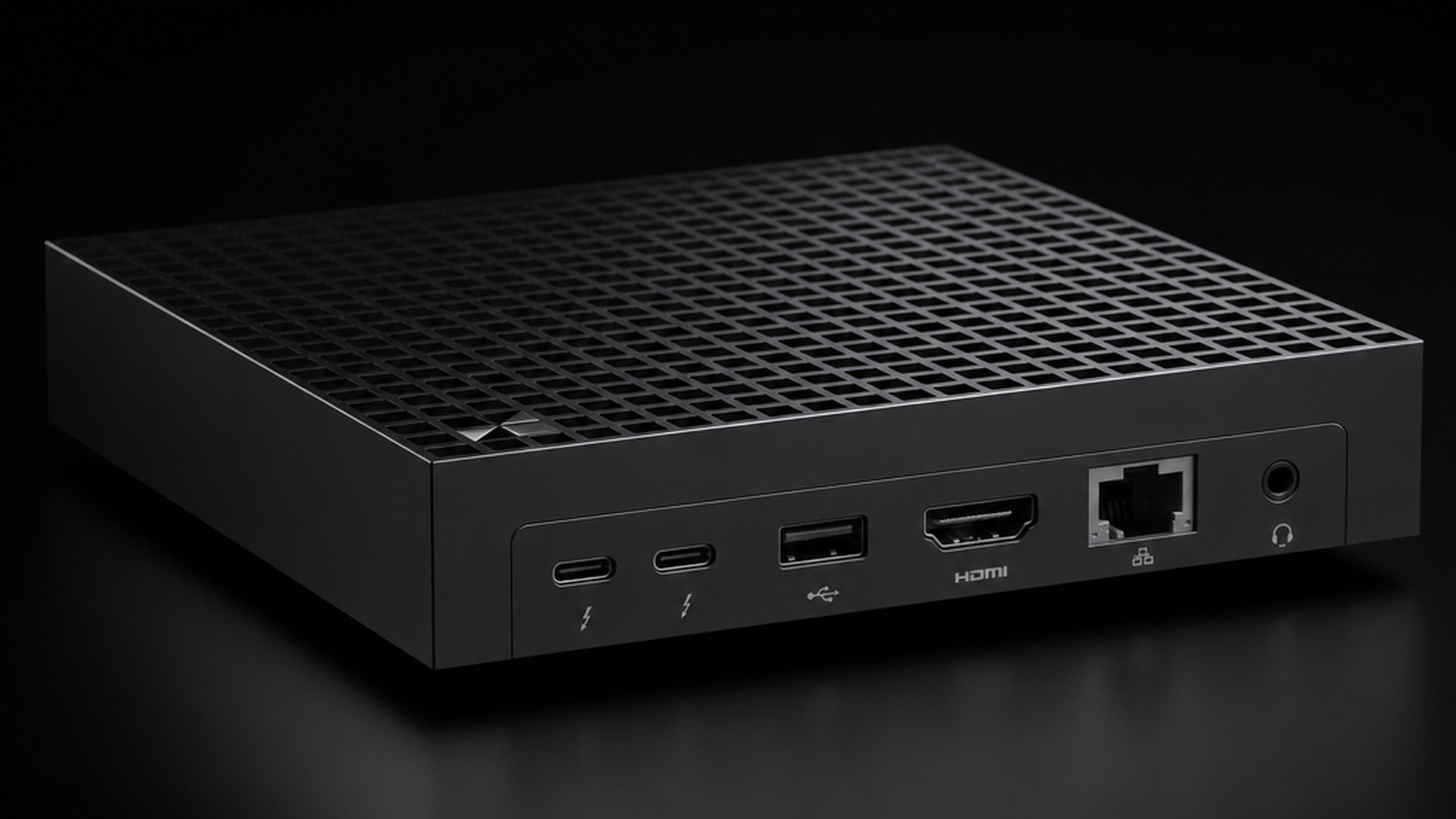
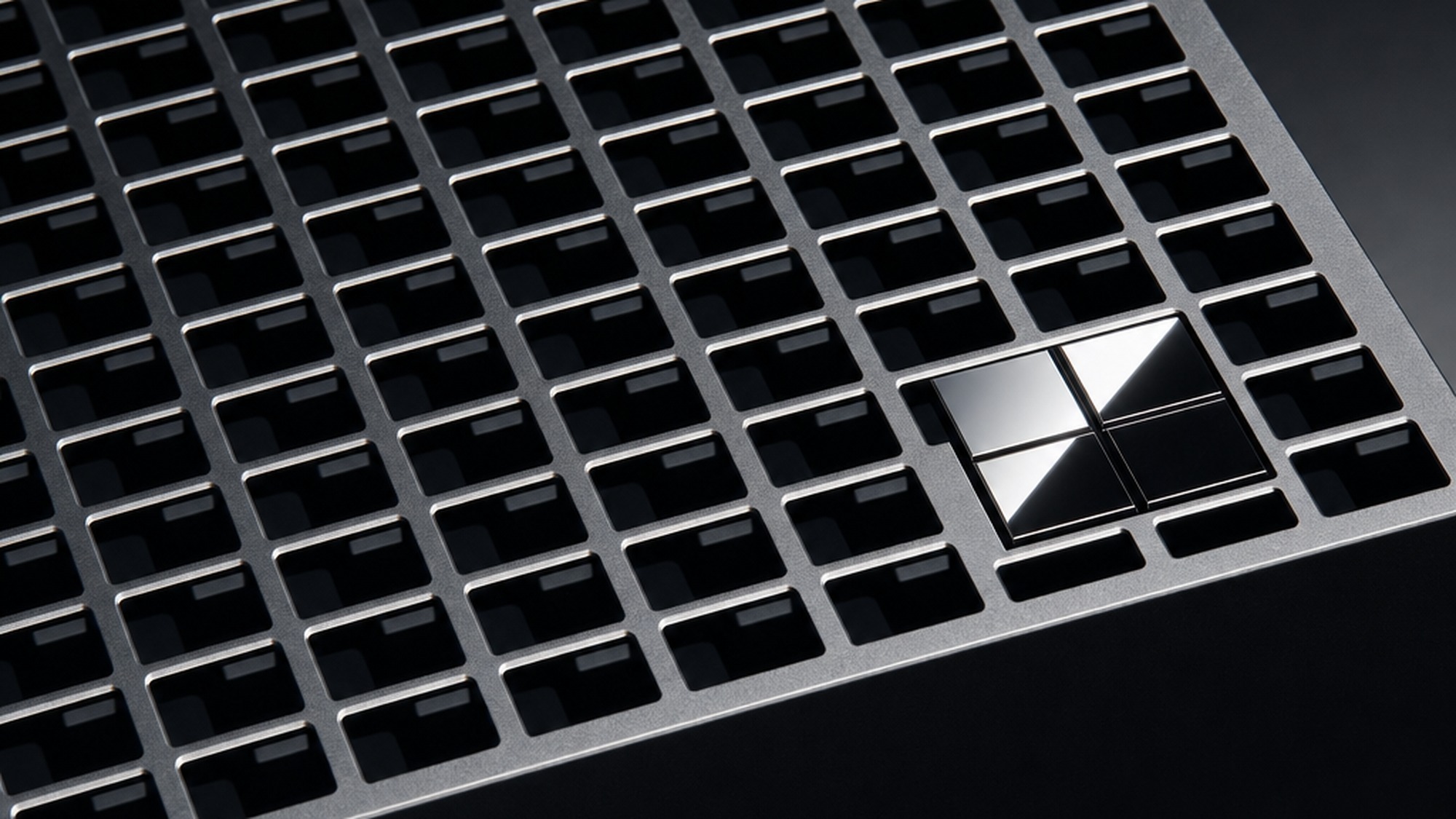
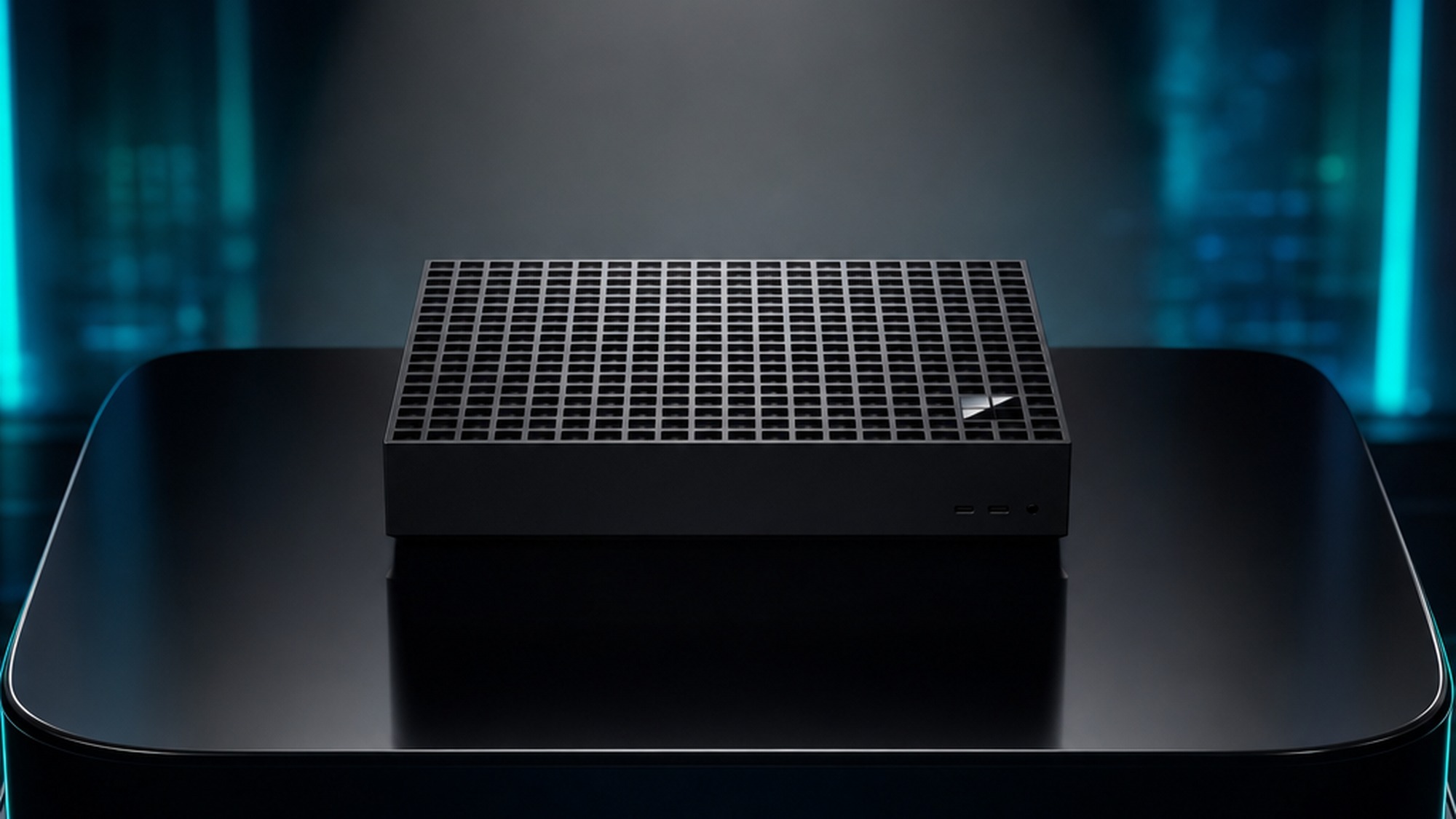
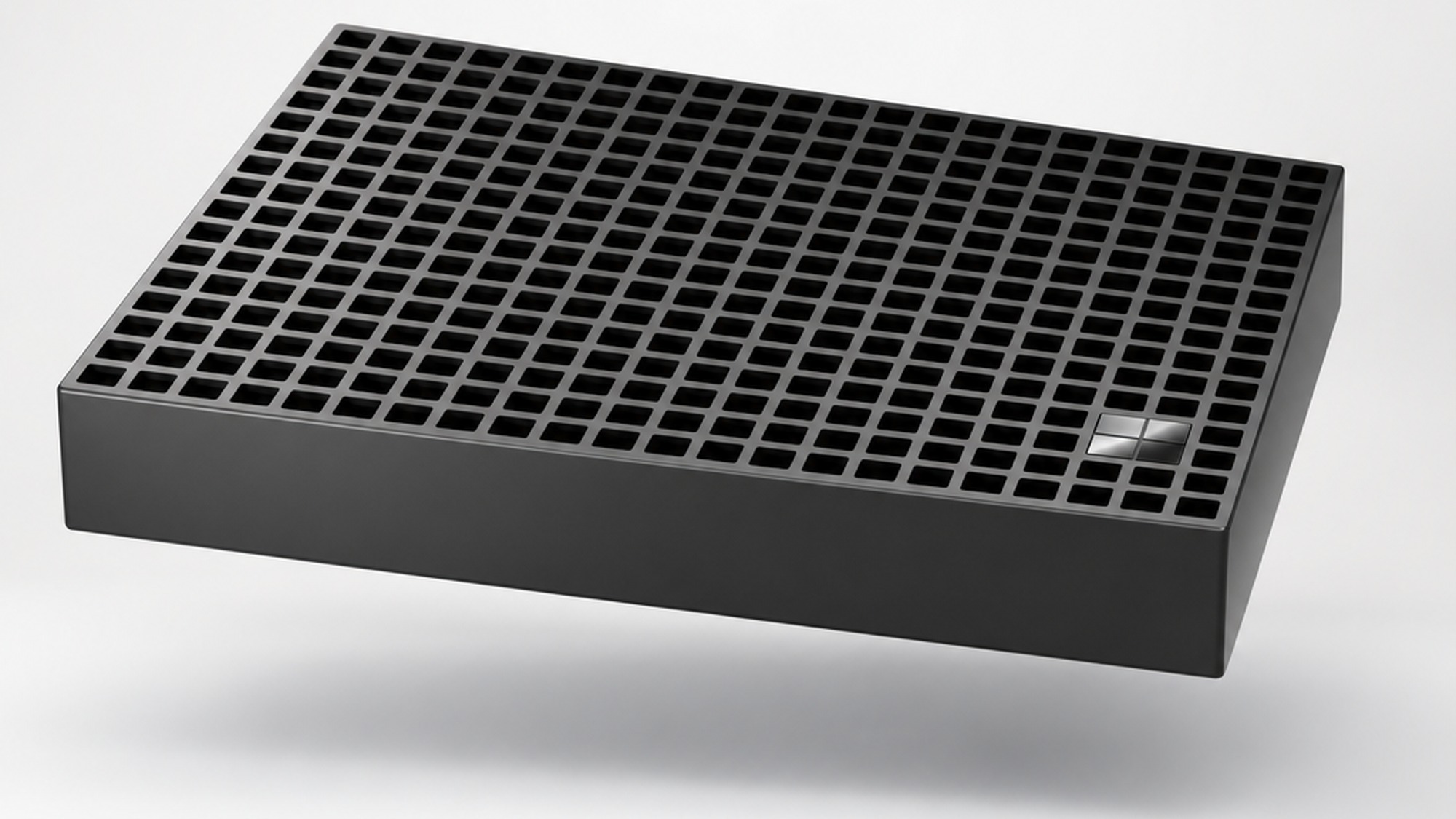
Microsoft pairs that silicon with a 100W sustained thermal envelope, which is the practical reason the Dev Box exists as a desktop and not a laptop. Tom’s Hardware reports that this 100W ceiling is roughly double what the Surface Laptop Ultra can sustain, and it is what lets you run a multi hour fine tune without thermal throttling. The chassis is machined aluminum with 1,000 square air vents on top, a design Tom’s Hardware compared to a squashed Xbox Series X. Port wise you get two USB Type C ports, USB A, HDMI, Ethernet and a 3.5mm headphone jack, which is enough for a dual monitor developer setup but notably leaner than a full ATX workstation.
The single most consequential spec is the 128GB unified memory pool. On a traditional gaming PC, even a flagship RTX 5090 tops out at 32GB of VRAM, which is physically too small to load a 120 billion parameter model at any precision. By putting the entire model in shared memory that both the CPU and GPU can address directly, the Dev Box removes the data shuffling step that has dominated local AI tooling for years. That is also why the local LLM inference desktop pitch holds together: VentureBeat noted that the same 128GB pool lets developers fine tune models that previously required cloud GPU instances. In practice, this is where the Dev Box outperforms a conventional gaming PC by a comfortable margin. However, raw capacity is not the same as raw speed, and the 273 GB/s bandwidth figure falls short of Apple’s M4 Ultra on memory bound token generation, a tradeoff worth noting before you commit.
How an AI Agent Workstation Differs from a Traditional Desktop
A Windows AI agent workstation is not just a faster PC. It is a machine designed around a different unit of work. Traditional desktops are tuned for one human steering a small number of foreground apps. An agent workstation is tuned to keep a large model resident in memory, host several agents in parallel, log every tool call for audit, and stay cool through unattended overnight runs. The Dev Box is engineered around all four.
What defines an AI agent workstation?
It is a machine sized so a large model can stay resident in memory, with sustained thermals for long jobs and OS level sandboxing for autonomous agents.
128GB of unified memory keeps the model loaded so each prompt skips the cold start step.
A passive aluminum heatsink chassis is built for overnight fine tunes, not three minute bursts.
Microsoft Execution Containers in Windows 11 isolate each agent so a misbehaving tool call cannot wreck the host.
GitHub Copilot orchestrates multiple agents across separate git worktrees without merge collisions.
Windows itself is being rebuilt to match. Microsoft introduced an Intelligent Terminal at Build 2026 that surfaces context to agents through the Agent Communication Protocol, and a system level MXC sandbox that already hosts OpenClaw, an open source desktop agent. None of that is exclusive to the Dev Box, but all of it runs noticeably better with 128GB of memory and a 100W heat budget behind it.
Out of the Box: Developer Tools and the Windows AI Stack
Microsoft has been blunt that out of the box setup is a deliberate selling point. Windows 11 Pro on the Dev Box ships preconfigured with dark theme on, the taskbar simplified, Widgets removed, Do Not Disturb on, Developer Mode enabled and PowerShell 7 set as the default shell. WSL2 is configured with GPU passthrough and full CUDA support so Linux based AI tooling sees the Blackwell GPU directly, and Visual Studio Code, GitHub Copilot, Git, Python and Node.js are all installed before you sign in.
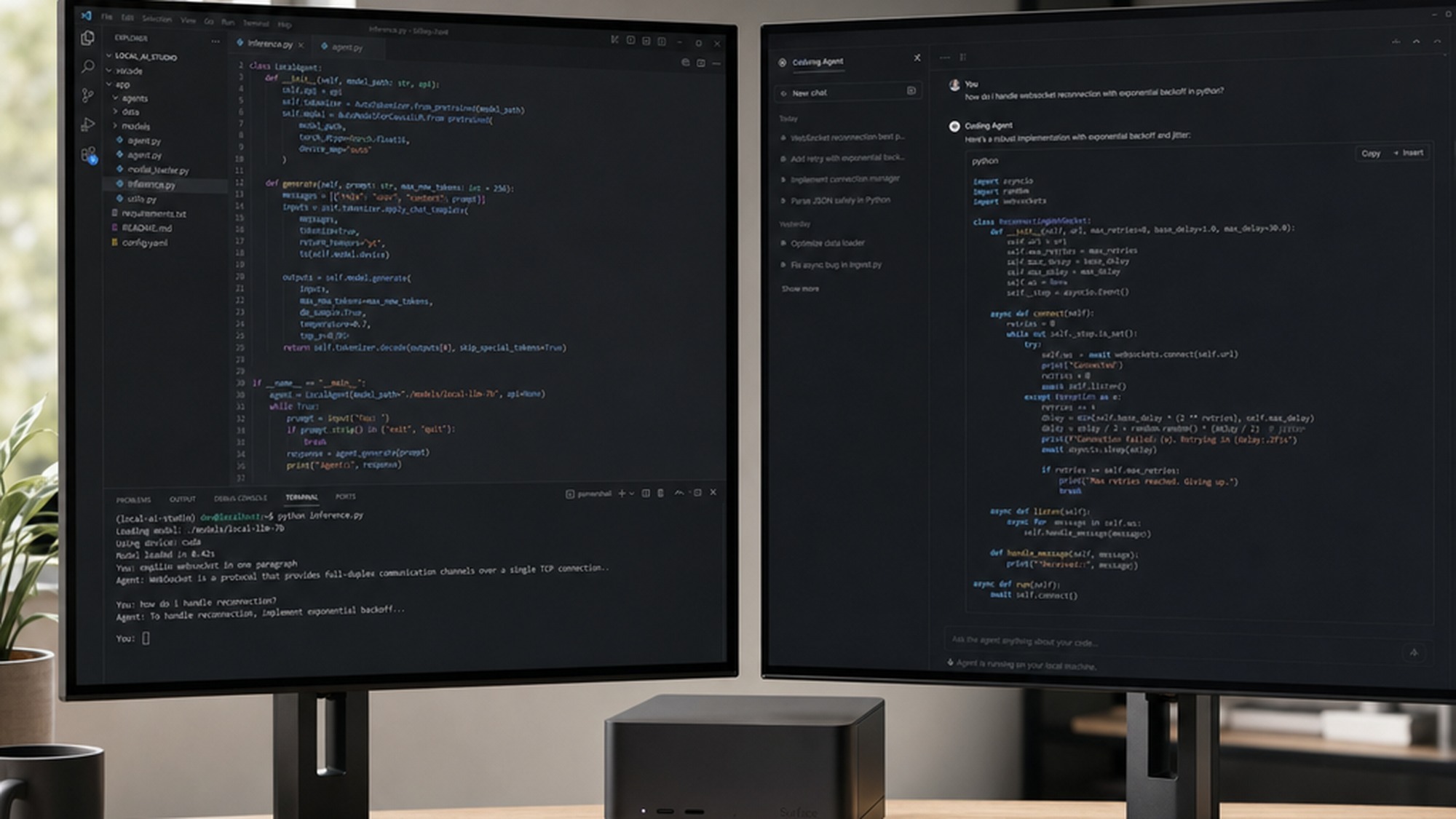
The AI specific stack goes deeper. The AI Toolkit for VS Code brings model conversion, fine tuning and evaluation into the same editor most developers already use. Windows ML with TensorRT and the Windows Copilot Runtime give you a consistent local inference surface that the same code path can target on a laptop, the Dev Box or, later this year, the DGX Station for Windows. Microsoft Foundry, the company’s enterprise AI platform, connects local prototyping to production deployment without rewriting code.
The new GitHub Copilot desktop app is the other half of this story. As Engadget reported, Copilot is shifting from suggesting individual lines to orchestrating multi agent workflows. Each session uses git worktrees so several agents can work on parallel branches without colliding, and the developer reviews, integrates and merges the work that comes back. On a 128GB Dev Box you can host the model that powers those agents locally instead of round tripping every request to the cloud.
Setting Up and Running AI Agents Locally on Windows
The nice thing about a preconfigured developer box is how short the local agent setup loop becomes. A practical path looks roughly like this. First, sign in with your Microsoft account, accept Windows Hello and confirm that BitLocker is on. Second, open Windows Terminal, which launches PowerShell 7 by default, and run the wsl status command to verify GPU passthrough is active. Third, install your runtime of choice: Ollama gives you the friendliest path for trying open models, vLLM is the production grade inference engine, and llama.cpp covers the rest. Fourth, pull a model that fits your work, anything from an 8B for fast tab completion to a 120B for reasoning grade tasks. Finally, point VS Code, the GitHub Copilot desktop app, or your own agent framework at the local endpoint.
What changes once you do all of that on the Dev Box is the steady state. Because the model stays resident in unified memory, there is no cold start between prompts. Because the agent sandbox runs through Microsoft Execution Containers, you can let an agent open files, browse the local repo and call shell tools without giving it free run of your machine. And because the GitHub Copilot app uses git worktrees, you can hand four separate refactors to four agents in parallel and review the diffs when they come back. That is genuinely a different daily workflow than waiting on a remote API one prompt at a time, and it is also a workflow that overlaps with the cloud agent patterns covered in our look at the Google Gemini Spark AI agent for teams that mix local and hosted models.
Surface RTX Spark Dev Box vs Apple Mac Studio: Which Is Better for AI Development?
The Mac Studio comparison is the one nearly every Build 2026 recap reached for, and it is fair on form factor but messy on detail. Apple’s Mac Studio with M4 Ultra ships up to 512GB of unified memory at roughly 800 GB/s of bandwidth and is a more polished workstation. The Dev Box ships 128GB at about 273 GB/s but rides on the CUDA ecosystem that almost every AI framework targets first. Here is the honest comparison on the numbers that actually matter for AI development.
| Feature | Surface RTX Spark Dev Box | Apple Mac Studio M4 Ultra |
|---|---|---|
| CPU | 20 core Arm Grace | Apple M4 Ultra |
| GPU | Blackwell RTX, 6,144 CUDA cores | Apple integrated, Metal |
| Unified memory | 128GB LPDDR5X | up to 512GB |
| Memory bandwidth | about 273 GB/s | about 800 GB/s |
| AI compute (FP4) | 1 petaflop claimed | no FP4 hardware path |
| AI framework support | CUDA, TensorRT, PyTorch native | Metal, MLX, PyTorch via MPS |
| Sustained power | 100W | about 270W |
| OS | Windows 11 Pro | macOS |
| Estimated price | 3,000 to 3,500 US dollars | from 3,999 US dollars |
The practical read of that table depends on what you build. If your stack is anchored on PyTorch, TensorRT, llama.cpp or Hugging Face on CUDA, the Dev Box is the friction free option, since you can run the same code that ships in production cloud instances. If you live in MLX, Final Cut, Xcode or video production tools, the Mac Studio remains the more mature pick and its raw memory bandwidth advantage will produce faster token generation on memory bound workloads. Neither is a clean knockout: VentureBeat captured the real story when it called the Dev Box a beachhead for agentic Windows rather than a Mac Studio replacement.
What Developers Actually Report from the Build 2026 Demos
The Dev Box has not shipped yet, so there are no independent hands on reviews. What we do have is reporting from journalists who saw the live demos on stage and community reaction from developers already running NVIDIA’s DGX Spark, which uses the same underlying GB10 silicon. The signal from both is consistent. According to Tom’s Hardware, Microsoft’s Kayla Cinnamon ran a live Build session showing Python tooling, agentic workflows and multi agent coding sessions on the Dev Box without falling back to cloud calls, and the impressions in the room leaned positive on responsiveness and thermal noise.
The DGX Spark community is louder and more divided, which is useful preview material. On r/LocalLLaMA, owners praise the ability to keep several mid sized models loaded in 128GB at once and the way GPT OSS 120B starts producing tokens in roughly 1.6 seconds, dramatically faster than AMD’s Strix Halo on the same model. The recurring complaint is that the 273 GB/s memory bandwidth caps token generation speed, and a small number of launch units overheated under sustained load before NVIDIA pushed a firmware fix. Microsoft’s 100W envelope on the Dev Box is partly an engineering answer to that thermal feedback, and the Build 2026 demos avoided showing token per second figures, which suggests Microsoft is choosing to lead with capacity rather than raw speed.
Enterprise Deployment Best Practices for Local AI Agents
For enterprise IT leads thinking about a fleet of Dev Boxes, Microsoft leaned hard on the management story. The Dev Box is a Windows 11 secured core PC, which means hardware and firmware level protections, BitLocker drive encryption and Microsoft Defender for endpoint are on out of the box. Entra ID handles identity and Intune handles policy, so a Dev Box drops into the same management plane as the rest of an enterprise Windows fleet. That is a meaningfully different posture from buying NVIDIA DGX Sparks running DGX OS Ubuntu, which sit outside most corporate Windows tooling.
Good deployment practice for local AI agents looks roughly like this. Treat the Dev Box as a managed endpoint, not a developer toy, with full disk encryption, conditional access through Entra ID and a baseline Intune policy. Run agents inside Microsoft Execution Containers so a tool call cannot reach beyond a defined sandbox. Pin model versions and log every agent action through the Agent Communication Protocol so you can audit what an agent did after the fact. Centralize fine tuned model artifacts and prompts through Microsoft Foundry rather than letting them live on individual machines. And keep your most sensitive data on the Dev Box itself, since the entire reason to buy one is that prompts and context never have to leave the device.
Pricing, Availability and the Future of Personal AI Desktops
Microsoft has not published an official price. BigGo Finance and several analysts cited at Build estimate 3,000 to 3,500 US dollars based on the 128GB configuration, with the upper bound matching the NVIDIA DGX Spark at 3,999 US dollars. Availability is later in 2026, US only at launch through microsoft.com, and the device is described as pre release pending FCC equipment authorization. There is no pre order, but Microsoft is taking interest signups on the official Surface RTX Spark Dev Box product page.
The more interesting question is where this leaves personal AI desktops as a category. Microsoft outlined a three tier strategy at Build 2026: the Surface Laptop Ultra for portable RTX Spark work, the Surface RTX Spark Dev Box as the local LLM inference desktop, and the upcoming DGX Station for Windows powered by NVIDIA’s GB300 Grace Blackwell Ultra for trillion parameter models. Layered on top is what Microsoft calls unmetered intelligence: small on device Aion models handle lightweight tasks for free, RTX Spark hardware runs mid range models locally for the bulk of development work, and only frontier scale problems hit the cloud. If even half of that vision lands, the developer machine of the late 2020s will look much less like a laptop and much more like the quiet aluminum brick Microsoft put on stage in San Francisco on June 2.
The Bottom Line
The Surface RTX Spark Dev Box is the clearest sign yet that Microsoft believes the next decade of Windows development belongs to local AI agents rather than cloud APIs. Its 128GB unified memory, 100W sustained thermals and preconfigured Windows AI stack genuinely change what you can build on a single desk, and the enterprise security story closes a real gap against NVIDIA’s Linux first DGX Spark. It is also a first generation Surface running on Arm, with a memory bandwidth ceiling that lags Apple and a price that lands in workstation territory. If you write AI agents, train fine tunes on private data, or run a team that needs to keep prompts inside a compliance boundary, the Dev Box is the most credible Windows option of 2026. If you mainly want a faster laptop, wait for the second wave of RTX Spark hardware and let the early adopters surface the rough edges first.
- 128GB unified memory loads 120 billion parameter models with a one million token context locally
- 100W sustained thermal envelope keeps long agent runs and fine tuning jobs from throttling
- Windows 11 Pro ships preconfigured with WSL2 GPU passthrough, CUDA, VS Code and GitHub Copilot
- Secured core PC with BitLocker, Defender, Entra ID and Intune for enterprise fleet management
- Memory bandwidth near 273 GB/s trails Apple’s M4 Ultra Mac Studio at roughly 800 GB/s
- Estimated 3,000 to 3,500 US dollar price puts it firmly in workstation territory
- US only at launch with no pre order and no confirmed configuration list
- Windows on Arm app and driver compatibility is still maturing for some pro tools
Frequently Asked Questions
What is the Microsoft Surface RTX Spark Dev Box?
It is Microsoft’s first Surface branded mini PC, announced at Build 2026 and built around NVIDIA’s RTX Spark superchip. The device pairs a 20 core Arm Grace CPU with a Blackwell RTX GPU and 128GB of unified memory, all inside a 100W aluminum chassis. Microsoft positions it as a Windows AI agent workstation for developers who want to run, fine tune and deploy AI models locally without paying cloud GPU fees.
How much will the Surface RTX Spark Dev Box cost?
Microsoft has not published official pricing yet. Industry analysts and outlets such as BigGo Finance estimate 3,000 to 3,500 US dollars based on the configuration and chip cost. For reference, NVIDIA’s own DGX Spark mini PC lists at 3,999 US dollars and AMD’s Ryzen AI Halo reference platform sits at a similar tier.
Can AI coding agents run entirely on device without a cloud connection?
Yes, that is the design point. With 128GB of unified memory and one petaflop of FP4 compute, the Dev Box can host a 120 billion parameter model locally, including a one million token context. Microsoft is also bringing the GitHub Copilot agentic experience to a native desktop app, and Windows ships Microsoft Execution Containers, also called MXC, to sandbox agents safely on the same machine.
Do I need a dedicated AI PC to run GitHub Copilot agentic coding features?
No. GitHub Copilot Chat and the new Copilot desktop app still work on standard Windows and Mac hardware against cloud models. A Surface RTX Spark Dev Box matters when you want to run larger open models locally, keep code private inside an enterprise, fine tune a model on proprietary data, or run multiple agents in parallel through git worktrees without paying per token cloud bills.
What developer tools ship with Surface RTX Spark Dev Box out of the box?
Windows 11 Pro arrives preconfigured with Developer Mode on, PowerShell 7 as the default shell, WSL2 with GPU passthrough and full CUDA support, Visual Studio Code, GitHub Copilot, Git, Python and Node.js. Microsoft also includes the AI Toolkit for VS Code, Windows ML with TensorRT and the Windows Copilot Runtime so local inference and model fine tuning work from first sign in.
What is the future of personal AI desktop computers in software development?
Both Microsoft and NVIDIA argue the future is local first. Microsoft outlined a three tier roadmap with the Surface Laptop Ultra for portable work, the Spark Dev Box for desktop development and the DGX Station for Windows for trillion parameter models. As AI agents take on more of the daily coding loop, dedicated AI PCs are likely to become standard developer issue rather than an exotic accessory, much like dual monitors became standard in the 2010s.