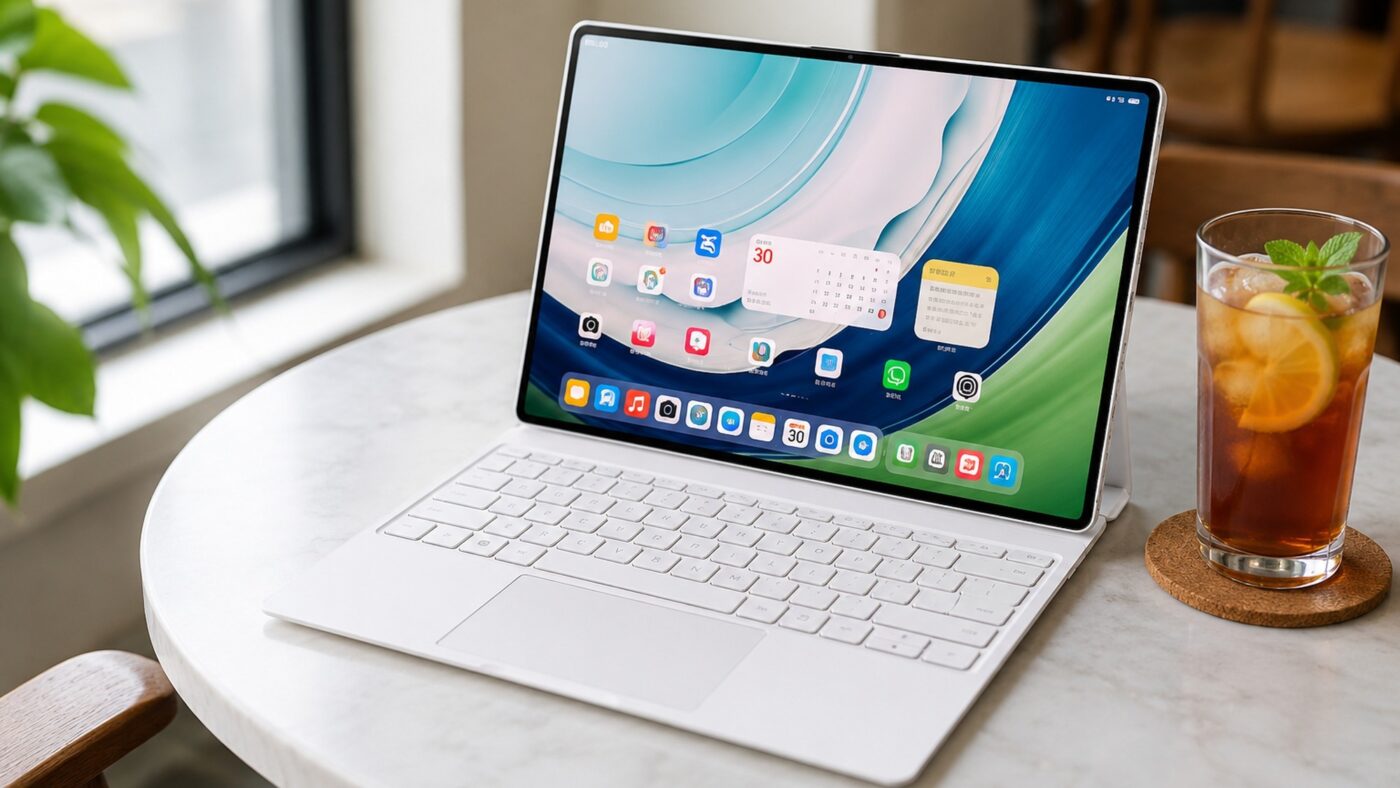
The tablet versus laptop debate has run in circles for a decade, and most tablets quietly lose it the moment real work begins. The Huawei MatePad Pro Max is the rare device built specifically to end that stalemate. It pairs a 13.2 inch 3K flexible OLED with a Kirin T93 Pro chip and, crucially, a HarmonyOS dual desktop tablet experience that flips between a finger friendly tablet layout and a windowed PC desktop on demand. This Huawei MatePad Pro Max review digs into whether that promise holds up, how it stacks up against the iPad Pro 13 inch, and whether it deserves a spot as the best large tablet for productivity in 2026.
The short version is that this is the most convincing tablet PC mode we have seen on any slate, wrapped in a body that, at 499g, is lighter than tablets with smaller screens. The longer version, including where the software still falls short, is what the rest of this review is about.
What the MatePad Pro Max Is and How It Differs From Earlier MatePad Models
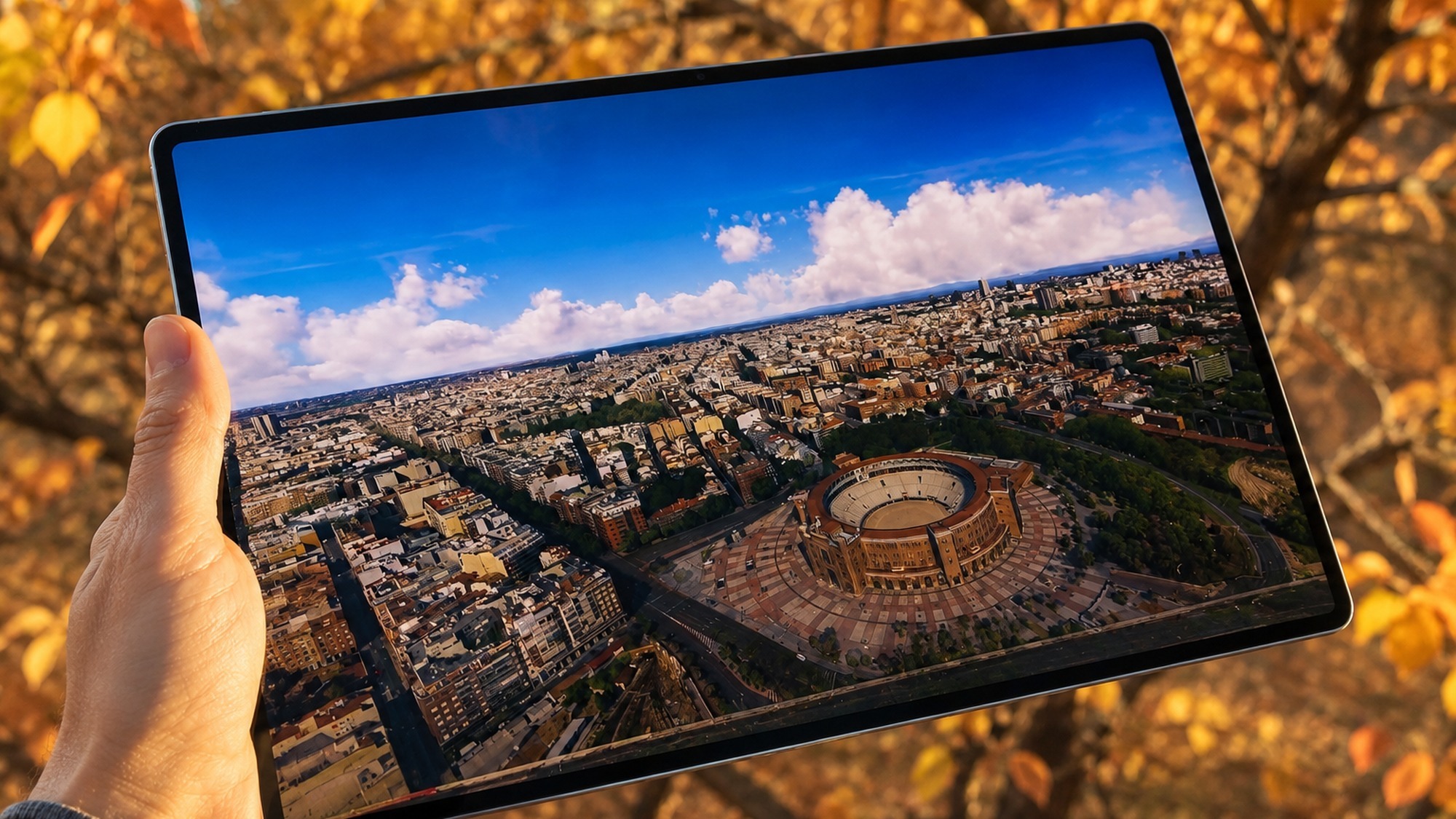
Earlier MatePad Pro models were excellent media tablets that gestured at productivity without fully committing. The MatePad Pro Max changes the framing. It is a 13.2 inch flagship with an Ultra clear flexible OLED panel that, according to Huawei’s official specifications, reaches 3000 by 2000 resolution, a 2,000,000 to 1 contrast ratio, 1600 nits of peak brightness, and a 144Hz refresh rate. A PaperMatte option uses nano level etching to cut glare for writing and reading.
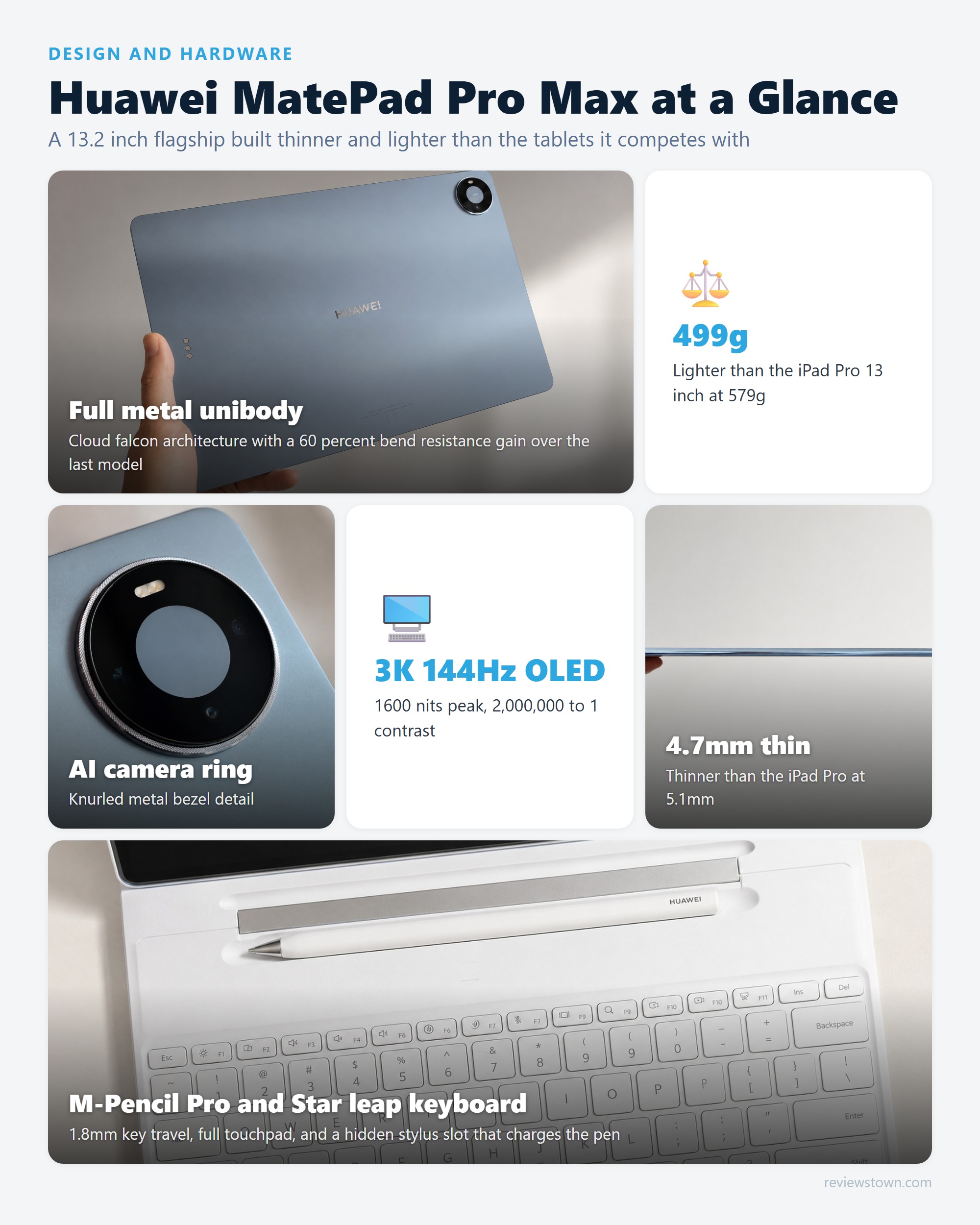
What genuinely separates it from previous MatePad models is the combination of physical refinement and software ambition. The body is a full metal unibody just 4.7mm thick that weighs 499g in the standard finish, with Huawei claiming a 60 percent improvement in bend resistance over the previous MatePad Pro 13.2. The bezels measure 3.55mm for a 94 percent screen to body ratio. In practice, that means the screen grew while the chassis shrank, which is the opposite of how most generational updates feel. This is no longer a big tablet that happens to run office apps. It is a productivity machine that happens to fold flat into a tablet.
What is HarmonyOS dual desktop mode?
It is a single tablet that runs two complete interfaces, a touch first tablet desktop and a windowed PC desktop, and lets you switch between them with a four finger swipe.
A familiar grid of icons and widgets tuned for reading, drawing, and media in your hands.
A persistent dock, resizable and stacked windows, and full keyboard and mouse logic.
One horizontal gesture flips between the two worlds without a reboot or a separate device.
Move files between windows the way you would on a real PC, not through share menus.
How HarmonyOS Dual Desktop Mode Bridges Tablet and PC
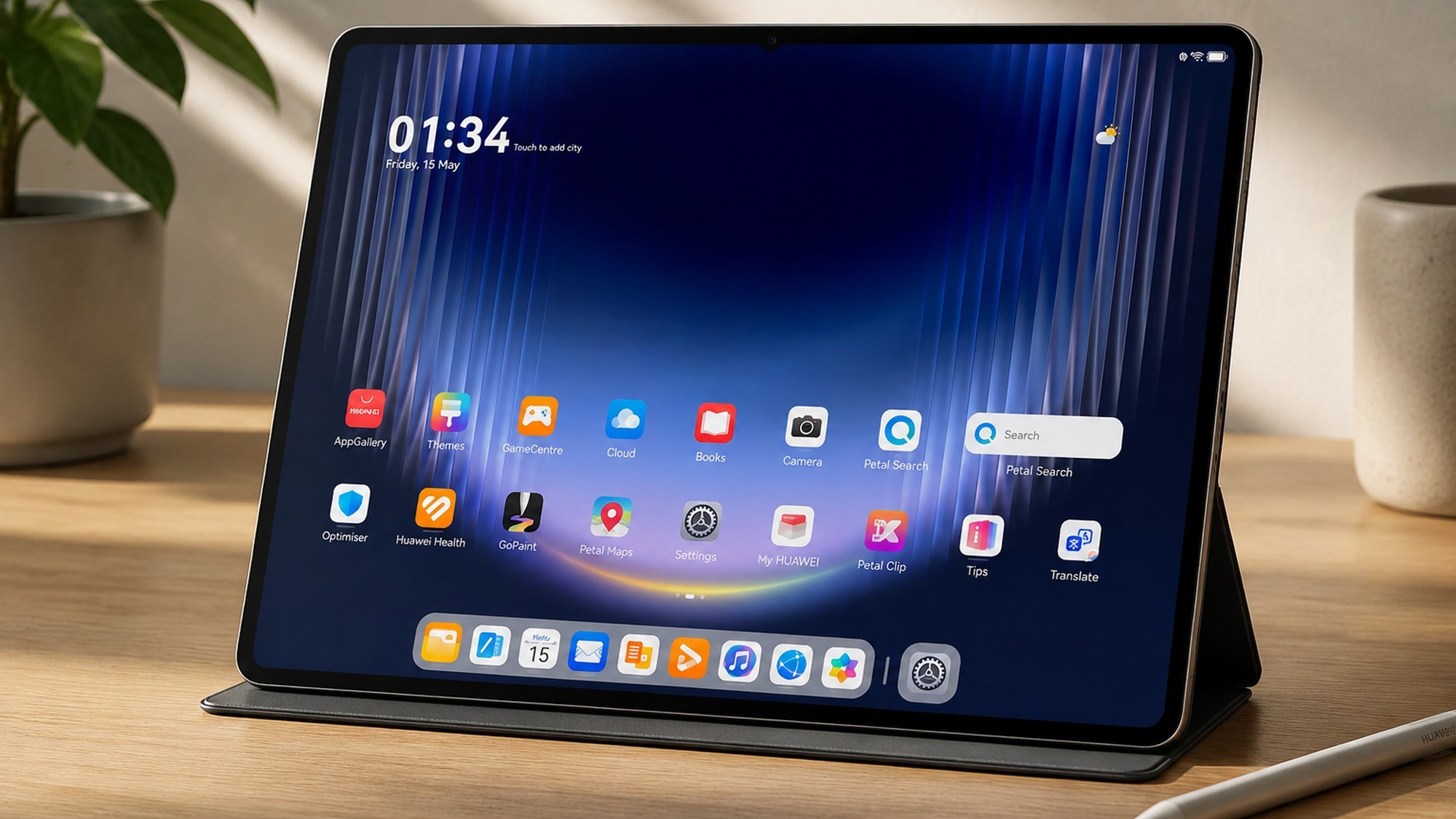
The dual desktop idea is the heart of the device, and it is more than a marketing label. In tablet desktop you get the relaxed, touch first layout you expect from any slate. Swipe four fingers horizontally and the screen reorganizes into a computer desktop, with a consistent dock bar along the bottom, windows you can resize and stack, and keyboard and mouse behavior that mirrors a traditional PC. Files drag and drop between windows instead of bouncing through share sheets.
What makes this bridge usable rather than a gimmick is app support. Huawei lists more than 200 HarmonyOS PC class applications that run with full functionality in computer mode, and most system apps plus major third party software switch between the two layouts seamlessly. That matters because the failure mode of every previous tablet desktop mode was stretched phone apps. Here, the experience is closer to resizing a real window. It is worth noting that the catalogue is still smaller than Windows, so the bridge is strong for mainstream productivity and thinner for niche professional tools.
Using the Huawei MatePad Pro Max as a Laptop Replacement for Daily Work
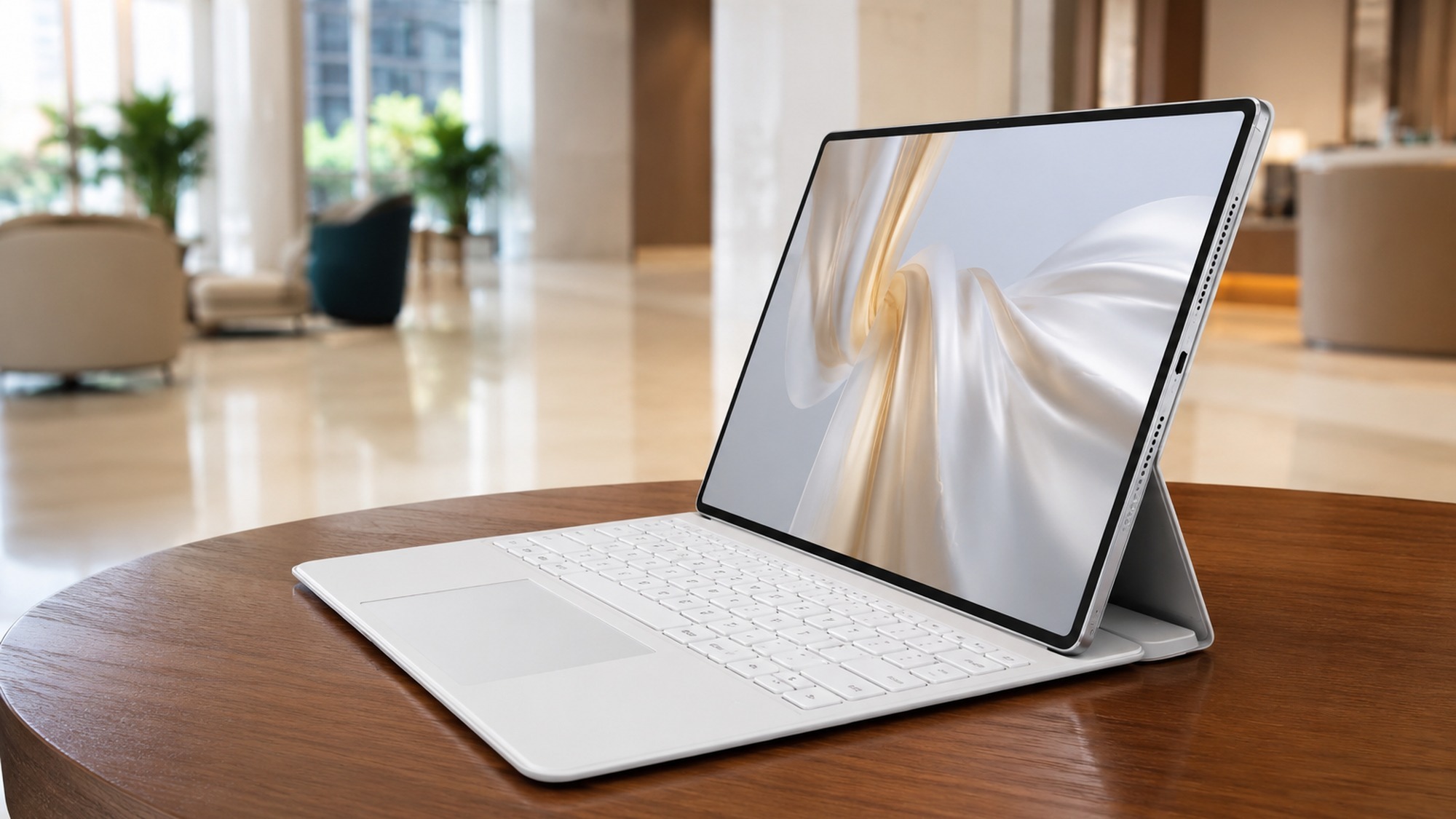
The laptop replacement pitch lives or dies on the keyboard, and the Star leap keyboard is a serious effort. It offers 1.8mm of key travel, a full area touchpad, and a hidden slot that holds and charges the M-Pencil Pro stylus. Attached, the tablet adopts a genuine laptop posture, and the computer desktop gives you the windowing to match. For writing, spreadsheets, email, browser based tools, and video calls, this is a comfortable daily driver.
The honest limits show up at the edges. Heavy multi window professional workflows, specialist desktop software, and anything that assumes a full Windows or macOS environment will still send you back to a real laptop. The absence of Google Mobile Services also means Gmail, Google Drive, and the Play Store are not preinstalled, so a Google centric worker needs web versions or alternatives. For the large group of people whose day is documents, communication, and the web, though, the MatePad Pro Max genuinely covers it.
Huawei MatePad Pro Max vs iPad Pro 13 inch for Productivity
The inevitable comparison is the Huawei MatePad Pro Max vs iPad Pro 13 inch, and the spec sheet is closer than many expect. Huawei undercuts Apple on both weight and thickness while using a larger panel, a real engineering achievement. The deciding factors are software philosophy and ecosystem rather than hardware.
| Spec | Huawei MatePad Pro Max | iPad Pro 13 inch |
|---|---|---|
| Screen | 13.2 inch 3K flexible OLED, 144Hz | 13 inch tandem OLED, 120Hz |
| Peak brightness | 1600 nits (HDR) | 1600 nits (HDR) |
| Weight | 499g | 579g |
| Thickness | 4.7mm | 5.1mm |
| Desktop mode | Dual desktop, windowed PC layout | Stage Manager windowing |
| App ecosystem | HarmonyOS, no Google services | iPadOS, very mature catalogue |
| Stylus | M-Pencil Pro | Apple Pencil Pro |
In practice, the MatePad Pro Max feels more like a computer when docked, because true overlapping windows and a persistent dock go further than Stage Manager. The iPad Pro, however, outperforms it on app depth, professional creative tools, and long term software polish. Compared to the iPad, Huawei trades ecosystem maturity for a lighter body and a more PC like desktop. If productivity means office work and media, the Huawei is competitive and often nicer to hold. If it means a deep bench of pro apps, the iPad still leads.
Can a Tablet Really Replace a Laptop? Debunking the Myths
The myth that a tablet can never replace a laptop comes from years of tablets that ran scaled up phone software. The tablet PC mode versus traditional laptop question is no longer theoretical, because devices like this one close most of the old gaps. The real debate is not whether a tablet can do desktop work, but which kinds of desktop work it does well.
Where the myth still holds a kernel of truth is in specialist software and deep multitasking, where a mature desktop OS remains ahead. Where the myth breaks down is everyday productivity: with a keyboard, a trackpad, real windows, and file drag and drop, a modern tablet handles the bulk of knowledge work. The fairer conclusion is that a tablet can replace a laptop for most people most of the time, while a traditional laptop stays the safer pick for power users with niche tools.
How to switch between tablet and PC mode well
A few habits turn dual desktop from a novelty into a workflow you actually trust day to day.
Detach for reading and sketching in tablet desktop, dock for writing and windows in PC mode.
Make the horizontal gesture muscle memory so switching costs you no time mid task.
Pin the apps that work in both layouts to the dock so nothing breaks when you flip.
The isolated learning environment strips distractions when you need deep study time.
Which Keyboard and Stylus Accessories Work Best for Professional Use
For professional use, the two accessories that matter are the Star leap keyboard and the M-Pencil Pro, and they are designed as a system rather than add ons. The keyboard’s full area touchpad is what makes computer desktop mode practical, since windowed work needs a precise pointer. The 1.8mm of travel is shallow but typed comfortably for long documents, and the hidden stylus slot solves the perennial problem of losing the pen.
The M-Pencil Pro adds gesture controls and annotation features, and it pairs with HarmonyOS drawing, note taking, and writing apps. Huawei even ships a music creation app and supports third party MIDI keyboards, which widens the creative use cases beyond sketching. Worth noting from owner feedback: the bundled notes experience divides opinion, and serious note takers may want to test third party apps before committing. For most professionals, the keyboard plus stylus combination is what elevates this from a media tablet to a working tool.
Kirin T93 Pro Performance vs Other Flagship Tablet Processors
The Kirin T93 Pro is the engine here, and Huawei has tuned it for sustained productivity and a high refresh display rather than chasing headline numbers. It drives the 144Hz panel smoothly and supports 144Hz gameplay in titles such as Peace Elite, which is a real test of thermal headroom on a thin chassis. Huawei highlights a balanced cooling design to keep the metal body from throttling under load.
On raw figures, Huawei does not publish benchmark scores, and independent numbers are still settling. Benchmark listings on GSMArena point to strong multi core results in the same league as rival flagship tablet chips, though scores vary noticeably by HarmonyOS build and should be read as directional rather than definitive. In day to day terms, the more useful takeaway is that the chip never feels like the bottleneck. App launches, window switching in computer mode, and media playback stay fluid, which is exactly what a productivity tablet needs. Against other flagship tablet processors, the T93 Pro competes on real world responsiveness even where it does not top synthetic charts.
Is the Huawei MatePad Pro Max Right for Students and Remote Workers in 2026?
For students, the appeal is concrete. The 13.2 inch screen is large enough for split screen reading and note taking, the M-Pencil Pro handles handwritten notes and diagrams, and the dedicated Education Space creates an isolated, distraction reduced environment with curated resources. Battery life backs this up: Huawei officially rates the 10,400mAh silicon battery for up to 14.5 hours of local video playback, and AndroidCentral’s review measured more than 14 hours of video streaming on a charge, enough to clear a full day of classes.
For remote workers, the calculus is the dual desktop mode plus the keyboard. A single 499g device that switches from a couch reading slate to a windowed work machine is a strong fit for hot desking, travel, and small apartments. The one filter to apply is the Google question. If your team runs on Google Workspace, confirm the web versions cover your workflow before you switch, because the missing Google services are the most common friction point for newcomers.
What Users Report
Owner sentiment tracks closely with the spec story, with one consistent caveat. On Reddit’s r/Huawei community, MatePad owners repeatedly praise the screen, the smooth performance, and the drawing and multitasking experience, while flagging two recurring downsides: the lack of Google apps and slower software updates than rivals. One owner thread specifically notes that the bundled stock notes app is good but that third party options like StarNote and NoteIN feel better for serious note taking, and another points to scratches on the M-Pencil as a durability nitpick. On YouTube, the praise skews toward the design, with commenters calling out the lack of a notch or punch hole combined with the matte display as the thing that sets it apart. Taken together, buyers love the hardware and the look, and their hesitations are almost entirely about the software ecosystem rather than the device itself.
The Verdict: The Future of Tablet Computing Beyond Tablet vs Laptop
The Huawei MatePad Pro Max is the clearest sign yet that the future of tablet computing is not about winning the tablet versus laptop argument, but about dissolving it. By shipping two real desktops in one 499g body, Huawei reframes the question from which device to buy into which mode to use. The hardware is genuinely impressive: a thinner, lighter, brighter package than the iPad Pro 13 inch, with a stylus and keyboard system that make the laptop posture real rather than aspirational.
It is not flawless. The missing Google services and the still maturing app catalogue are real costs, and power users with specialist software will keep a traditional laptop nearby. But as a statement about where large tablets are heading, it lands. For students, remote workers, and anyone who wants the best large tablet for productivity without carrying two devices, the MatePad Pro Max is an easy recommendation, provided the HarmonyOS ecosystem fits your life. If you also want a closer look at how Huawei’s wider lineup performs, our Huawei Pura90 Pro Max review covers the company’s flagship phone, and the GSMArena owner reviews and Yanko Design hands on add useful real world perspective.
- 13.2 inch 3K flexible OLED hits 1600 nits peak and a 144Hz refresh rate for crisp, fluid work and media
- HarmonyOS dual desktop mode genuinely switches between a touch tablet layout and a windowed PC desktop
- At 499g and 4.7mm it is lighter and thinner than the iPad Pro 13 inch while using a larger screen
- Star leap keyboard with a full touchpad and a hidden stylus slot makes the laptop posture practical
- Over 200 HarmonyOS PC class apps support real window management, file drag and drop, and a persistent dock
- No Google Mobile Services, so Gmail, YouTube, and Google Maps need workarounds or web versions
- Some professional desktop software still has no native HarmonyOS build, limiting heavy specialist workflows
- Reddit owners report the bundled notes app feels weaker than third party options like StarNote or NoteIn
- Software updates and the wider app catalogue still trail Apple and Android tablets in maturity
Frequently Asked Questions
Is the Huawei MatePad Pro Max worth buying?
If you want a large, premium tablet that doubles as a light laptop, it is one of the strongest options in 2026. The 13.2 inch 3K OLED, the 499g body, and the HarmonyOS dual desktop mode are genuinely class leading. The main caveat is software: there are no Google Mobile Services, so anyone who lives inside Gmail, Google Drive, and the Play Store should weigh the workarounds before buying.
Is the Huawei MatePad Pro Max better than the iPad Pro 13 inch?
It depends on what you value. The MatePad Pro Max is lighter at 499g versus 579g, thinner at 4.7mm versus 5.1mm, and its dual desktop mode offers a more PC like windowing experience than iPadOS. The iPad Pro still wins on raw app maturity, professional creative software, and ecosystem polish. For productivity and media the Huawei is competitive, but for a deep app library the iPad keeps the edge.
What is HarmonyOS dual desktop mode?
Dual desktop mode lets the MatePad Pro Max run two distinct interfaces on the same device. A four finger horizontal swipe flips between a standard touch tablet desktop, tuned for reading and media, and a computer desktop with a persistent dock, resizable windows, window stacking, file drag and drop, and full keyboard and mouse logic. It is Huawei’s way of bridging the tablet and PC experience without rebooting or switching devices.
Does the Huawei MatePad Pro Max support Microsoft Office?
Yes. HarmonyOS supports Office style document editing through native and compatible apps, and the platform now lists over 200 PC class applications that run with full functionality in computer desktop mode. For heavy macro driven Excel work or niche enterprise plugins, check that your specific tool has a HarmonyOS build first, since the catalogue is still growing compared to Windows.
Can the Huawei MatePad Pro Max replace a laptop?
For email, documents, browsing, video calls, note taking, and media it can replace a laptop for many students and remote workers, especially with the Star leap keyboard attached. Where it falls short of a traditional laptop is in specialist desktop software, complex multi window pro workflows, and the absence of Google services. It is a credible laptop replacement for light to moderate work rather than for every power user.
What chipset does the Huawei MatePad Pro Max use?
It runs on the Kirin T93 Pro, Huawei’s in house tablet class processor. It is tuned for the 144Hz display and sustained productivity rather than chasing raw benchmark records, and it handles demanding titles such as Peace Elite at 144Hz. Independent benchmark databases on GSMArena list strong multi core figures, though Huawei does not publish raw scores and results vary by HarmonyOS build.