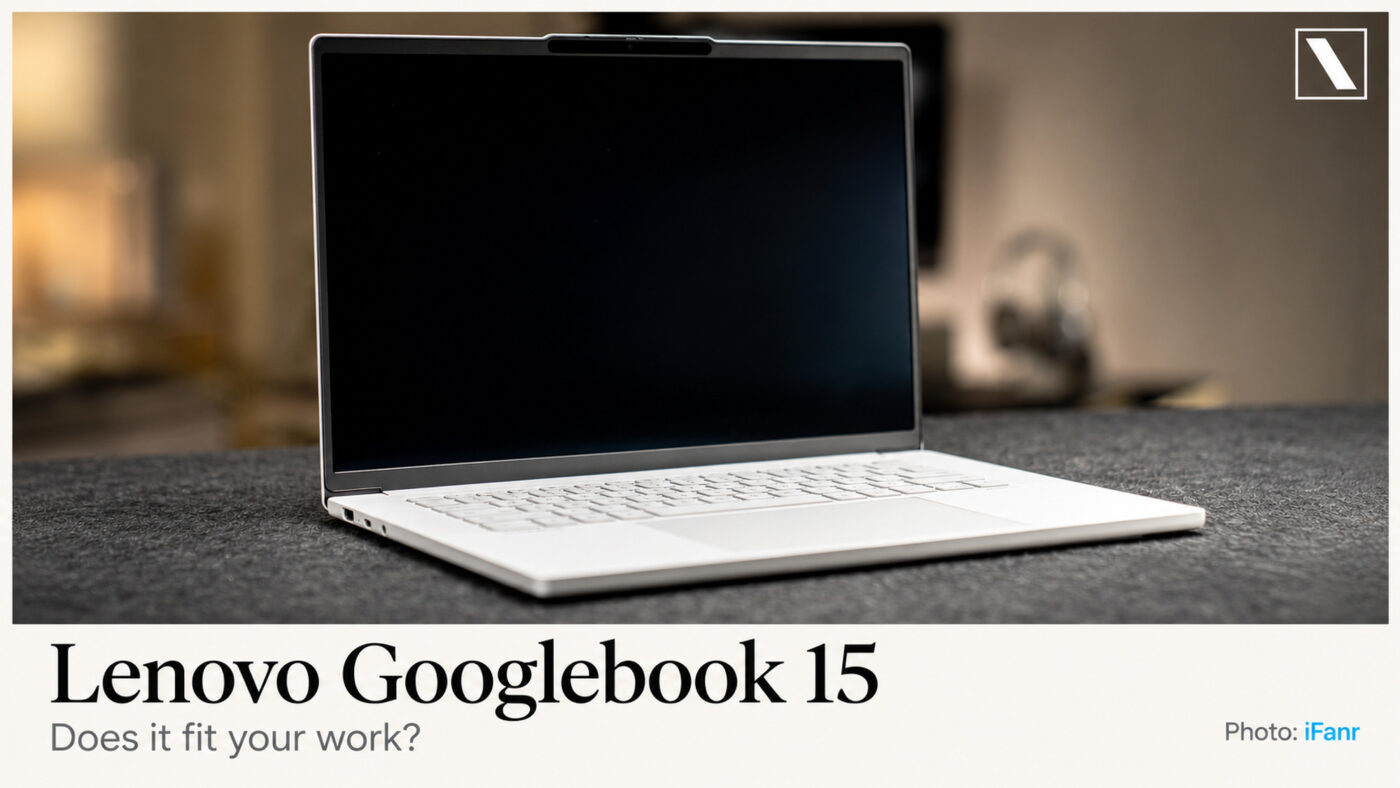
The Lenovo Googlebook 15 is most convincing as a large-screen computer for work that already lives in a browser, with Android apps filling the gaps. Its appeal becomes much weaker when buying it also means replacing the software your job depends on. Before comparing processors or AI features, decide which of those situations describes you.
That distinction matters because this is premium laptop hardware. Lenovo announced a US starting price of $1,099.99, rather than a budget Chromebook price. That is a launch reference, not a current checkout quote. At this level, a new operating system needs to make your routine better, not simply make it different.
Can Googlebook 15 replace your work laptop?
Googlebook OS combines an Android foundation with desktop elements from ChromeOS. Google supplies a desktop-class Chrome browser with extensions alongside Android apps. An Intel processor inside Lenovo’s model does not turn that software environment into Windows. In Computerworld’s interview with Google, the company explicitly rejected building the platform around Windows emulation or legacy PC compatibility layers.
For a buyer, the useful distinction is between opening a file and completing the work inside it. A spreadsheet that opens successfully can still depend on a feature unavailable in the app you are using.
| Your essential task | Route to investigate | Purchase implication |
|---|---|---|
| Browser-based documents, email and business tools | Desktop Chrome and the actual extensions you use | A credible fit if the complete workflow works in the browser |
| An Android app you already rely on | Its Googlebook or large-screen Android experience | Check keyboard, pointer and window behaviour, not just installation |
| Excel workbooks containing VBA automation | Desktop Excel remains necessary to run that automation | Do not count the web app as a complete replacement |
| A required Windows desktop program | An alternative workflow or access to a separate Windows computer | Poor fit as your only machine if that dependency is daily |
| Linux development tools | Google’s documented Terminal environment | Potentially useful, provided your toolchain fits the environment |
The last row deserves more than a casual dismissal. Google’s Terminal documentation describes a Debian Linux virtual machine, package installation, folder sharing and a separate graphics screen for graphical Linux apps. That gives technically confident users another route beyond the Play Store. It does not make an arbitrary Windows application compatible, or establish that every development workload will perform well.
Compatibility is only the first check. PCWorld reported intermittent Chrome and window-management slowdowns, plus occasional browser restart prompts, during routine browsing on its review unit. Some pages still opened immediately. That is one reviewer’s inconsistent experience, not proof that every unit behaves that way, but it makes a realistic multitasking trial more valuable than an app checklist alone.
For the broader platform background, our Google I/O Android and Googlebook explainer covers the original announcement. The decision here is narrower: whether Lenovo’s particular hardware and the software you need belong together.
Microsoft Office: check the feature, not the app name
Word, Excel and PowerPoint having Android versions is not the same as desktop feature parity. It is also too sweeping to describe Android Excel as having no PivotTable capability at all. Microsoft’s mobile feature documentation lists customizing PivotTable styles and layouts among Android features available with a qualifying Microsoft 365 subscription. That does not establish parity for creating, refreshing or manipulating every type of pivot-based workbook.
The clearer boundary is VBA. Microsoft says Excel for the web cannot create, run or edit VBA macros, although it can open and edit a workbook containing them while preserving the macros. A browser workaround therefore does not solve a macro-dependent reporting process.
Take one representative file, rather than an empty document, through your actual sequence: import data, change a formula, refresh what needs refreshing, export and share the result. Include your required subscription in the comparison. Microsoft describes free core Android editing for devices with screens of 10.1 inches or less; this laptop’s larger screen gives you no basis to assume the same free entitlement.
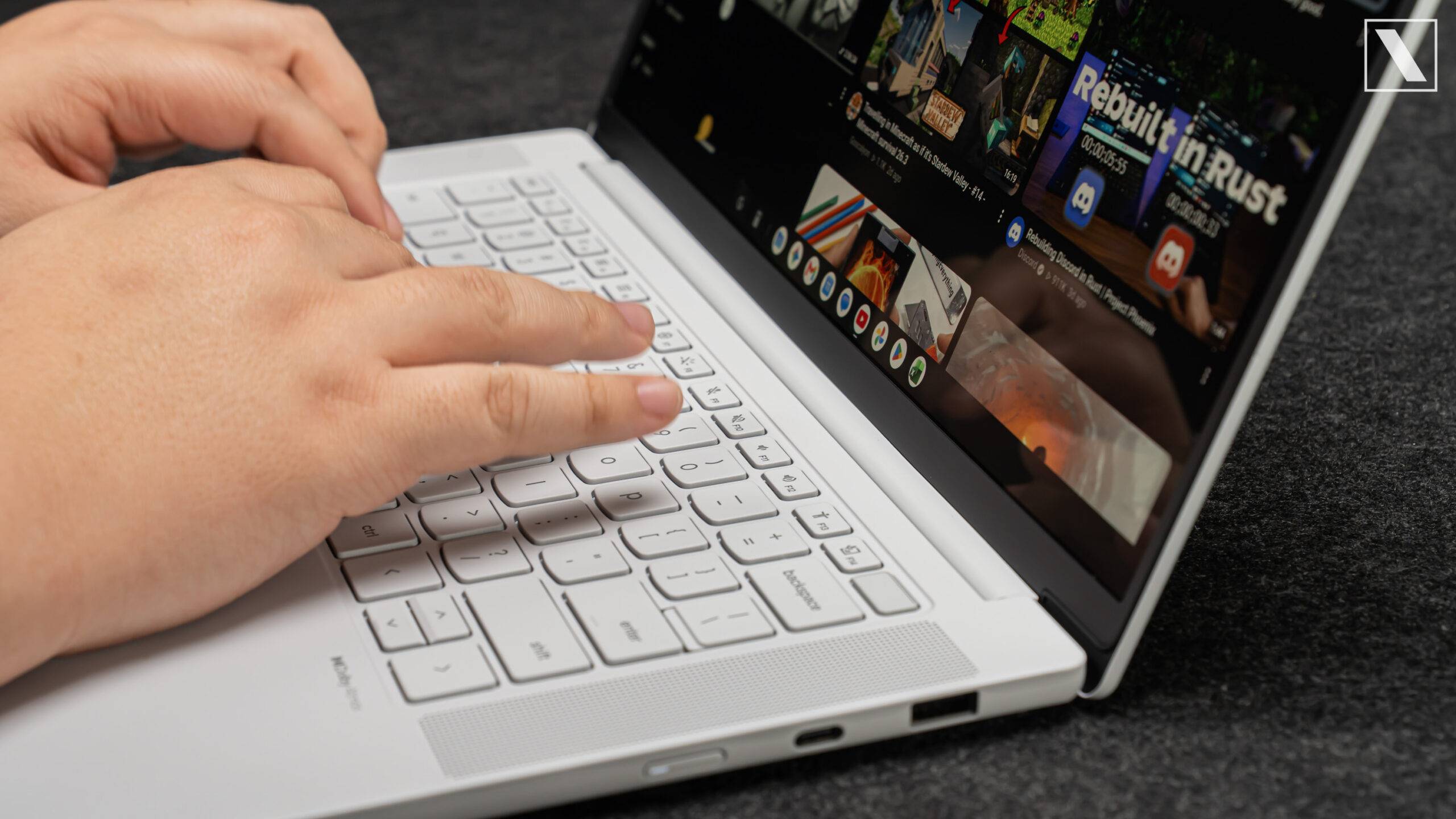
A real typing scene from iFanr. The photographed screen is context, not evidence of desktop Office compatibility. Photo: iFanr.
This is the decisive buying test for office users. If the workflow survives intact, the Googlebook can be a practical choice. If you still need another computer for the important final step, price it as an additional device rather than your replacement work laptop.
The hardware case: a large screen without a heavy chassis
Lenovo’s published specifications explain why the machine is attractive even before the software discussion:
| Feature | Lenovo’s specification | What it changes for the buyer |
|---|---|---|
| Display | 15.3-inch, 2880 x 1800 OLED touchscreen, up to 120Hz, 500 nits | More room for documents and side-by-side work; touch is available when an app benefits from it |
| Portability | Starting at 1.29kg, 15.9mm thick | A large display need not mean a heavy daily carry |
| Processor | Intel Core Ultra 5 325 | Select software by OS compatibility, not the Intel badge |
| Configurations | 16GB or 32GB memory; 256GB or 512GB SSD | Match the configuration and local storage needs when comparing prices |
| Connections | Two Thunderbolt 4 ports, USB-A, HDMI 2.0 and an audio jack | Useful physical connections for existing desk equipment |
The port selection is welcome, but a connector and its software support are separate questions. An HDMI cable can solve a display connection; it cannot supply a Windows-only utility needed by a specialist peripheral. Build your buying checklist around both.
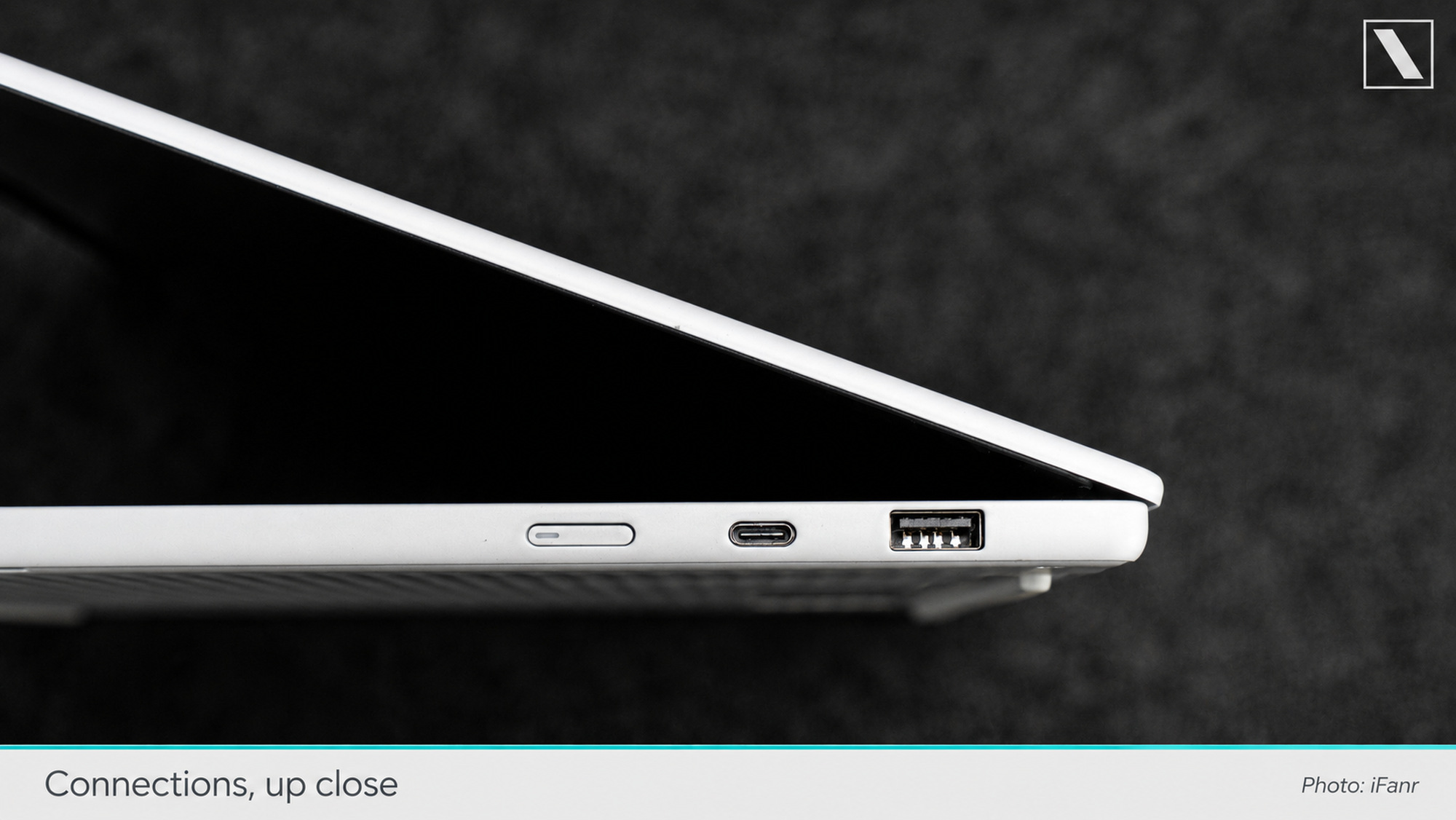
One photographed edge of the laptop. Physical connections and application support are separate buying checks. Photo: iFanr.
Keyboard feel is another reason to avoid a unanimous-sounding verdict. iFanr praised the typing experience, while PCWorld’s reviewer criticized the keyboard and reported tray flex. Those are conflicting observations from different reviewers, not a defect rate. If typing occupies most of your day, a short keyboard trial is more useful than choosing whichever opinion matches your preferred conclusion.
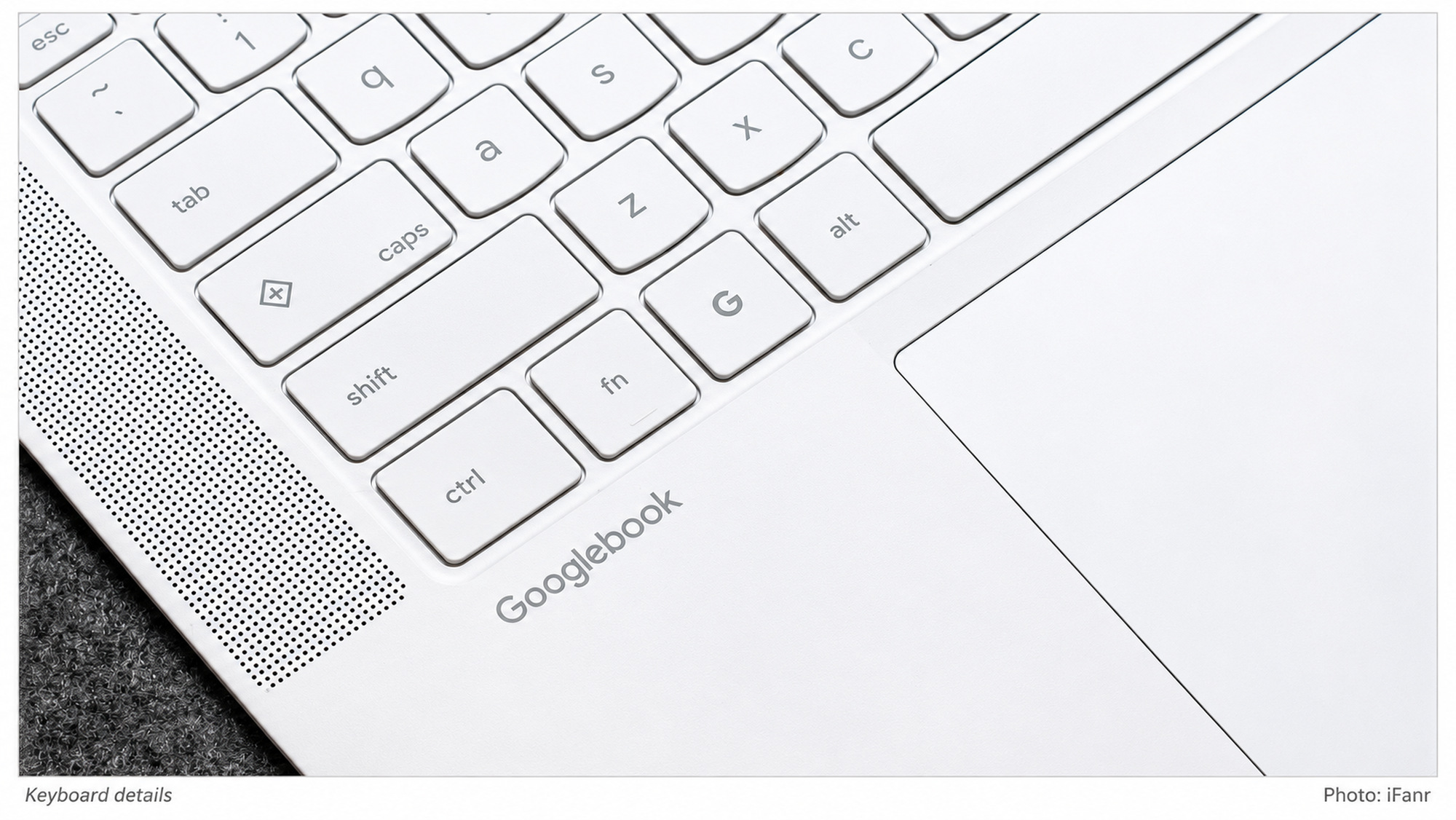
The G key and surrounding keyboard layout, shown in a separate close-up. A keyboard trial still matters. Photo: iFanr.
Phone integration is valuable only when your phone qualifies
Googlebook’s strongest distinction is not an AI logo on the lid. It is the possibility of reducing the repeated handoffs between your phone and computer. Google’s launch description includes continuing phone tasks, accessing phone files and using Cast My Apps to interact with phone apps in a desktop window. Those are distinct from installing an Android app directly on the laptop.
Google’s current cross-device requirements specify a compatible phone running Android 17 or later, current Googlebook OS, Wi-Fi and Bluetooth enabled, the same Wi-Fi network or personal hotspot, and a shared Google Account. Relevant apps should also be updated. Simply owning an Android phone is not enough to assume that the full experience will work.
Meeting those requirements does not guarantee a smooth handoff. PCWorld found that Cast My Apps and Continue On used a landscape window, and that a streamed phone game felt laggier than on the phone itself. This is an attributed review observation, not a measured latency figure or a result for every app. Try the particular handoff you expect to use before treating it as a reason to pay more. If the phone does not qualify, evaluate the laptop on its standalone abilities and price. Do not pay extra for a workflow you cannot use today.
The exterior Glowbar has a simpler role. Lenovo describes it as a way to check battery and charging status with the lid closed. It adds an identifiable, useful detail to the hardware, but it should remain a secondary reason to buy.
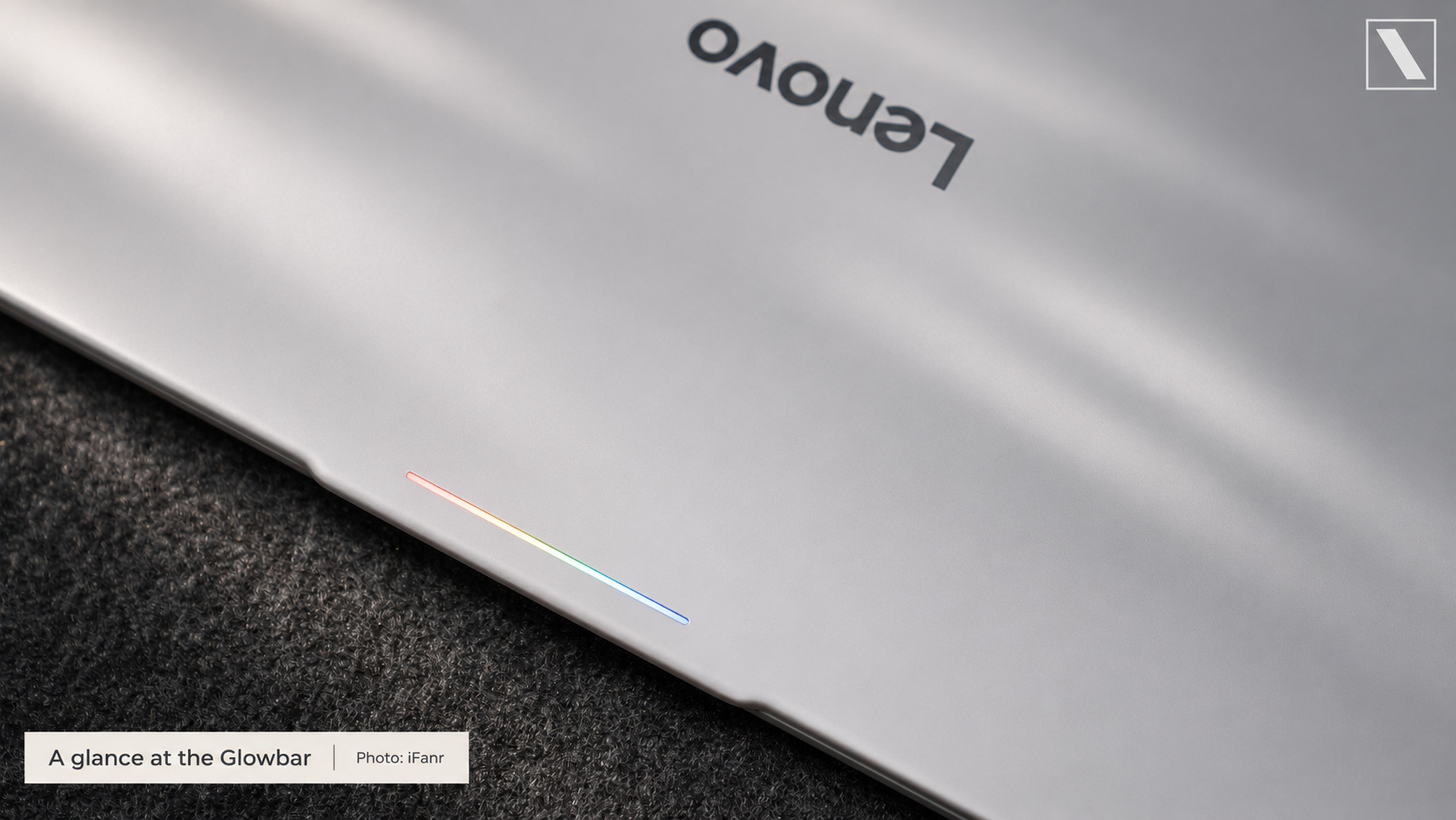
The lid-mounted Glowbar adds a quick status cue. It does not establish battery runtime. Photo: iFanr.
Battery and Gemini: judge the workload, not the headline
The battery evidence illustrates why a single headline is insufficient. Lenovo specifies a 70Wh battery and advertises up to 12.5 hours under its testing conditions. iFanr reported roughly six to seven hours of continuous screen-on use. PCWorld recorded five hours and 26 minutes in its Android PCMark battery rundown and cautioned that it was not directly comparable with its Windows PCMark test.
These are different workloads and methods. They should not be averaged into an expected battery life or converted into a percentage shortfall against another laptop. For a buyer moving between meetings, the practical issue is whether the unplugged portion of the day resembles light browsing or a sustained demanding session. Keep access to charging in the plan rather than treating the advertised maximum as a guarantee.
Gemini features need the same task-level scrutiny. Google’s launch overview describes Magic Pointer for invoking Gemini around onscreen content and Rambler for turning dictated thoughts into organized text. Its availability guidance directs users to country- and language-specific feature requirements.
Those tools may reduce repetitive steps inside a working routine. They do not replace an unavailable application feature. A useful demonstration is your own task completed accurately from beginning to end, not simply the assistant producing an impressive-looking first response.
Who should buy the Lenovo Googlebook 15?
Shortlist it if your essential work already fits desktop Chrome or suitable Android apps, you want a spacious OLED touchscreen in a light chassis, and the phone integration solves a repeated inconvenience. Linux-capable users may also find the Terminal environment useful, provided it supports their actual tools.
Choose a Windows laptop when a required Windows program or desktop Excel automation is central to your day. Compare a Chromebook Plus when the browser is already enough and the additional Googlebook features do not justify the price difference. Compare exact configurations and current offers, rather than a launch price against an unrelated sale model.
The Lenovo Googlebook 15 does not need to replace every kind of PC to be worthwhile. It needs to complete your important tasks without creating a second set of workarounds. Make that the condition for buying it, then decide whether the screen, weight and connected-phone experience are worth the premium.
- Large OLED touchscreen in a chassis starting at 1.29kg
- Desktop Chrome plus Android apps and a documented Linux environment
- Useful phone connections when your devices meet Google requirements
- Essential Windows software can prevent a complete laptop replacement
- Phone integration requires a compatible Android 17 or later device
- Reviewers reported workload-dependent battery life and occasional software friction