1. 30-Second Verdict
Google’s Live Translate feature offers real-time voice translation through headphones. It’s free, supports 70+ languages, and works on both iOS and Android. While requiring an internet connection and currently limited to 12 regions, it provides a glimpse into the future of accessible communication.
2. What Does Google “Live Translate” Mean for Real-Time Translation? (The AI Earbud Revolution)
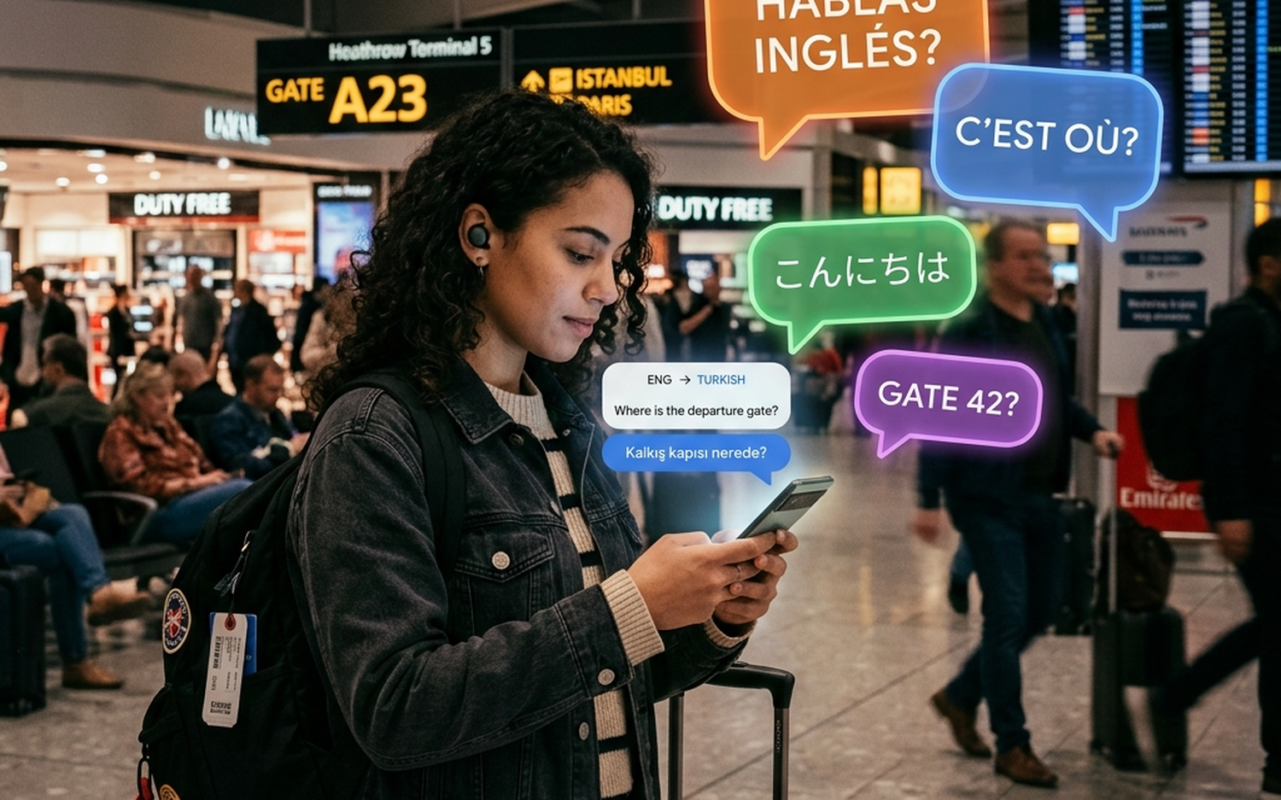
Live Translate aims to break down language barriers using AI. It provides near-instantaneous translation directly into your ears. This could change how we interact with others globally.
3. How the Live Translate Feature Works in Your Ears
The feature leverages your smartphone’s microphone and Google’s AI to translate speech. It then relays the translated audio directly to your headphones. The latency is around 1-2 seconds, according to Google’s official documentation.
4. Key Requirements: Any Earbuds Will Do! (AirPods & Cheap Earbuds Alike)
Live Translate is designed for broad compatibility. Any headphones with a working microphone should function correctly. This includes both premium options like AirPods and more budget-friendly alternatives.
To download or update Google Translate on iOS, you may need a US region-logged iPhone App Store account. An internet connection (Wi-Fi or mobile data) is also essential.
5. Gemini AI Under the Hood: Nuance over Robotic Translation
Google’s Gemini AI powers Live Translate. This allows for contextual understanding and handling of idioms. The AI aims to preserve the speaker’s tone, speed, and rhythm, according to Google’s official statements. It can even distinguish between different speakers in a group setting.
6. How it Compares: Google Live Translate vs Dedicated Translation Devices (Like Timekettle)
Dedicated translation devices, such as those discussed in our article on the best language translator devices of 2026, offer specialized hardware and offline capabilities. Live Translate, however, offers the advantage of being free and leveraging existing smartphone and headphone infrastructure. The best choice depends on individual needs and priorities.
Here’s a comparison table:
| Feature | Google Live Translate | Dedicated Translation Devices (e.g., Timekettle) | Source / Confidence |
|---|---|---|---|
| Real-time Voice Translation | Yes | Yes | Official |
| Platforms | iOS, Android | Varies by device | Official |
| Offline Mode | No | Often Available | Official / Estimate |
| Cost | Free | Typically $100+ | Official / Estimate |
| AI Engine | Gemini AI | Varies by device | Official / Estimate |
| Language Support | 70+ | Varies by device | Official |
| Latency | 1-2 seconds | Varies by device | Official / Estimate |
| Hardware Requirement | Headphones with microphone | Dedicated hardware | Official |
Verdict: Google Live Translate offers a compelling free option for real-time translation, but requires an internet connection. Dedicated devices may offer offline functionality and specialized hardware, but come at a cost.
7. The 3 Core Modes: Listening, Conversation, and Text-Only
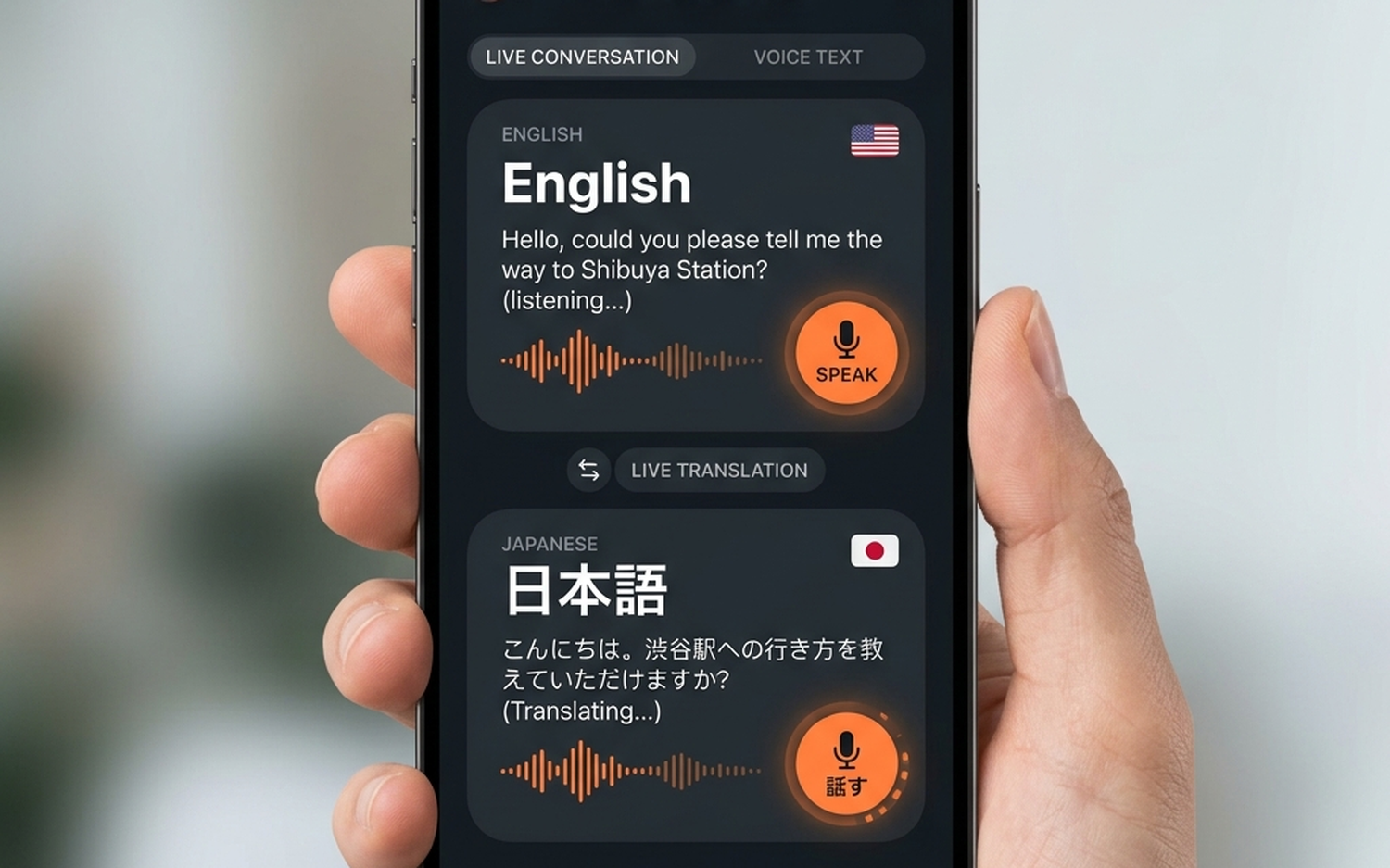
Live Translate offers three primary modes. “Listening” translates ambient sounds directly to your headphones. “Conversation” facilitates two-way communication. “Text-only” displays translated text on the screen.
8. Step-by-Step Guide: How to use Google Live Translate Right Now
- Download the Google Translate app on your iOS or Android device.
- Ensure you have headphones with a working microphone connected.
- Open the app and select the “Conversation” or “Listening” mode.
- Choose the input and output languages.
- Begin speaking or listening.
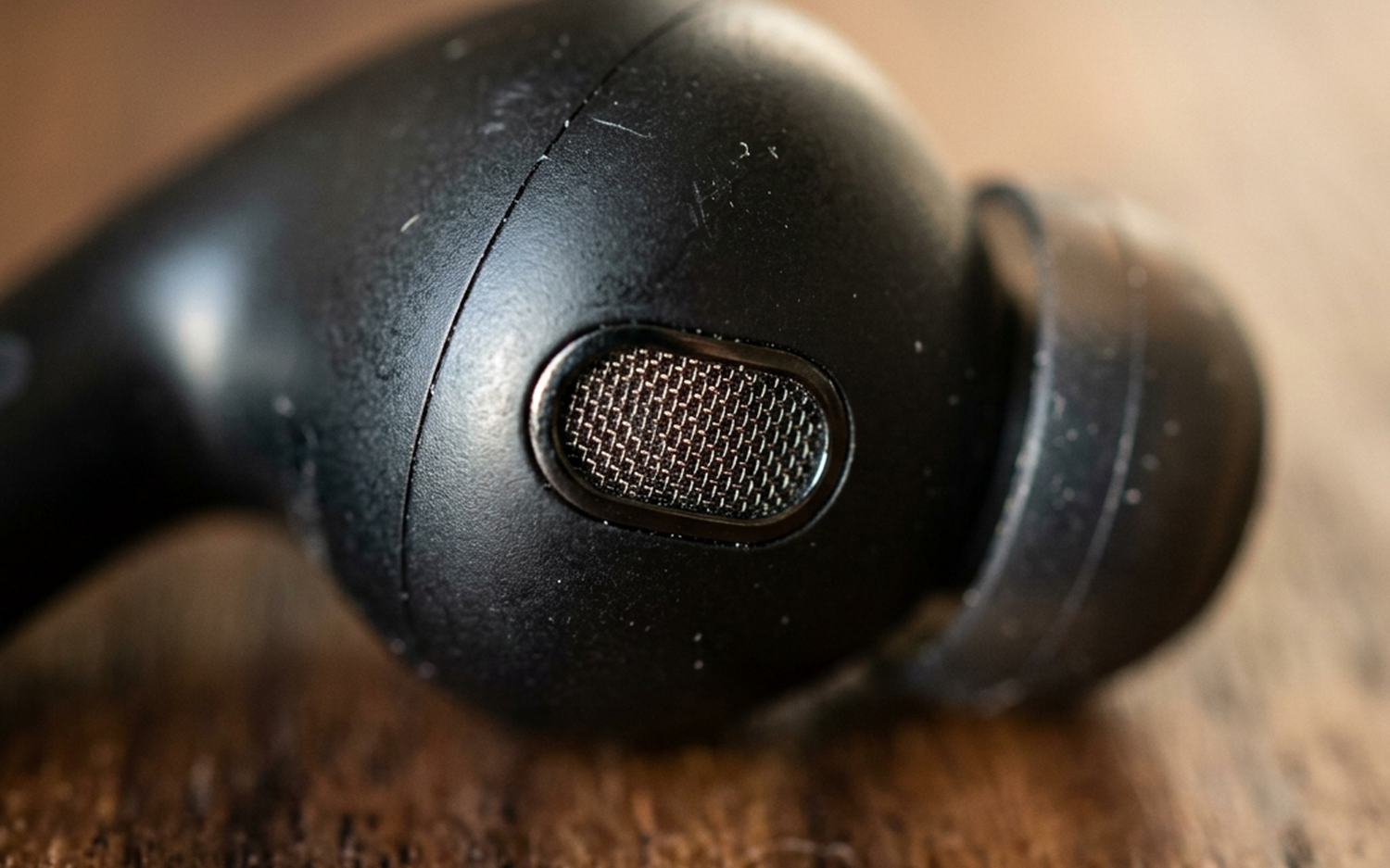
9. Is it Ready for Global Travel? Supported Languages and Limitations (Network needed)
Live Translate supports 70+ languages. However, a reliable internet connection is crucial. As mentioned in our guide to the best noise cancelling earbuds for travel, having reliable connectivity is key for any app-based translation service. The feature is officially available in 12 countries and regions, covering over 2 billion people, with plans for expansion.
10. Final Thoughts
Live Translate presents a promising step toward accessible communication. While limitations exist, the potential to bridge language gaps is significant. The integration of Gemini AI offers a more nuanced and natural translation experience.
Recommendation:
- Best Overall: Google Live Translate, due to its free availability and wide language support.
- Best Value: Google Live Translate, as it leverages existing smartphone and headphone hardware.
Who should buy / who should skip:
- Who should buy: Individuals who frequently travel to areas where they don’t speak the local language and have reliable internet access.
- Who should skip: Users who require offline translation capabilities or prioritize specialized translation hardware.
- Free to use
- Supports 70+ languages
- Leverages existing smartphone and headphone hardware
- Requires an internet connection
- Currently limited to 12 regions
- Latency of 1-2 seconds
Frequently Asked Questions
What is Google Live Translate?
It’s a feature that provides real-time voice translation through headphones, aiming to break down language barriers using AI.
What are the key requirements to use Live Translate?
You need a smartphone (iOS or Android), headphones with a working microphone, and an internet connection.
How does Live Translate work?
It uses your smartphone’s microphone and Google’s Gemini AI to translate speech, then relays the translated audio directly to your headphones.
Does Live Translate work offline?
No, a reliable internet connection (Wi-Fi or mobile data) is required for Live Translate to function.
What languages are supported by Google Live Translate?
Live Translate supports 70+ languages.

- Google Live Translate: Real-Time Voice Translation - April 8, 2026
- Xiaomi Book Pro 14 (2026) Review: The Magnesium-Lithium Productivity King - April 6, 2026
- AirPods Max 2 Review: Small Update, Huge Sound Gains - April 5, 2026