If you need to convert a video to MP4, rip audio to MP3, or save a clip from YouTube, TikTok, or Vimeo – there’s no shortage of free tools. The challenge is finding ones that still work in 2026, don’t bundle malware, and actually support the formats you need.
This guide covers 18 free video converters and downloaders that are actively maintained, divided into three sections: online converters, online downloaders, and desktop apps.
What to Look For in a Free Video Converter or Downloader
Before picking a tool, consider three factors:
- Format support – MP4 and MP3 cover most use cases, but MKV, WebM, and AVI still matter for specific devices and editors.
- File size and quality limits – free tiers on cloud converters often cap uploads at 100MB to 1GB and may restrict downloads to 720p.
- Safety – reputable tools use HTTPS encryption and delete uploaded files automatically. Avoid sites that push browser extensions or redirect through multiple ad pages before your download starts.
Best Free Online Video Converters
Online converters let you upload a file (or paste a URL), select an output format, and download the result – no installation required. Most support MP4, MP3, MOV, AVI, and WebM at minimum.
1. CloudConvert
CloudConvert supports over 200 file formats across video, audio, images, and documents. The free tier allows 25 conversions per day, which covers most casual needs. Files are processed on secure servers and automatically deleted after conversion. Output quality is well-preserved, and the interface is clean enough for first-time users. A paid subscription unlocks larger file sizes and priority processing.
Best for: One-off conversions, obscure format support, users who also need document and image conversion.
2. FreeConvert
FreeConvert handles over 60 video formats with no account required. The free tier supports files up to 1GB and 25 conversions per day – one of the most generous limits among browser-based tools. The interface also includes basic video editing (trim, crop, resize) before conversion. No watermarks are added to converted files.
Best for: Beginners who want a clean, no-registration experience with optional editing tools.
3. Convertio
Convertio is one of the most widely used browser-based converters, supporting over 300 format pairs. The free tier caps uploads at 100MB. It’s fast, regularly updated, and integrates directly with Google Drive and Dropbox, so you can import and export files without downloading them to your computer first.
Best for: Users who store source files in Google Drive or Dropbox and want to avoid local downloads.
4. Zamzar
Zamzar is one of the oldest online converters still in active operation and continues to deliver reliable results. It supports over 1,200 format conversions across video, audio, images, documents, and eBooks – a breadth that most tools can’t match. The free tier limits file size to 50MB, but the format coverage is unmatched for browser-based tools.
Best for: Unusual or legacy format conversions such as RealMedia (.rm), ASF, DivX, or obsolete audio formats.
5. OVC – Online Video Converter
OVC combines video downloading and conversion in one step. Paste a YouTube, TikTok, Instagram, or Dailymotion URL and it downloads and converts simultaneously – no need to use separate tools. No registration is required, no file size limits are enforced, and no watermarks are added to output files. Supported formats include MP4, MP3, AVI, and WebM.
Best for: Downloading and converting streaming video in a single step without creating an account.
6. AnyMP4 Free Online Video Converter
AnyMP4’s browser-based converter requires a small launcher to be installed, but conversion happens locally on your machine rather than on a remote server. This means no upload time and no privacy exposure – your file never leaves your computer. It converts between MP4, MOV, MP3, and other common formats with no file size limits.
Best for: Privacy-conscious users who prefer local processing over cloud uploads.
Best Free Online Video Downloaders
Online downloaders extract video or audio from streaming platforms directly in your browser – no software needed. Most work by parsing the stream URL from the page you provide.
7. SaveFrom.net
SaveFrom.net is one of the longest-running multi-platform video downloaders. It supports YouTube, Vimeo, Dailymotion, Facebook, and dozens of other platforms. Paste a video URL, select a quality (up to 1080p on most platforms), and download as MP4 or MP3. No account is required, and the free version is fully functional.
Best for: General-purpose downloading across multiple platforms without installing software.
8. Y2Mate
Y2Mate focuses on YouTube and supports downloads up to 1080p as MP4 and up to 320kbps as MP3. The process is straightforward: paste a URL, choose format and quality, and download. It also supports WebM output. Y2Mate is one of the most widely used tools for YouTube audio extraction at high bitrates.
Best for: YouTube to MP3 extraction at high audio quality.
9. SnapTik
SnapTik is purpose-built for TikTok and automatically removes the TikTok watermark from downloaded videos. Paste a TikTok video URL and download as MP4. The interface is mobile-optimized and works well in iOS and Android browsers without requiring an app installation.
Best for: Downloading TikTok videos without the embedded watermark.
10. SnapInsta
SnapInsta downloads videos, photos, Reels, and Stories from public Instagram accounts. Paste the post URL and select MP4 or the original image format. It also supports batch downloads from public profiles. No account is required and no watermarks are added to downloaded files.
Best for: Saving Instagram Reels and Stories for offline viewing.
11. Cobalt
Cobalt is an open-source, privacy-focused video downloader that supports YouTube, TikTok, Twitter/X, Instagram, Vimeo, Twitch, and over 20 other platforms. It has no ads, no trackers, and no account requirement. The project is actively maintained and uses no third-party analytics. Cobalt supports the highest available quality including 4K where the source provides it.
Best for: Privacy-first users who want a fully open-source, ad-free downloading option.
Best Free Desktop Video Converters and Downloaders
Desktop apps process files locally – no upload limits, no privacy exposure, no dependency on server availability. These are the right choice for large files, batch processing, or frequent use.
12. HandBrake
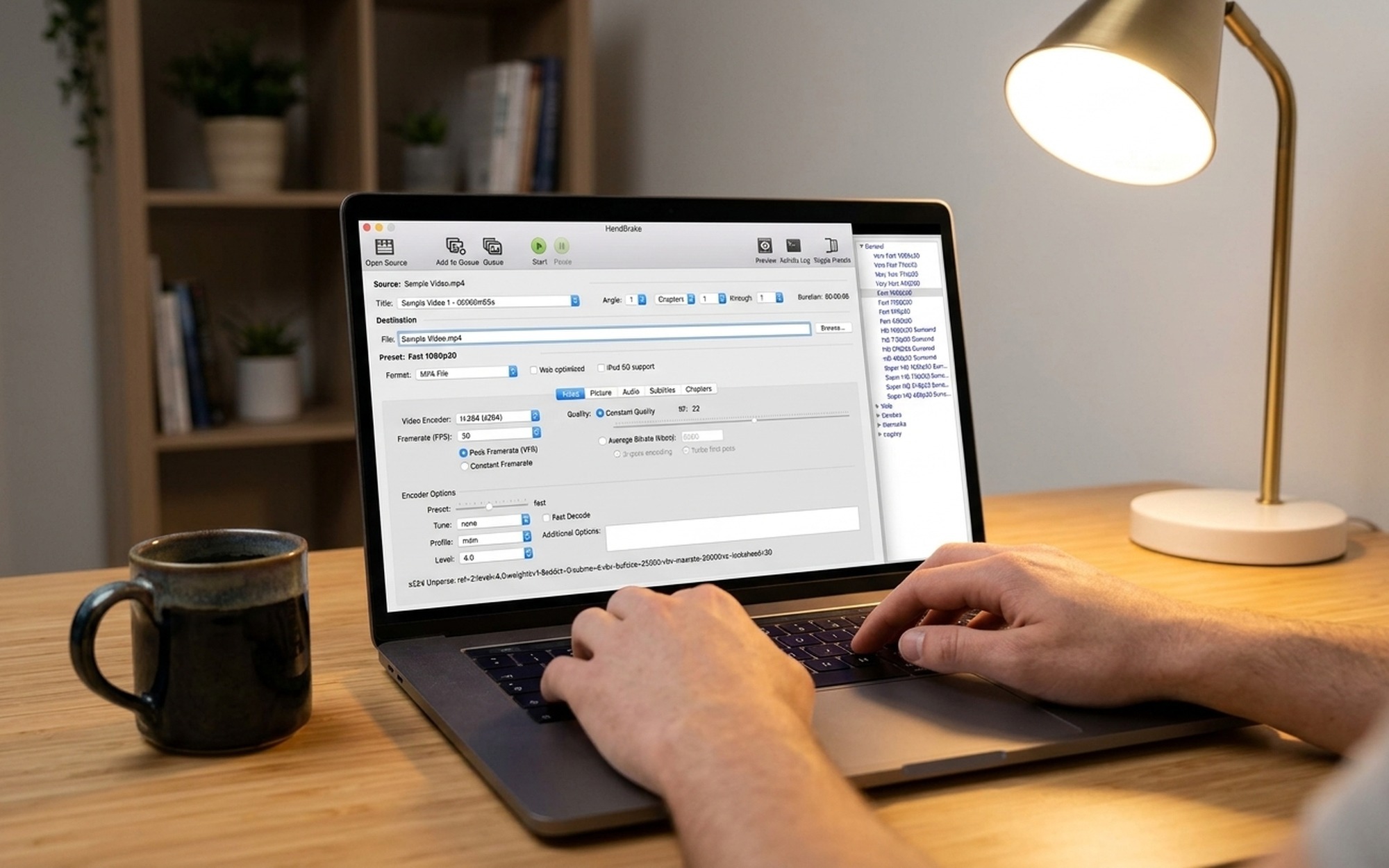
HandBrake is the gold standard for free desktop video conversion. It’s open-source, actively maintained, and available on Windows, macOS, and Linux. HandBrake outputs MP4 and MKV using modern codecs including H.264, H.265, AV1, and VP9. Key features include batch conversion, built-in device presets (for phones, tablets, Apple TV, etc.), subtitle embedding, and hardware-accelerated encoding via Intel QuickSync, AMD VCE, and Nvidia NVENC.
The one limitation is container variety: HandBrake only outputs MP4 and MKV. For other containers like AVI or WMV, use VLC or FFmpeg instead.
Best for: High-quality desktop conversion with hardware acceleration and no file size limits.
13. 4K Video Downloader+
4K Video Downloader+ is the most beginner-friendly desktop downloader available. Install the app, paste a URL, pick your quality, and download. The free tier allows 30 downloads per day. It supports YouTube, Vimeo, TikTok, Facebook, SoundCloud, and other platforms. Output formats include MP4, MKV, and MP3. The interface is clean and requires no technical knowledge.
Best for: Casual users who want a GUI downloader without learning command-line tools.
14. yt-dlp
yt-dlp is the most powerful free video downloader available. It’s a command-line tool that supports over 1,800 websites and can download at the highest available quality, merge separate video and audio streams, embed subtitles and metadata, and batch-process entire playlists and channels. There are no download limits and no account required.
Used together with FFmpeg, yt-dlp becomes a complete free solution for downloading and converting any video format from almost any website.
Best for: Power users who want maximum format control and site coverage.
15. VLC Media Player
VLC is best known as a media player, but its built-in Convert/Save feature handles video and audio conversion between dozens of formats. Drag in a file, select an output profile (MP4, MP3, WebM, OGG, etc.), and encode. VLC uses FFmpeg libraries internally, so quality and compatibility are solid. It’s free, open-source, and runs on Windows, macOS, Linux, iOS, and Android.
Best for: Users who already have VLC installed and need occasional one-off format conversions.
16. Any Video Converter Free
Any Video Converter Free (AVC) supports over 1,000 input and output format combinations. It handles DVD ripping, video downloading (YouTube, Vimeo, Dailymotion), and format conversion in a single interface. The free version adds no watermark and has no file size limit, though advanced encoding settings are reserved for the paid tier. Windows only.
Best for: Windows users who want a single GUI tool for both downloading from streaming sites and converting local files.
17. FFmpeg
FFmpeg is not an application with a graphical interface – it’s a command-line toolkit that powers most of the other tools on this list under the hood. If you’re comfortable with a terminal, FFmpeg gives you complete control over encoding parameters, filters, frame rate, bitrate, resolution, and container format. It supports virtually every video and audio format in existence.
A basic conversion command looks like this:
ffmpeg -i input.mkv -c:v libx264 -c:a aac output.mp4
Best for: Developers, advanced users, and automation scripts that need scriptable, zero-cost transcoding.
18. ClipGrab
ClipGrab is a free, open-source GUI wrapper that makes video downloading and format conversion accessible without any command-line knowledge. It uses yt-dlp under the hood and supports YouTube, Vimeo, Dailymotion, and other platforms. The interface is minimal: paste a URL, choose a format (MP3, MP4, OGG), and download. Available on Windows, macOS, and Linux.
Best for: Users who want yt-dlp’s broad site support wrapped in a simple graphical interface.

Free Video Converters vs. Downloaders: Quick Comparison
| Tool | Type | Platforms / Sites | Key Output Formats | Free Limit |
|---|---|---|---|---|
| CloudConvert | Online converter | Web upload | 200+ formats | 25 conversions/day |
| FreeConvert | Online converter | Web upload | 60+ formats | 25/day, 1GB/file |
| Convertio | Online converter | Web + Google Drive | 300+ formats | 100MB/file |
| Zamzar | Online converter | Web upload | 1,200+ formats | 50MB/file |
| OVC | Online downloader + converter | YouTube, TikTok, Instagram | MP4, MP3, WebM | No limit |
| SaveFrom.net | Online downloader | YouTube, Vimeo, Facebook+ | MP4, MP3 | No limit |
| Y2Mate | Online downloader | YouTube | MP4, MP3, WebM | No limit |
| SnapTik | Online downloader | TikTok | MP4 (no watermark) | No limit |
| SnapInsta | Online downloader | MP4, JPEG | No limit | |
| Cobalt | Online downloader | 20+ platforms | MP4, MP3, WebM | No limit |
| HandBrake | Desktop converter | Local files | MP4, MKV | No limit |
| 4K Video Downloader+ | Desktop downloader | YouTube, Vimeo, TikTok+ | MP4, MKV, MP3 | 30 downloads/day |
| yt-dlp | Desktop downloader | 1,800+ sites | All formats | No limit |
| VLC | Desktop converter | Local files | 50+ formats | No limit |
| Any Video Converter | Desktop all-in-one | Local files + streaming | 1,000+ formats | No limit |
| FFmpeg | Desktop converter | Local files | All formats | No limit |
| ClipGrab | Desktop downloader | YouTube, Vimeo, Daily+ | MP4, MP3, OGG | No limit |
Are Online Video Converters Safe to Use?
Most reputable online converters are safe, but not all of them. Security researchers regularly identify converter sites distributing adware, browser hijackers, or cryptocurrency miners – especially newer sites or those that were recently acquired.
Here’s what to check before uploading your files:
Signs a converter is trustworthy:
– HTTPS connection (padlock visible in the browser address bar)
– Explicit data deletion policy – files are deleted within 1–24 hours
– No browser extension installation required before downloading
– Clean interface without excessive pop-up ads or redirect chains
Warning signs to avoid:
– Sites that require a browser extension to function
– Multiple redirect pages before your download begins
– “Download” buttons that push ad installers instead of your converted file
– Sites flagged in Google’s Safe Browsing Transparency Report
For sensitive or confidential video files, always use a desktop application – HandBrake, VLC, or FFmpeg all process files entirely locally with no upload required and no third-party server involved.
- Most tools listed are completely free with no watermarks or hidden paywalls
- Online tools like CloudConvert and FreeConvert require zero software installation
- Desktop apps (HandBrake, yt-dlp) support unlimited file sizes with no daily caps
- Modern tools cover TikTok, Instagram, YouTube, Vimeo, and 1,800+ other platforms
- Open-source options (HandBrake, yt-dlp, Cobalt) are transparent and community-audited
- Free tiers on cloud converters typically cap uploads at 50MB to 1GB
- Some platforms periodically block online downloaders, requiring tool updates
- Downloading copyrighted content may violate platform terms of service in your region
- Command-line tools like yt-dlp and FFmpeg have a steep learning curve for new users
Frequently Asked Questions
What is the best online video converter in 2026?
CloudConvert is the most versatile free online video converter, supporting over 200 formats with 25 free conversions per day. FreeConvert is the best no-registration option, while OVC is ideal if you want to download and convert in a single step. For desktop use with no limits, HandBrake is the top free choice.
Which online video converter supports both MP4 and MP3?
All six online converters in this list — CloudConvert, FreeConvert, Convertio, Zamzar, OVC, and AnyMP4 — support both MP4 (video) and MP3 (audio) output. For YouTube to MP3 specifically, Y2Mate and OVC are the most straightforward browser-based options and require no account.
Are online video converters safe to use?
Reputable tools like CloudConvert, FreeConvert, and Convertio are safe — they use HTTPS encryption and automatically delete uploaded files within 24 hours. Avoid any converter that asks you to install a browser extension before downloading your file, or routes you through multiple redirect pages. For sensitive files, use a local desktop tool like HandBrake or VLC instead.
What is the best free video downloader for YouTube?
For browser-based use, Y2Mate is the most straightforward option for MP4 and MP3 downloads up to 1080p. For a desktop GUI, 4K Video Downloader+ is the easiest to use (30 free downloads/day). For maximum quality and no restrictions, yt-dlp is the most powerful free downloader but requires command-line comfort.
Is HandBrake really free?
Yes. HandBrake is completely free and open-source under the GNU General Public License. There is no paid version, no watermark, and no feature gating. It runs on Windows, macOS, and Linux and can convert files of any size. The only caveat is that it only outputs MP4 and MKV containers — not AVI or WMV.
What is the difference between a video converter and a video downloader?
A video converter takes a file you already have and re-encodes it into a different format (e.g., MKV to MP4). A video downloader fetches a video from a streaming website like YouTube or TikTok and saves it locally. Some tools — like OVC, Any Video Converter Free, and yt-dlp with FFmpeg — do both in a single workflow.