Xiaomi Book Pro 14 (2026) Review: The Ultimate MacBook Pro Alternative?
Xiaomi has not shipped a flagship laptop in four years. The Book Pro 14 (2026) is the company’s attempt to re-enter that conversation, and it arrives with a starting price that sits well below comparable Windows ultrabooks and, more pointedly, well below the MacBook Pro 14.
The machine runs on Intel’s Panther Lake architecture, wraps a 14.6-inch 3.1K OLED panel in a magnesium alloy chassis, and weighs just 1.08kg. On paper, that combination is difficult to argue with.
The harder question is whether a laptop this thin and this light can sustain real workloads without throttling, and whether the build quality justifies positioning it against Apple’s best. Those are the two threads this review pulls on throughout.
The “Velvet” Magnesium Alloy Chassis
Xiaomi’s decision to move from aluminum to magnesium alloy is the single biggest engineering choice on this machine, and it produces a genuinely polarizing result.
The weight figure is the headline: 1.08kg. According to Xiaomi’s own materials, the magnesium alloy construction makes the chassis roughly 40% lighter than an equivalent aluminum body (XiaomiTime, 2026). For anyone who commutes with a laptop daily, that difference is not abstract.
The texture is described internally as “velvet,” and that word is accurate in a way Xiaomi probably did not intend. The surface feels warmer to the touch than brushed aluminum and has a slight softness that early Reddit users compared to a premium plastic rather than a metal chassis. That perception fades once you apply pressure and feel the structural rigidity underneath, but the first impression is not what you get from a MacBook or a ThinkPad.
Smudging is a real issue. The matte velvet coating attracts fingerprints and skin oils more readily than anodized aluminum, and it requires more frequent wiping during extended sessions.
For buyers who prioritize portability above all else, the trade-off is worth it. For buyers who equate tactile coldness with quality, this chassis will feel like a step down from what they expect at this price tier.
Unrivaled Port Selection for a 14.95mm Body
The port array on a 14.95mm-thick laptop is where Xiaomi makes the clearest argument against its competition.
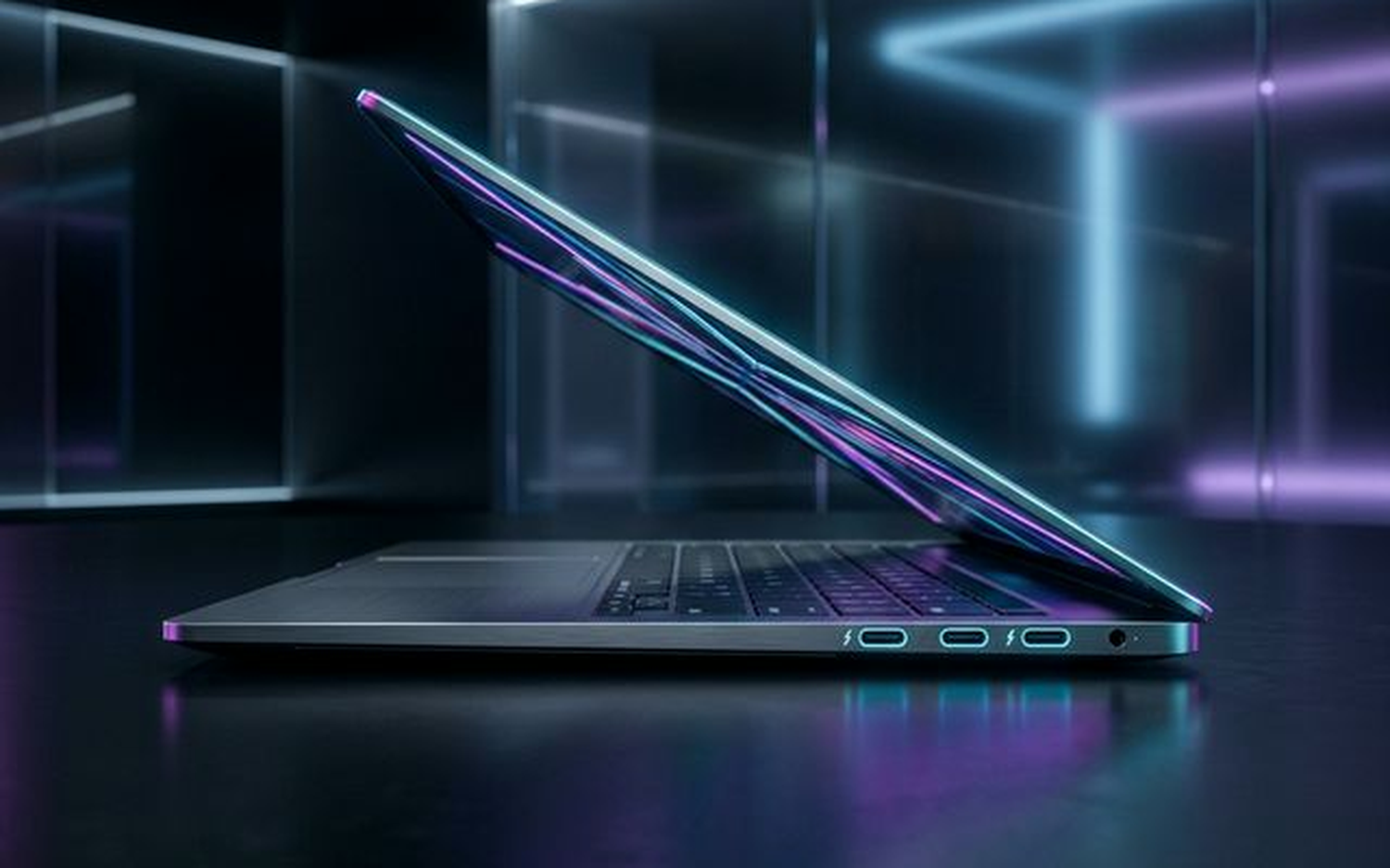
The left side carries a Thunderbolt 4 port (full 40Gbps bandwidth, DisplayPort 2.1, and 140W PD charging support), a true USB-C 3.2 Gen 2 port, and an HDMI 2.1 output capable of driving a 4K/144Hz external display without an adapter.
The right side adds a USB-A 3.2 Gen 2 port and a 3.5mm combo audio jack.
That is five functional ports on a sub-15mm chassis. The Dell XPS 14, which sits in a similar price bracket, ships with two Thunderbolt 4 ports and an SD card slot but forces you to use a dongle for USB-A and HDMI. The MacBook Pro 14 with M3 does better, but it costs significantly more and is heavier.
For anyone who has spent money on a USB-C hub in the last two years, this port selection is a direct and practical advantage.
Display Deep Dive: A 3.1K 120Hz OLED Masterpiece?
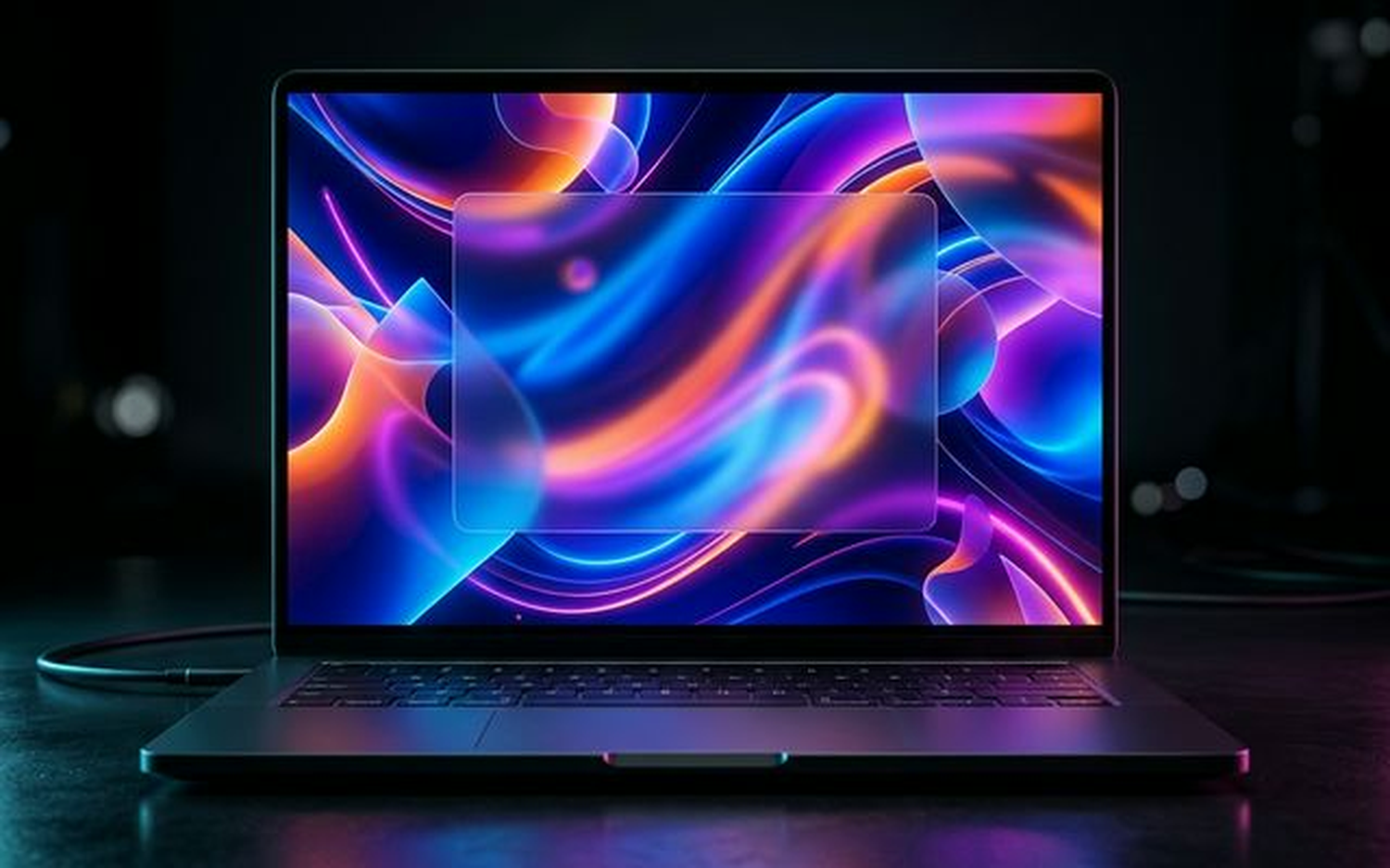
The display specifications read like a checklist for a professional monitor. The panel is 14.6 inches, runs at 3.1K resolution (3072 x 1920), refreshes at 120Hz with LTPO adaptive sync, hits 1600 nits peak HDR brightness, covers 100% of the DCI-P3 color gamut, and carries TUV Rheinland low blue light certification.
In practice, the screen is genuinely excellent for content consumption and color-critical work. The OLED blacks are absolute, contrast is effectively infinite, and the 1600-nit peak makes HDR content look the way it is supposed to look rather than the washed-out approximation you get from most LCD panels.
The 120Hz adaptive refresh rate is smooth during everyday navigation and drops appropriately during static content to preserve battery life.
For video editors and photographers working in DCI-P3 color spaces, this panel is competitive with panels found on machines costing significantly more.
The Quirks: Screen Alignment and Color Shifts
Two issues with this display are worth flagging before any purchase decision.
The first is a physical alignment problem. The screen panel sits with a slight misalignment at the right corner relative to the chassis bezel. This is a quality control issue that has been noted across multiple review units and is visible when the lid is open at certain angles. It does not affect display function, but it is the kind of detail that is difficult to unsee once you notice it.
The second issue is off-axis color shifting. The ifanr review of this unit documented a red and green color shift when viewing the panel from angles beyond roughly 30 degrees off-center. This is a characteristic of some OLED panel types rather than a defect specific to Xiaomi’s implementation, but it is more pronounced here than on competing OLED laptops from LG and Samsung.
For a creator who works at a fixed angle directly in front of the screen, neither issue is a dealbreaker. For anyone who regularly shares their screen with a colleague sitting beside them, the color shift is noticeable enough to matter.
The Windows UI scaling also presents a minor friction point. The 3.1K resolution at 14.6 inches requires 200% scaling for comfortable text rendering, and some legacy Windows applications do not handle that scaling gracefully, producing blurry UI elements.
Intel Core Ultra X7 358H Performance & Cooling
The Core Ultra X7 358H is Intel’s Panther Lake architecture in a 28W base TDP envelope. It carries 16 cores (8 performance, 8 efficiency), an integrated Intel Arc B390 GPU with 8 Xe2 cores, and a dedicated NPU rated at 48 TOPS for AI workloads.
The X7 358H sits one tier below the X9 388H found in machines like the Lenovo Xiaoxin Pro 16 GT AI. The X9 adds two additional performance cores and a higher sustained power ceiling, which translates to a measurable gap in sustained multi-core workloads. For single-core tasks and everyday productivity, the difference is small enough to be irrelevant for most users.
In CPU benchmarks, the X7 358H performs comparably to the M3 in Apple’s MacBook Pro 14 on single-core tasks, while the M3 retains an advantage in sustained multi-core performance due to Apple Silicon’s more efficient thermal management.
Gaming on the Intel Arc B390 iGPU
The Arc B390 is not a gaming GPU, but it is meaningfully more capable than the Iris Xe graphics it replaces.
Arknights: Endfield at 1080p medium settings runs at approximately 45-55 fps, which is playable for a turn-based strategy title with real-time elements. Black Myth: Wukong at 1080p low settings produces frame rates in the 25-35 fps range, which is below the threshold most players would consider acceptable for an action title of that visual complexity.
The practical conclusion is that the Arc B390 handles light-to-medium gaming and older titles comfortably. It is not a substitute for a discrete GPU, and buyers who prioritize gaming should treat it as a secondary capability rather than a selling point.
For AI inference workloads, the combination of the Arc B390 iGPU and the 48 TOPS NPU is more relevant, which is covered in the HyperOS section below.
Thermal Ceiling and Sustained Loads
Xiaomi uses a dual-fan vapor chamber cooling system with a total surface area of 10,000mm². The system sustains a 50W TDP under prolonged load, with a short-burst ceiling of 65W (XiaomiTime, 2026).
Under the 50W sustained load, the keyboard’s C-panel (the area around the G, H, and B keys) reaches temperatures that are warm but not uncomfortable for typing. The palm rest areas remain cool. This heat distribution pattern is common in thin-and-light designs where the cooling system sits directly beneath the keyboard deck.
Acoustically, the fans peak at 46.7 dB in Max Mode, which is audible but not disruptive in an office environment. Silent Mode drops fan noise to 43.3 dB (XiaomiTime, 2026), which is quiet enough for library or meeting room use.
The 50W sustained ceiling is the honest number to benchmark against. It is lower than what a 16-inch machine with a discrete GPU can sustain, but it is competitive for a 14-inch ultrabook at this weight class.
RAM and Storage: The Expandability Surprise
The RAM situation is a constraint with no workaround. The LPDDR5x memory is soldered to the motherboard, with configurations available at 16GB and 32GB. There is no upgrade path after purchase, which means the 32GB configuration is the correct choice for anyone running virtual machines, large language models locally, or heavy creative applications.
This is a standard trade-off in thin ultrabooks, and Xiaomi is not alone in making it. The MacBook Pro 14 with M3 also uses unified memory soldered to the SoC. The Lenovo Xiaoxin Pro 16 GT AI similarly solders its RAM. The criticism is valid, but it applies broadly to this product category.
The storage situation is a genuine differentiator. The Xiaomi Book Pro 14 includes a primary M.2 NVMe SSD slot and a second, user-accessible M.2 slot that accepts drives up to 2TB, allowing total storage configurations of 4TB or more. This is rare in a 14-inch ultrabook and directly addresses one of the most common complaints about thin laptops: running out of local storage for large media libraries or datasets.
The primary SSD in review units uses PCIe 4.0, with sequential read speeds consistent with mid-tier PCIe 4.0 drives.
72Wh Battery Life: Real vs. Claimed
Xiaomi’s official battery claim is 19.8 hours of local video playback. That figure uses a controlled test environment with screen brightness reduced and all radios disabled, and it is not a number that reflects real-world use.
Independent testing by Gizmochina (2026) produced more grounded figures: approximately 12.4 hours for continuous video streaming and close to 16 hours for online meetings. Both tests were conducted at moderate brightness with Wi-Fi active.
For heavy office use involving browser tabs, video calls, document editing, and occasional local AI inference, expect a runtime closer to 8-10 hours. That is slightly less than a full work day for most users, which means carrying the charger for long travel days is advisable.
The included charger is a 100W GaN unit, which is compact and charges the 72Wh battery from near-empty to roughly 80% in under an hour. The Thunderbolt 4 port also accepts third-party 140W PD chargers for faster top-ups.
The battery performance is competitive for a 1.08kg laptop with an OLED display and a 50W-capable CPU. It is not class-leading, but it is not a weakness that undermines the machine’s positioning.
HyperOS Integration and AI Capabilities
HyperOS on the Book Pro 14 is Xiaomi’s attempt to build a cross-device ecosystem that competes with Apple’s Handoff and Continuity features. The core functions include remote sleep and wake-up of connected Xiaomi phones, shared clipboard between devices, and remote file access from a paired phone’s storage.
When these features work, they are genuinely useful for users already in the Xiaomi ecosystem. The clipboard sharing in particular reduces the friction of moving text and links between a phone and laptop, which is a workflow improvement that is easy to underestimate until you use it daily.
The current implementation has reliability issues. Multiple users in early adoption communities have reported that the remote wake-up feature fails intermittently, and the “completion rate” for cross-device file transfers drops under poor network conditions. These are software problems that Xiaomi can address through updates, but they are present in the shipping version.
The AI capabilities are more technically interesting. The combination of the 48 TOPS NPU and the Arc B390 iGPU allows the machine to run local large language models at a practical speed. Xiaomi has demonstrated Qwen3-VL-30B running locally on this hardware configuration, which is a 30-billion-parameter multimodal model. This is relevant for users who need local AI inference for privacy reasons or who work in environments without reliable internet access.
For context on how AI audio processing is evolving in the broader consumer hardware space, our review of the iFlyBuds Pro 2 covers how on-device NPU acceleration is being applied to real-time audio tasks, which reflects the same architectural direction Intel and Xiaomi are pursuing here.
The local LLM performance is not equivalent to cloud-based inference, but the ability to run a 30B parameter model on a 1.08kg laptop without an internet connection is a meaningful capability for a specific class of user.
Final Verdict: Is it the Best 2026 Windows Laptop?
The Xiaomi Book Pro 14 (2026) is a well-executed ultrabook with a specific buyer profile. It is not the best laptop for every use case, and positioning it as a universal MacBook Pro alternative overstates what it does.
What it does well: the port selection is genuinely superior to most competitors at this weight and price. The OLED display is excellent for color-critical work. The second M.2 slot is a practical advantage for users with large local storage needs. The 1.08kg weight is a real-world benefit for daily commuters.
Where it falls short: the magnesium alloy chassis will not satisfy buyers who equate material feel with quality. The soldered RAM means the 32GB configuration is the only future-proof option. The HyperOS ecosystem features are only useful if you already own Xiaomi devices. International buyers face warranty and software localization challenges that are not trivial.
For creators and productivity-focused users who are already considering a Xiaomi phone ecosystem, this is a compelling machine. For hardcore gamers, the Arc B390 iGPU is not a serious gaming solution. For international buyers outside Xiaomi’s primary markets, the warranty and HyperOS localization issues require careful consideration before purchase.
The comparison with the vivo X300 Ultra’s approach to hardware positioning, which we covered in our MWC hands-on, is instructive: Chinese hardware manufacturers are increasingly building products that compete on specification density and price rather than brand premium, and the Book Pro 14 follows that same logic.
If you are evaluating Windows ultrabooks in 2026 and your budget sits below the MacBook Pro 14’s entry price, this machine belongs on the shortlist. It is not a flawless product, but its weaknesses are predictable and its strengths are real.
Mandatory Comparison Table
| Feature | Xiaomi Book Pro 14 (2026, X7) | Apple MacBook Pro 14 (M3) | Lenovo Xiaoxin Pro 16 GT AI (X9) |
|---|---|---|---|
| Processor | Intel Core Ultra X7 358H (Panther Lake, 16-core) | Apple M3 (8-core CPU) | Intel Core Ultra X9 388H (Panther Lake, 18-core) |
| GPU | Intel Arc B390 (8 Xe2 cores, iGPU) | Apple M3 10-core GPU (integrated) | Intel Arc B580 (discrete, 12 Xe2 cores) |
| Display | 14.6-inch 3.1K OLED, 120Hz, 1600 nits HDR | 14.2-inch Liquid Retina XDR, 120Hz, 1600 nits HDR | 16-inch 2.5K IPS, 120Hz, 400 nits |
| RAM | Up to 32GB LPDDR5x (soldered) | Up to 36GB Unified Memory (soldered) | Up to 32GB LPDDR5x (soldered) |
| Storage Expandability | Primary NVMe + 1 extra M.2 slot (up to 4TB+) | Non-user-accessible SSD | Primary NVMe only |
| Weight | 1.08kg | 1.61kg | 1.98kg |
| Battery | 72Wh, ~12.4hr streaming (Gizmochina, 2026) | 70Wh, ~17hr Apple-claimed | 72Wh, ~10-12hr estimated |
| Ports | TB4, USB-C 3.2, USB-A 3.2, HDMI 2.1, 3.5mm | 3x TB4, HDMI 2.1, SD card, MagSafe, 3.5mm | 2x TB4, USB-A, HDMI 2.1, SD card, 3.5mm |
| Sustained TDP | 50W (burst 65W) | ~30-40W (Apple-managed) | 65W+ (larger chassis) |
| OS Ecosystem | Windows 11 + HyperOS | macOS + Apple Continuity | Windows 11 |
| Chassis Material | Velvet magnesium alloy | Aluminum | Aluminum |
| Starting Price (approx.) | ~$1,099 USD | ~$1,599 USD | ~$1,199 USD |
The Lenovo Xiaoxin Pro 16 GT AI is the more direct Windows-to-Windows comparison. Its X9 388H and discrete Arc B580 GPU give it a clear performance advantage in sustained workloads and gaming, but it weighs nearly twice as much as the Xiaomi and gives up the OLED panel at its base configuration. For users who need maximum sustained performance and do not prioritize portability, the Lenovo is the stronger choice. For users who prioritize weight and display quality, the Xiaomi wins that trade-off.
The MacBook Pro 14 with M3 remains the benchmark for battery efficiency and sustained performance in a compact chassis. It costs more, weighs more, and locks you into macOS. If those constraints are acceptable, it is still the more polished product. If they are not, the Xiaomi Book Pro 14 is the most credible Windows alternative at this weight class in 2026.
- Incredibly lightweight at 1.08kg
- Gorgeous 3.1K 120Hz OLED screen
- Excellent port selection (Thunderbolt 4, HDMI 2.1)
- Extra M.2 SSD slot for storage expansion
- Sustained 50W performance with quiet cooling
- Soldered LPDDR5X RAM (non-upgradeable)
- Magnesium alloy finish is prone to smudges
- Slight R-corner misalignment on the display
- Availability currently limited to China
Frequently Asked Questions
Can you upgrade the RAM in the Xiaomi Book Pro 14?
No, the LPDDR5X RAM is soldered to the motherboard and cannot be upgraded. You must choose between the 24GB or 32GB configurations at purchase. However, the storage is upgradeable via a secondary M.2 SSD slot.
How is the battery life on the Xiaomi Book Pro 14?
The laptop features a 72Wh battery. In real-world testing, it achieves around 12.4 hours of continuous video streaming and nearly 16 hours during online meetings, which is highly competitive for its weight class.
Can the Xiaomi Book Pro 14 play games?
Yes, thanks to the integrated Intel Arc B390 GPU, it can handle modern games at reasonable settings. Titles like Arknights: Endfield run at a smooth 60fps at 1200p, and even Black Myth: Wukong can hit 45fps on lower settings.