Best Video Editing Software 2026: Full Comparison for Beginners and Pros
Choosing the wrong video editor costs more than money – it costs hours of relearning and projects that stall at export. This guide cuts straight to the point: eight tools, ranked and compared across price, platform, learning curve, and AI features, so you can pick the right one the first time.
The short answer: DaVinci Resolve for professionals who want no subscription, Filmora for beginners who want a clean start, CapCut for mobile and social-first creators. Everything below explains why, and how to choose between them.
Best Video Editing Software 2026 – Full Comparison Table
| Software | Best For | Platform | Price | Free Tier | Learning Curve |
|---|---|---|---|---|---|
| DaVinci Resolve | Professional color grading and VFX | Win / Mac / Linux | Free or $295 one-time (Studio) | Full editor, no watermark | Steep |
| Adobe Premiere Pro | Team workflows and Adobe ecosystem | Win / Mac | $54.99/mo | 7-day trial only | Moderate |
| Final Cut Pro | Mac-only professionals | Mac only | $299.99 one-time | 90-day trial | Moderate |
| CapCut | Social media and mobile creators | Win / Mac / iOS / Android / Web | Free or Pro ~$9.99/mo | Full editor, no watermark, up to 4K | Low |
| Filmora | Beginners and template-driven projects | Win / Mac | $49.99/yr or $79.99 perpetual | Watermarked exports | Low |
| PowerDirector | Windows all-in-one, fast render | Win / Mac / Android / iOS | $69.99/yr | Watermarked exports | Low |
| iMovie | Mac and iPhone beginners | Mac / iOS | Free | Full editor, no watermark | Very Low |
| Kdenlive | Open-source power users | Win / Mac / Linux | Free | Full editor, no watermark | Medium |
For a broader look at browser-based options that need no installation, see our list of free online video editing tools.
Top Rated Video Editing Software – In-Depth Reviews
DaVinci Resolve – Best Professional Video Editing Software
DaVinci Resolve bundles a full NLE, Hollywood-grade color grading (Color page), VFX compositor (Fusion), and audio workstation (Fairlight) into one application. The free version exports without a watermark and has no resolution cap – no other free tool in this category comes close.
2026 AI features: Magic Mask isolates subjects frame-by-frame without rotoscoping. Speed Warp delivers optical-flow slow motion. Super Scale upscales HD footage to 4K via machine learning (requires a dedicated GPU with 8 GB+ VRAM for real-time preview).
Free vs. Studio ($295 one-time): The free tier locks out AI noise reduction, HDR grading tools, and multi-user collaboration. For solo creators, the free version covers the full pipeline.
Best for: Colorists, indie filmmakers, documentary editors.
Cons: 20 to 40 hours to reach productive proficiency. Demanding on older hardware – the Fusion page struggles on GPUs older than 2019.
Adobe Premiere Pro – Best for Team Workflows
Premiere Pro’s strength is ecosystem integration. Dynamic Link to After Effects, audio roundtrip to Audition, and live PSD imports from Photoshop eliminate the export-import friction that costs hours on multi-tool workflows.
2026 AI updates: Generative Extend fills clip-edge gaps with AI-generated frames. Text-Based Editing lets you cut by deleting transcript words. Auto Tone applies scene-by-scene exposure correction automatically.
The cost: $54.99/month on a Creative Cloud plan – $659.88/year, with no perpetual exit option. Over five years that is $3,299.
Best for: Agency editors, video journalists, and anyone already inside the Adobe ecosystem.
Cons: Most expensive long-term. RAM usage regularly exceeds 16 GB on complex timelines.
Final Cut Pro – Best for Mac Users
Final Cut Pro is the direct answer for Mac users looking for the best alternative to iMovie. One payment of $299.99 covers all future updates – no subscription.
On M3, M4, and M5 chips, the Neural Engine renders in the background while you keep editing. A 10-minute 4K ProRes timeline exports in roughly 4 to 6 minutes on an M4 MacBook Pro. Spatial video editing for Apple Vision Pro is native in the 2026 version.
Best for: Mac-only professionals who edit daily and want to avoid subscription lock-in.
Cons: macOS-exclusive. No Windows version, no path to share Final Cut projects with non-Mac editors.
CapCut – Best Free Video Editor for Mobile Creators
CapCut exports at up to 4K/60fps on the free tier with no watermark – a policy that sets it apart from Filmora and PowerDirector. Its auto-caption engine covers 27 languages, background removal works without a green screen, and the desktop version supports multi-track timelines.
Privacy note: CapCut is owned by ByteDance (TikTok’s parent). For client footage or proprietary content, review your jurisdiction’s data regulations before uploading sensitive material.
Best for: Social-first creators, short-form video producers, anyone who needs fast watermark-free exports at no cost.
Cons: Not designed for long-form projects. Advanced color grading and multi-camera editing are absent from both free and Pro tiers.
Filmora – Best Video Editing Software for Beginners
Filmora is the clearest answer to “what is the best video editing software for home movies in 2026.” Its drag-and-drop interface, 1,000+ preset effects library, and AI tools (Auto Reframe, Smart Cutout, AI Scene Detection) handle complex tasks without manual configuration.
Pricing: $49.99/year or $79.99 perpetual license. The perpetual covers the current major version only – future major version upgrades require repurchase.
Best for: Home movie editors, beginner YouTubers, social content creators.
Cons: Free tier exports with a visible watermark, disqualifying it for any client-facing work. Color tools stop well short of DaVinci Resolve’s curve controls.
CyberLink PowerDirector – Best Windows All-in-One
PowerDirector’s 2026 update added AI Sky Replacement, AI Denoise for low-light clips, and Object Removal with content-aware fill. Its 64-bit TrueVelocity render engine completes a 10-minute 1080p export roughly 18% faster than Filmora on identical mid-range hardware.
Pricing: $69.95/year or approximately $99 for a perpetual license on the current version.
Best for: Windows users who want broad AI features without DaVinci Resolve’s learning curve.
Cons: Interface design feels dated. Color grading lacks the precision of Resolve’s node-based system.
iMovie – Best Free Editor for Mac Beginners
iMovie ships free on every Mac and iPhone. Clips snap into place, transitions apply in two clicks, and the share pipeline to YouTube requires no manual export configuration.
Best for: Students, families, new creators who need to finish a video within the first hour.
Cons: No Windows version. No manual color curve control. No upgrade path – you cannot open iMovie projects in Final Cut Pro directly.
Kdenlive – Best Free Open-Source Desktop Editor
Kdenlive runs on Linux, Windows, and macOS at zero cost with no watermark and no feature gating. Proxy editing makes it viable on hardware that struggles with native 4K playback. A basic auto-captions plugin using OpenAI’s Whisper model was added in the 2026 release.
Best for: Budget creators, developers, and power users who want full control without licensing restrictions.
Cons: Smaller support community than Filmora or DaVinci Resolve. Steeper learning curve for beginners with no prior NLE experience.
Free vs. Paid Video Editing Software – What You Actually Get
The real split is not free vs. paid – it is watermarked vs. watermark-free, and feature-gated vs. fully functional.
No watermark on the free tier: DaVinci Resolve, CapCut, iMovie, Kdenlive.
Watermark on free exports: Filmora, PowerDirector, Movavi – treat these as evaluation tools, not production tools.
5-year cost comparison:
| Software | Pricing model | 5-year total |
|---|---|---|
| Adobe Premiere Pro | $54.99/mo | ~$3,299 |
| Final Cut Pro | $299.99 one-time | $299.99 |
| DaVinci Resolve Studio | $295 one-time | $295 |
| Filmora (perpetual) | $79.99 one-time | $79.99+ |
| CapCut Pro | ~$9.99/mo | ~$599 |
For Mac-only creators who edit daily, Final Cut Pro at $299.99 is the lowest total cost of ownership of any professional-grade editor. For Windows and Linux users, DaVinci Resolve Studio at $295 is the equivalent answer.
Hidden costs to watch for: Adobe’s base plan includes 100 GB of cloud storage – projects beyond that cost $9.99/month extra. Filmora and PowerDirector’s perpetual licenses cover the current major version only; future major version upgrades are charged separately.
How to Choose the Right Video Editor
Match your situation to the right tool:
| Your situation | Recommended editor |
|---|---|
| Complete beginner, any platform | Filmora or CapCut |
| Mac user, avoid subscriptions | Final Cut Pro |
| Professional colorist or filmmaker | DaVinci Resolve |
| Heavy Adobe ecosystem user | Adobe Premiere Pro |
| Windows, all-in-one, mid-budget | PowerDirector |
| Completely free, no watermark | DaVinci Resolve (free) or iMovie (Mac) |
| Mobile-first social creator | CapCut |
| Open-source power user | Kdenlive |
Hardware guide: For smooth 1080p editing you need 8 GB RAM and an Intel i5 or Ryzen 5 with integrated graphics. For 4K with AI features, target 16 GB RAM and a dedicated GPU with 6 GB+ VRAM. If your machine falls short, enable proxy editing – all major tools support it. Our guide on video format tips and best practices covers proxy codec selection in detail.
Adding subtitles: All eight tools support auto-captions in 2026. DaVinci Resolve and CapCut offer it free with no watermark. For the step-by-step workflow including .srt export and sync offset fixes, see how to add subtitles to your videos.
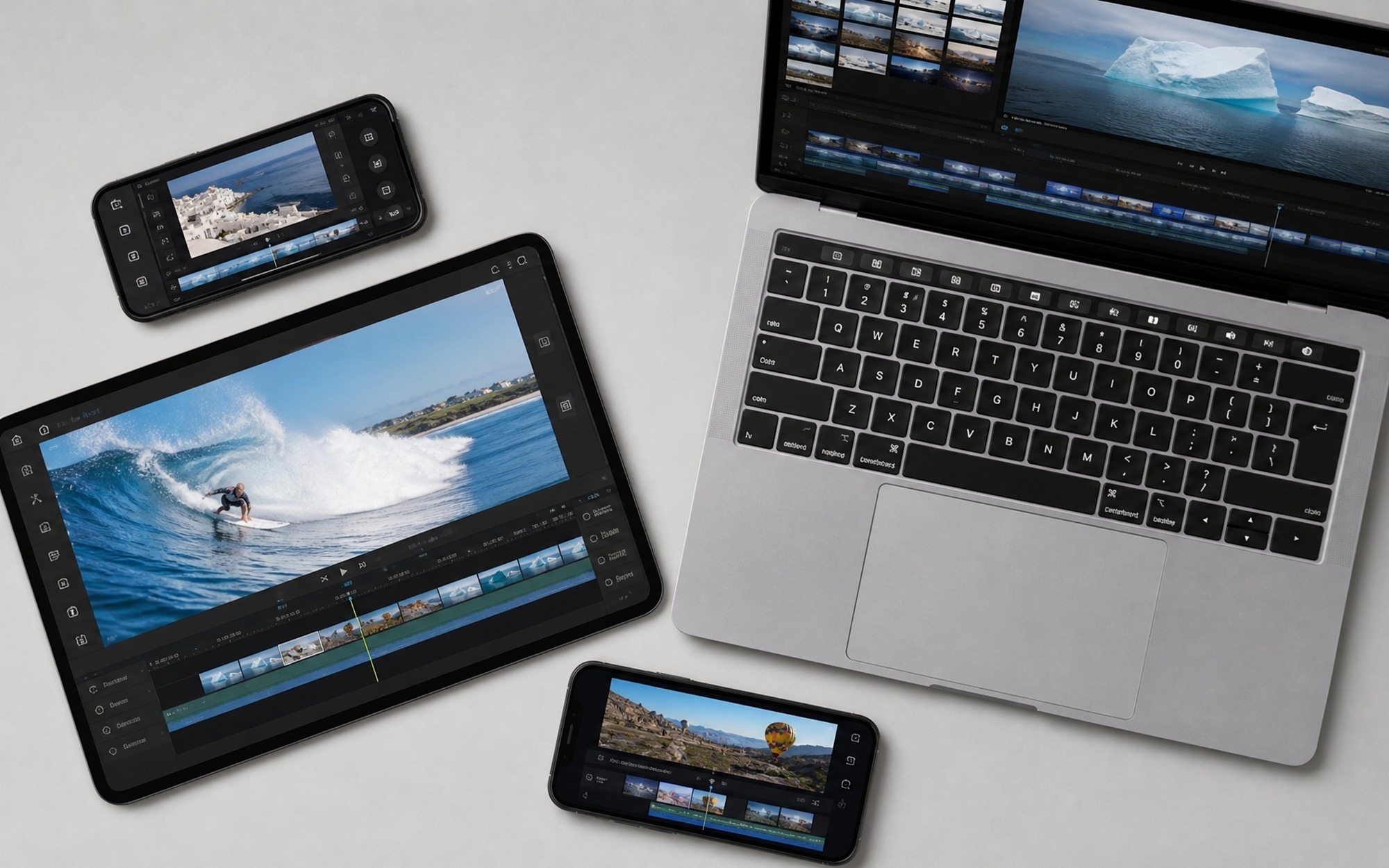
- Covers all skill levels from absolute beginner to professional filmmaker
- Includes genuinely free options with no watermark: DaVinci Resolve, iMovie, and CapCut
- Full comparison table makes it easy to find the right tool at a glance
- AI features in 2026 editions dramatically speed up captions, color, and background removal
- Both subscription and one-time purchase options available at every budget
- Professional tools like DaVinci Resolve and Premiere Pro have steep learning curves
- Adobe Premiere Pro costs over $650/year with no perpetual license option
- AI features requiring GPU acceleration demand higher-end hardware
- Mobile editors like CapCut are not designed for long-form or complex projects
Frequently Asked Questions
What is the best video editing software for home movies in 2026?
Filmora is the best paid option for home movies — its drag-and-drop interface and pre-built templates make it accessible without any prior experience. If you are on a Mac, iMovie is completely free and exports clean video directly to YouTube. Both are solid starting points for beginners.
Which video editing software supports all formats and is easiest to use?
CapCut is the easiest to use, with most new users completing a first export in under 10 minutes. For format support, DaVinci Resolve accepts the widest range including BRAW, ProRes RAW, CinemaDNG, H.265, and AV1 on the free tier with no export restrictions.
What are the best free alternatives to Adobe Premiere Pro?
DaVinci Resolve is the top free alternative — it matches or exceeds Premiere Pro in color grading and exports without a watermark at no cost. CapCut desktop is the easiest free option with clean exports up to 4K. Filmora free tier adds a watermark, so it does not qualify for client-facing work.
Is DaVinci Resolve really free, or is there a catch?
The free version is genuinely unrestricted for individual use. It includes the full editing, color grading, audio, and VFX tools with no watermark and no resolution cap. The paid Studio version at $295 one-time adds AI noise reduction, Super Scale upscaling, and multi-user collaboration — features most solo creators never need.
How to choose the right video editor — beginner vs professional comparison guide?
Start with your output goal: social media creators should start with CapCut (free, mobile-friendly, fast). Home video beginners should use Filmora or iMovie. Mac professionals avoiding subscriptions should choose Final Cut Pro at $299.99 one-time. Windows professionals should use DaVinci Resolve. Anyone inside the Adobe ecosystem should use Premiere Pro only if After Effects integration is required.
Can I edit 4K video on a budget laptop?
Yes, using proxy editing. All major tools including DaVinci Resolve, Filmora, and PowerDirector support proxy workflows: you edit using low-resolution stand-in files, then relink to the original 4K footage before export. This eliminates timeline stuttering on machines without a dedicated GPU. Enabling hardware-accelerated decoding in app preferences also helps significantly.
What is the best video editing software for beginners on Windows?
Filmora is the strongest beginner pick for Windows in 2026. Its drag-and-drop timeline and AI tools handle complex tasks automatically. PowerDirector is a close second for users who prioritize render speed — its TrueVelocity engine is consistently faster than Filmora on the same hardware for longer timelines.