Short Answer: PixVerse V6 is a strong contender for the fastest AI video generation tool available in 2026. It produces 15-second 1080p clips at competitive speeds, costs roughly $0.04 per second of 720p output (according to official pricing), and introduces over 20 cinematic lens controls. For creators who need rapid iteration without deep prompt engineering, it solves a real bottleneck.
The Core Problem: Speed vs. Quality in AI Video Generation
Most serious AI video tools force you to choose. You either wait in a queue for a high-quality output, or you get fast results that look like a tech demo from 2022.
Tools like OpenAI Sora and Runway Gen-3 have earned their reputations for coherent, cinematic output. But both carry significant generation latency, and for studios running iterative workflows, that wait time compounds into a real production cost.
PixVerse V6 is built around a specific thesis: generation speed and output quality are not mutually exclusive. According to a 2026 benchmark by Artificial Analysis, PixVerse V6 sits in the “Tier 1” speed category for AI video models, while still delivering temporal stability improvements over its predecessors.
What is PixVerse V6?
PixVerse V6 is a cloud-based AI video generation platform targeting both individual creators and small production teams. Its core value proposition is fast, high-fidelity video from plain-language prompts, without requiring a specialist to operate it.
The pricing structure is straightforward. According to official documentation, output costs approximately $0.04 per second at 720p resolution, which places it at a competitive rate for rapid iteration and prototyping.
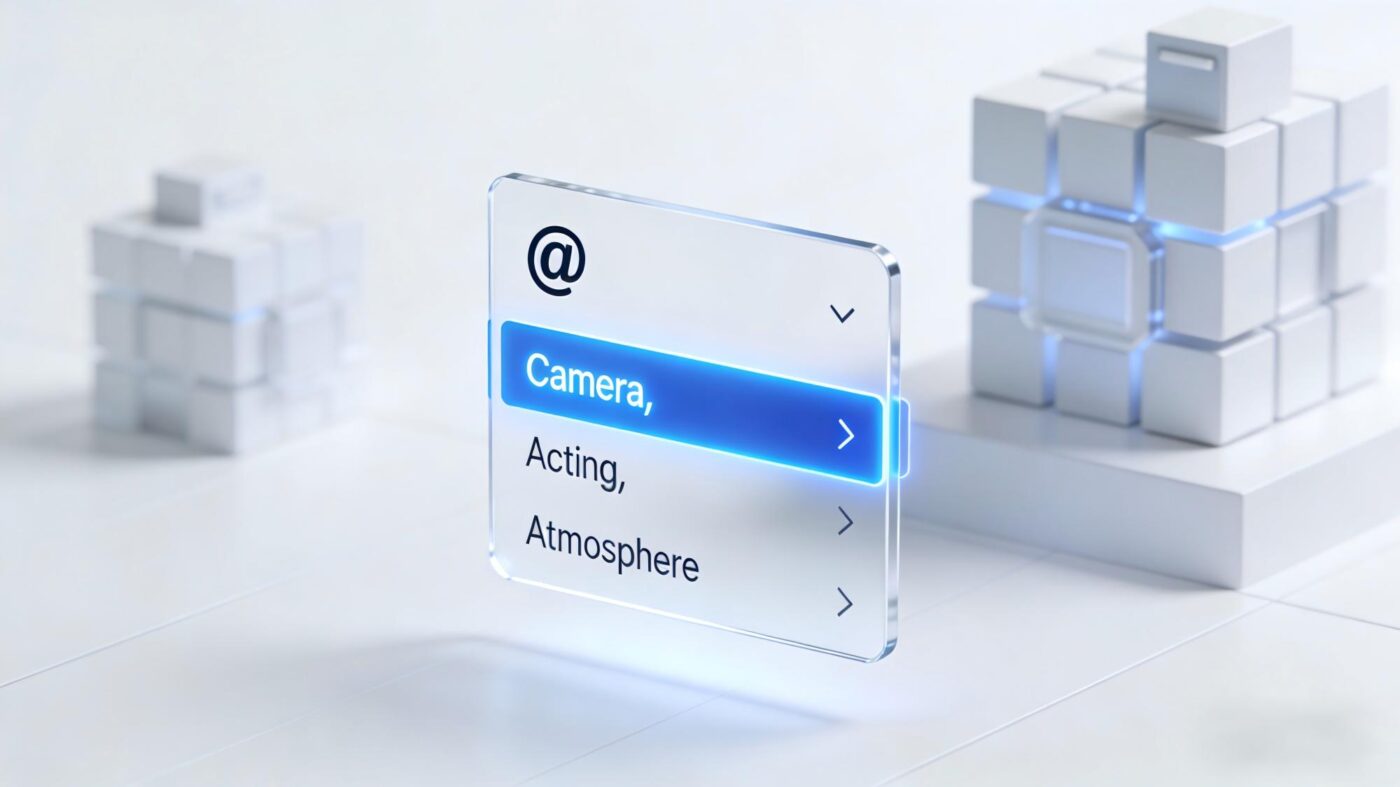
Two features define this release above all others. First, the platform now ships with over 20 cinematic lens controls, including explicit settings for focal length, aperture, depth of field, and lens distortion. Second, it generates synchronized native audio directly tied to multi-shot sequences, removing the need for third-party audio stitching tools entirely.
Key Features Breakdown
Blazing Fast AI Video Generation
Earlier AI video tools required users to write dense, comma-separated keyword prompts to get predictable results. PixVerse V6 moves away from that model.
According to early community tests documented on Reddit’s r/aivideo, the model processes plain-English descriptions with noticeably higher accuracy. A prompt like “a woman walks through a rainy market at dusk, slow motion” produces usable output without additional technical scaffolding.
This matters practically. Less time spent on prompt iteration means faster turnaround per asset, which directly affects the economics of using AI video in a production pipeline.
Micro-Expressions and Realistic Facial Tracking
One of the persistent criticisms of AI-generated video has been the “silicone face” problem: characters with smooth, emotionally flat faces that read as uncanny to human viewers.
PixVerse V6 addresses this with a dedicated micro-expression system. The platform’s official March 2026 documentation highlights a specific example: a tearful man whose facial muscles, eye moisture, and subtle lip tension are rendered with frame-level consistency across a 15-second clip.
Previous versions of PixVerse (V3 and V4) suffered from “identity drift,” where a character’s face would subtly shift in appearance over longer clips. V6 introduces multi-image reference locking to hold character consistency across an entire sequence.
Physical Simulation Engine
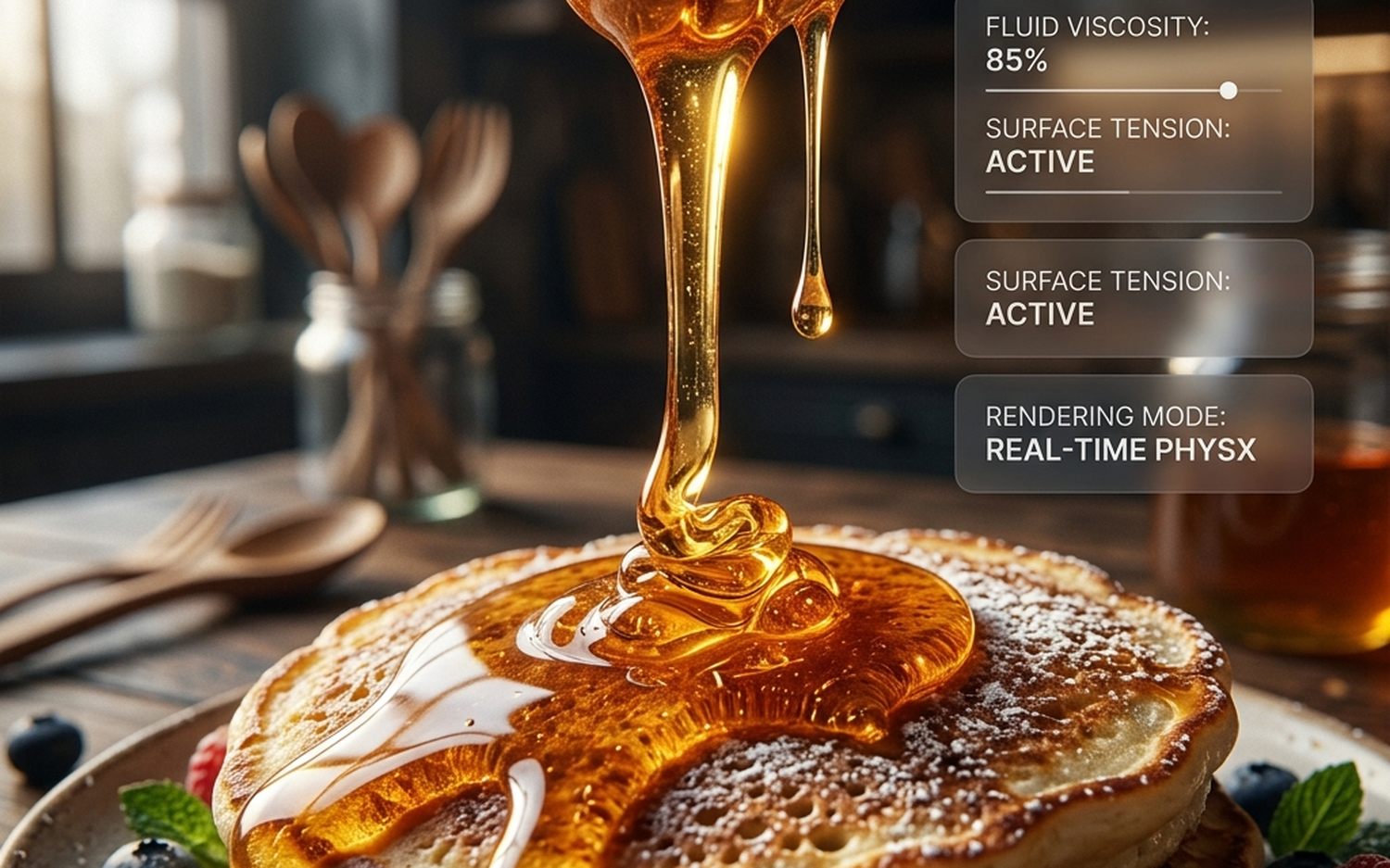
Realistic fluid and material behavior has historically been a weak point for diffusion-based video models. PixVerse V6 introduces what the company describes as a physical simulation engine.
The most cited example in official materials is honey dripping: the viscosity, surface tension, and light interaction are rendered with a level of physical accuracy that previous models approximated poorly. Momentum simulation for solid objects, such as a ball rolling off a surface, also shows measurable improvement.

Multi-Camera Cinematic Control
This is arguably the most significant technical upgrade in V6. The platform now offers over 20 distinct camera movement options, according to official documentation from March 2026.
These include bullet-time effects, spatial scene transitions, and explicit lens parameter controls (focal length, depth of field, distortion). Creators can specify camera behavior the same way a cinematographer would brief a camera operator, rather than hoping the model infers intent from vague descriptors.
The AI Filmmaker Core YouTube channel published a dedicated test of these controls on March 30, 2026 (Video ID: UY5_p30Rz3U), confirming that the cinematic outputs hold up under scrutiny for short-form commercial work.
PixVerse V6 Pricing: Is it Free to Use?
PixVerse V6 operates on a credit-based system. There is a free tier available, though it comes with generation limits and watermarked output.
According to official pricing, paid output costs approximately $0.04 per second of 720p video. A 15-second clip at 720p therefore costs roughly $0.60 in credits. At 1080p, costs scale upward, though official per-second rates for 1080p have not been separately published at the time of writing.
For context, this positions PixVerse V6 as one of the more cost-efficient options in the current market, particularly for creators who need to generate multiple drafts before committing to a final version. You can see how this stacks up against other tools in our breakdown of the best AI video generators of 2026.
The Team Plan and Mini Apps: Scaling AI Video Production
The Team Plan
PixVerse V6 introduces a “Team Plan” designed for small production studios. According to community reports from r/aivideo, the plan supports between 2 and 15 users sharing a single credit pool.
This is a practical solution for indie studios where multiple editors work on the same project. Rather than each editor purchasing and managing separate credit allocations, a shared pool reduces administrative overhead and allows the team to allocate generation budget where it is actually needed.
Mini Apps
For casual creators and marketers, PixVerse V6 ships with a set of “Mini Apps.” These are pre-configured generation templates that produce product videos, social media clips, and promotional content from a single image or short text input.
The target user here is not a filmmaker. It is a small business owner or social media manager who needs a polished video asset quickly, without learning the full feature set of the platform.
Comparison: PixVerse V6 vs Sora vs Kling AI vs Runway Gen-3
The table below compares the four most relevant tools in this category. Note the distinction between data sourced from official documentation and figures estimated by third-party analysts or community testing.
| Feature | PixVerse V6 | OpenAI Sora | Kling AI | Runway Gen-3 |
|---|---|---|---|---|
| Max Clip Length | 15 seconds (official) | Up to 60 seconds (official) | Up to 120 seconds (official) | 18 seconds (official) |
| Resolution | Up to 1080p (official) | Up to 1080p (official) | Up to 1080p (official) | Up to 1080p (official) |
| Generation Speed | Tier 1 / Fast (Artificial Analysis, 2026) | Moderate-Slow (Artificial Analysis, 2026 est.) | Moderate (third-party estimate) | Moderate (third-party estimate) |
| Approx. Cost per Second | ~$0.04 at 720p (official) | Not publicly listed (estimate: higher) | ~$0.05–$0.07 (third-party estimate) | ~$0.05 (third-party estimate) |
| Cinematic Camera Controls | 20+ explicit controls (official) | Limited, prompt-based (official) | Moderate controls (third-party est.) | Moderate controls (official) |
| Native Audio Generation | Yes, synchronized (official) | No native audio (official) | No native audio (official) | No native audio (official) |
| Character Consistency | Multi-image reference locking (official) | Moderate (community reports) | Strong (community reports) | Moderate (community reports) |
| Team / Collaboration Plan | Yes, 2–15 users (official) | No (official) | No (official) | Limited (official) |
| Free Tier | Yes, with watermark (official) | Limited access (official) | Yes (official) | Yes, limited (official) |
| Source / Confidence | Official docs + Artificial Analysis | Official docs + estimates | Third-party estimates | Official docs + estimates |
Comparison Verdict: PixVerse V6 leads on speed, cost efficiency, and native audio integration. OpenAI Sora still produces longer, more narratively coherent clips. Kling AI holds an advantage for extended duration content. Runway Gen-3 remains a strong choice for professional post-production workflows, as detailed in our Sora vs. Runway Gen-3 comparison. PixVerse V6 wins on iteration speed and team collaboration features, but it is not the right tool if you need clips longer than 15 seconds.
Final Verdict: Who Should Use PixVerse V6?
Best Overall for Speed and Cost
For creators who generate high volumes of short-form video, PixVerse V6 is the most cost-efficient and fastest option currently available with documented Tier 1 speed benchmarks.
Best Value for Teams
The Team Plan’s shared credit pool is a genuinely useful feature for indie studios with 2 to 15 collaborators. No comparable tool in this price range offers the same structure.
Who Should Use PixVerse V6
- Social media managers and content marketers who need fast, polished short clips
- Indie studios iterating quickly on visual concepts before committing to full production
- Creators who want native audio without managing a separate tool
- Anyone prototyping cinematic camera work using explicit lens controls
Who Should Skip PixVerse V6
- Filmmakers who need clips longer than 15 seconds in a single generation
- Projects requiring deep narrative coherence across extended sequences (Sora is better suited here)
- Users who need a fully offline or self-hosted solution (PixVerse V6 is cloud-only)
PixVerse V6 is a focused, well-priced tool that solves specific problems well. It does not try to be everything. For the right workflow, that is exactly what makes it worth integrating.
- Consistently among the fastest generation speeds globally
- Massive upgrades to realistic physics and facial micro-expressions
- New ‘Team Plan’ sharing mechanism for production studios
- Not built for deep, traditional non-linear frame editing
- Occasional tracking loss during extremely complex spatial traversals
Frequently Asked Questions
Is PixVerse V6 free to use for beginners?
PixVerse functions on a credit model. While it offers trial allowances for new creators, heavy production requires a premium subscription, heavily offset by its low generation costs.
How does PixVerse V6 compare to Sora or Kling AI?
PixVerse prioritizes blazing-fast iteration loops and instruction following. While Sora excels in lengthy coherent dreaming, V6 focuses on practical, cinematic studio productivity and speed.

- PixVerse V6 Review: Testing 2026’s Fastest AI Video Generator - April 1, 2026
- OPPO Find N6 Review: The Best Foldable of 2026? - March 30, 2026
- MIUI History: Every Version Explained, From V1 to the Final Update (2010-2026) - March 29, 2026