
Lenovo just made the most capable version of an AI agent mainstream – and you don’t need to know what WSL2 is to use it.
Meet Lenovo Tianxi Claw (联想天禧 Claw): a personal AI agent built on the OpenClaw open-source framework, repackaged for everyday users on Lenovo’s cloud infrastructure. Announced on March 18, 2026, and entering internal beta on March 30, Tianxi Claw is Lenovo’s answer to a deceptively simple question: what if an AI agent could control all your devices without you having to set anything up?
The short answer is: it already can.

What Is Lenovo Tianxi Claw?
Lenovo Tianxi Claw is a personal AI agent – a type of AI that doesn’t just answer questions but autonomously executes multi-step tasks on your behalf. Unlike a chatbot, an AI agent can open applications, edit files, send commands to hardware, and complete workflows from start to finish without you monitoring every step.
The “Claw” in the name refers to the underlying OpenClaw framework, an open-source AI agent stack that developers have used to build autonomous tools capable of interacting with operating systems at a deep level. Lenovo took that raw technology and wrapped it in a consumer-friendly cloud service, eliminating all the technical friction that previously made running an agent like this impractical for most people.
Think of it less as a smarter Siri and more as an autonomous digital employee who has admin access to your entire Lenovo device ecosystem.
How Tianxi Claw Works: Cloud-Hybrid Architecture
The key innovation in Tianxi Claw is its cloud-hybrid deployment model. Here’s how it works:
- Your Tianxi app sends instructions to Lenovo’s servers
- Lenovo runs a containerized Claw instance on their infrastructure
- Claw executes tasks remotely, communicating with the local Tianxi agent on your device
- Results sync back in real time across all signed-in devices
This matters because running OpenClaw locally – the way developers do it – requires setting up WSL2, configuring Linux environments, and managing API keys manually. Lenovo has eliminated all of that. The architecture is conceptually similar to how cloud gaming works: the heavy computation happens on a server, and your device just displays the output and relays your input.
The downside is a dependency on Lenovo’s servers and network connectivity, but for most users, that tradeoff is worth it.
Is Lenovo Tianxi Claw a True AI Agent?
Yes – and the distinction matters. “AI agent” is one of the most overused terms in tech right now, applied to everything from basic autocomplete to fully autonomous systems. Tianxi Claw sits firmly at the capable end of the spectrum.
Here’s what makes it a genuine agent rather than a glorified chatbot:
Autonomous multi-step execution – you can give Claw a high-level goal like “compile today’s tech news into a summary document and save it to my desktop” and it will plan and execute every step independently.
Background operation – Claw can run tasks on a device that is locked or sleeping, meaning your laptop can be completing a document processing job while you’re away from your desk.
Hardware-level access – unlike most AI assistants that operate only at the software layer, Tianxi Claw can adjust display settings, create system alarms, and interact with file systems directly.
Cross-session persistence – completed tasks and knowledge base entries persist between sessions, though full memory automation is still a beta limitation.
The honest caveat: Claw operates within a sandboxed environment. It cannot modify root-level system configuration files during the current beta, and it cannot switch its underlying AI model – a limitation that matters to power users who want to fine-tune behavior.
Built-In Skills: What Tianxi Claw Can Do
Out of the box, Tianxi Claw ships with over 10 pre-installed Skills – modular capabilities that extend what the agent can do. These include:
| Skill Category | Example Tasks |
|---|---|
| Document Processing | Draft reports, summarize PDFs, format spreadsheets |
| Image Editing | Resize, enhance, and retouch photos autonomously |
| Hardware Control | Adjust brightness, set alarms, manage power settings |
| File Management | Search, organize, rename, and move files across devices |
| Life & Entertainment | Set reminders, curate playlists, compile news digests |
| Custom Routines | Schedule and automate recurring workflows |
The Skill architecture is designed to expand over time. Lenovo has signaled that third-party Skills – similar to plugins in a more traditional AI assistant – are part of the product roadmap. During beta, API key management for custom Skills is limited, but the foundation is clearly designed with extensibility in mind.
Cross-Platform Control: One Account, Every Device
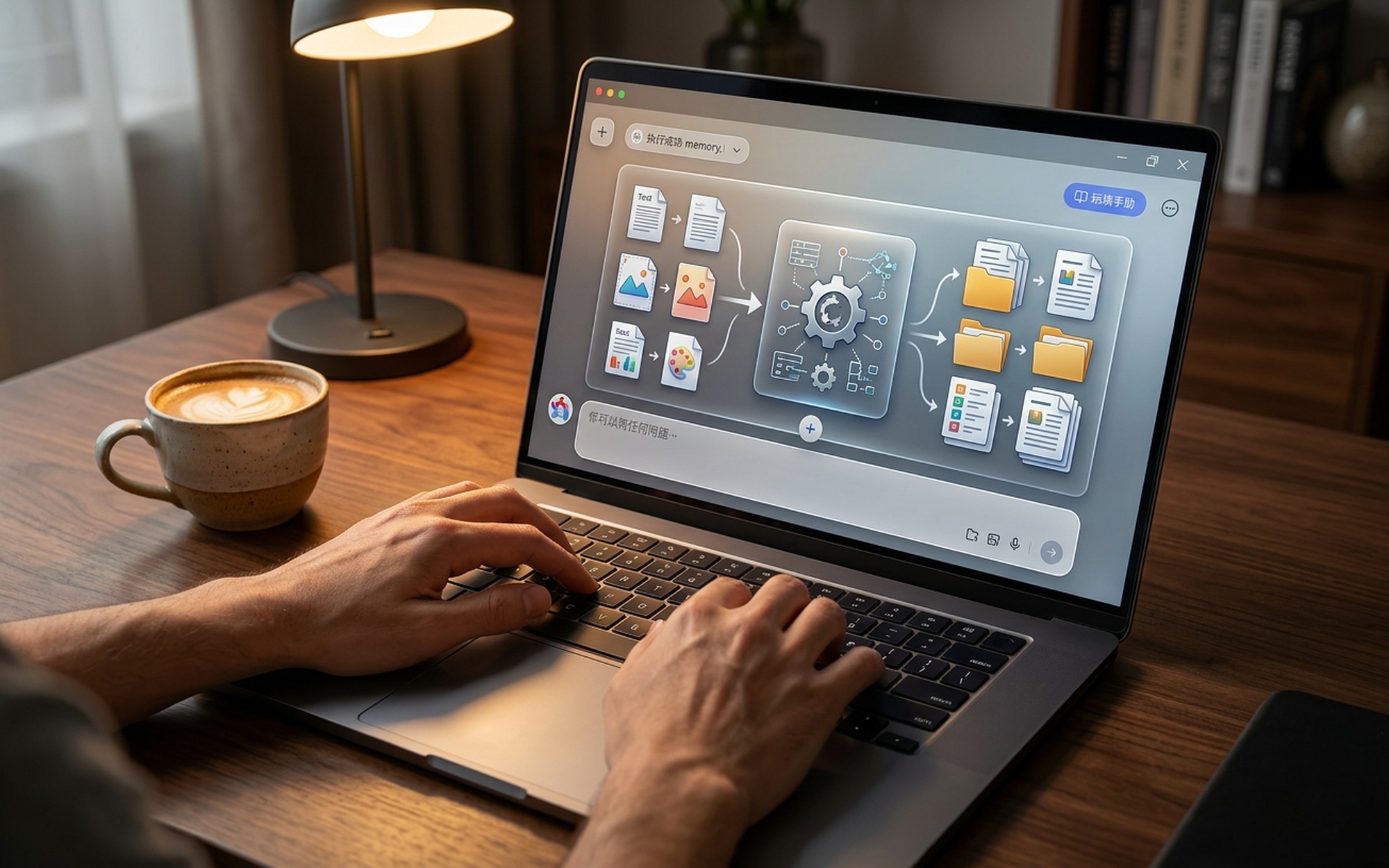
This is where Tianxi Claw genuinely earns the label “cross-platform AI assistant.” With a single Lenovo account, the agent connects to:
- Lenovo Windows laptops and desktops – full desktop OS access and hardware control
- Lenovo Android tablets – tablet-optimized interface with the same skill set
- Motorola smartphones – Motorola’s integration with Lenovo’s ecosystem makes this the only smartphone family with native Tianxi Claw support
The cross-device capability goes beyond simple syncing. You can use your phone to instruct Claw to reorganize a folder structure on your sleeping laptop across the room. You can have your tablet run an image processing routine while you’re at your PC. The agent maintains awareness of which devices are available and routes tasks accordingly.
This is a meaningful differentiator from competing AI assistants like Microsoft Copilot, which is largely confined to Windows and Microsoft 365 apps, or Apple Intelligence, which is locked to Apple’s hardware ecosystem. Tianxi Claw’s cross-platform ambition – spanning Windows, Android, and multiple device form factors under one account – is architecturally more ambitious than either.
Current Limitations and Beta Caveats
Lenovo is being transparent about what Tianxi Claw can’t do yet, and it’s worth knowing before you get excited:
Memory is semi-manual. The agent compresses older messages automatically to manage context limits, but for truly persistent information (recurring preferences, project context), users need to explicitly tell Claw to save something to the knowledge base. There is no fully automatic long-term memory yet.
No model switching. You cannot change the underlying conversation model or adjust Claw’s communication style through settings. Workarounds via knowledge base additions are possible but not elegant.
Beta access is limited. As of April 2026, Tianxi Claw is in internal testing. Broader availability timelines have not been confirmed by Lenovo.
Pricing is unknown. Lenovo has not disclosed a fee structure. Given the cloud infrastructure costs involved, a subscription model is widely expected – possibly tiered, similar to how Lenovo bundles its cloud storage offerings.
Pricing and Availability
Lenovo Tianxi Claw entered internal beta testing on March 30, 2026. No public launch date or pricing has been announced.
The product is currently available only to internal Lenovo testers. Analysts and technology press expect a public launch to follow in Q3 2026, with a likely subscription pricing model potentially integrated into Lenovo’s existing cloud service tiers.
For users already in Lenovo’s ecosystem – particularly those running a Lenovo laptop and a Motorola phone – Tianxi Claw represents a compelling preview of what device-native AI agents will look like when they finally go mainstream. The zero-setup approach, cross-device awareness, and genuine autonomous task execution set a high bar for competitors to match.
- Zero installation — cloud-hosted, no WSL2 or local setup needed
- True cross-platform: Windows PCs, Android tablets, and Motorola phones from one account
- 10+ pre-built skills covering documents, image editing, hardware control, and automation
- Runs tasks silently in the background on locked or sleeping devices
- Remote device management — control your laptop from your phone and vice versa
- Currently in limited beta testing as of April 2026
- Cannot switch the underlying AI model or customize personality
- Pricing not yet announced — subscription model expected
- Persistent memory requires manual “remember this” commands
- Root-level API key configuration blocked during beta phase
Frequently Asked Questions
What is Lenovo Tianxi Claw?
Lenovo Tianxi Claw is a personal AI agent built on OpenClaw technology. It runs entirely in the cloud on Lenovo’s servers, so users don’t need to install anything locally. It can autonomously complete tasks like editing documents, processing images, managing files, and controlling hardware across your Lenovo devices — all from a single Lenovo account.
Is Lenovo Tianxi Claw a true AI agent?
Yes. Unlike simple chatbots, Tianxi Claw is a genuine AI agent: it takes multi-step autonomous actions, executes tasks in the background without continuous user input, and can operate across devices without your supervision. It uses the OpenClaw framework to plan and carry out real-world computing tasks, not just generate text.
How does Lenovo Tianxi Claw work across devices?
Tianxi Claw uses a cloud-hybrid architecture where the AI agent runs on Lenovo’s servers. Once you sign in with your Lenovo account on any supported device — Windows PC, Android tablet, or Motorola smartphone — Claw gains the ability to execute tasks on that device. You can use your phone to instruct Claw to reorganize files on your laptop, or have it run routines on a locked tablet in another room.
Does Lenovo Tianxi Claw require installation?
No. Unlike running OpenClaw locally (which requires WSL2 and manual configuration), Tianxi Claw is hosted entirely on Lenovo’s servers. Users only need the Tianxi app on their device. There is no environment setup, no dependency management, and no technical configuration required.
When will Lenovo Tianxi Claw be publicly available?
Lenovo Tianxi Claw entered internal beta testing on March 30, 2026. A broader public release date has not been announced. Lenovo has not disclosed pricing, though analysts expect a tiered subscription model integrated with Lenovo’s existing cloud services.