Gemini Omni Flash is more interesting as a conversational video editor than as another text-to-video leaderboard entry. Google designed it to accept text, images, audio, and existing video, then preserve an evolving scene across follow-up edits. That changes the practical question. Creators should ask whether Omni reduces revision work, not whether one cherry-picked clip looks better than every Seedance or Kling result.
This is a source-led analysis, not a hands-on review. Reviewstown did not run a controlled generation suite or purchase credits for the model. The assessment below separates Google’s product claims and internal benchmarks from independent reporting and public creator observations.
The short answer
Gemini Omni is a strong fit for creators who begin with existing material and expect several revisions. Its main advantage is the ability to discuss an edit, preserve context, and refine the same scene rather than rebuilding a prompt for every attempt. It is also broadly accessible through the Gemini app, Google Flow, Google Vids, and selected Google products.
It is not a universal replacement for Seedance 2.0 or Kling 3.0. Google’s own model card says complete consistency, complex motion, and perfectly accurate text remain challenges. However, public same-prompt comparisons also show that model rankings change with the scene. Omni can perform well on editing and instruction following while another model produces more convincing motion or cinematic pacing.
What Gemini Omni actually does
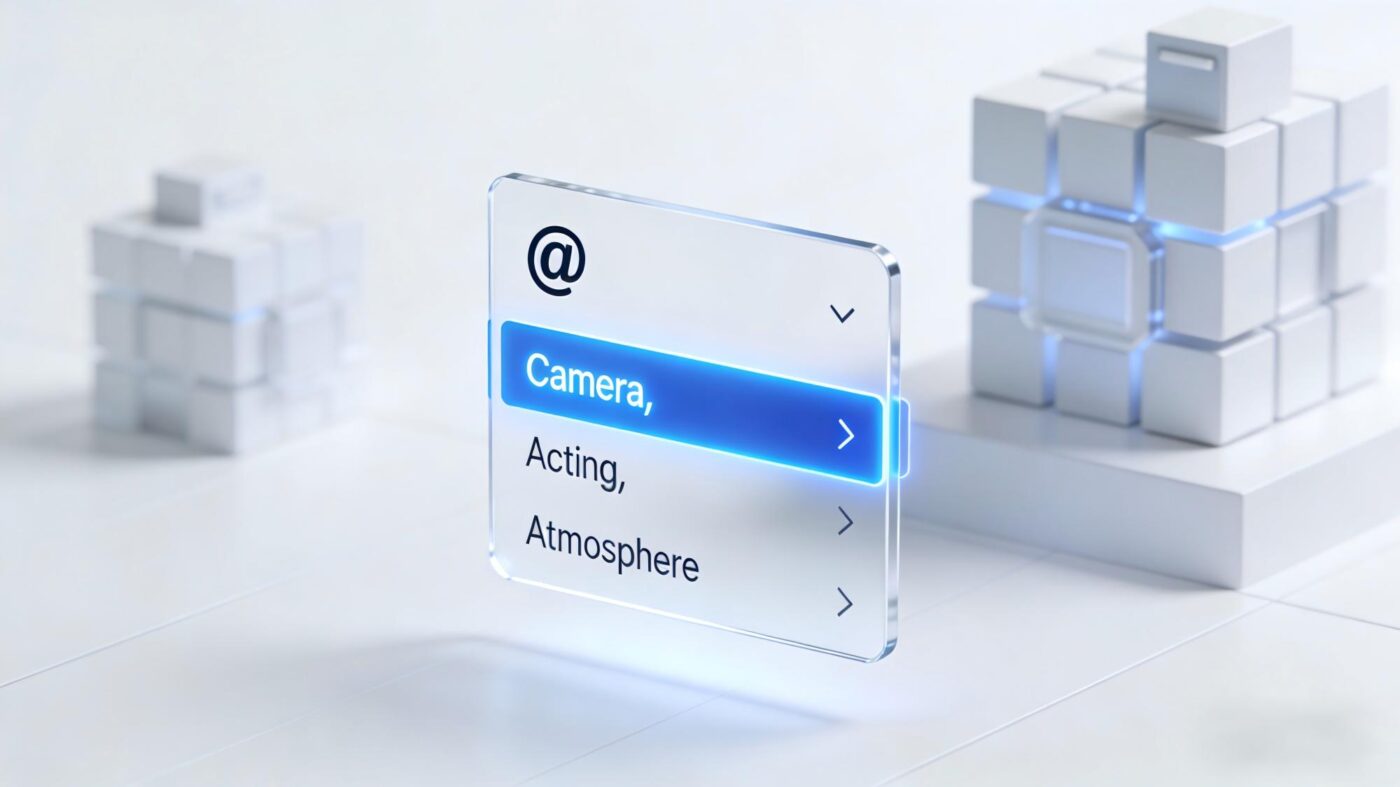
Google DeepMind describes Gemini Omni as a model that can create or edit video from multiple input types. A user can start with a prompt, a still image, an audio cue, a video, or a combination of references. Follow-up instructions can change a background, lighting, an object, or another part of the result while retaining prior conversational context.
From one-shot generation to conversational revision
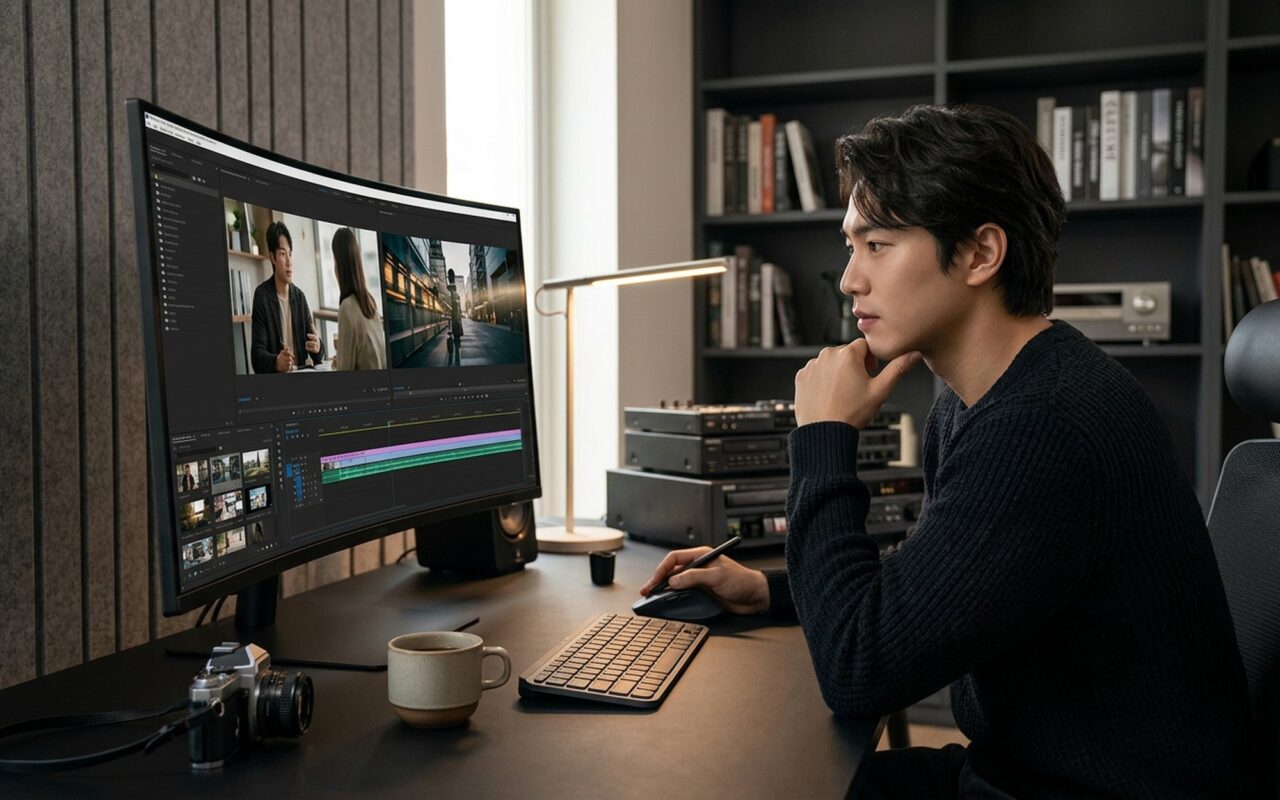
Omni’s practical value comes from keeping the scene and revision history together.
Use text, an image, audio, existing footage, or multiple references as the starting material.
Ask for a specific lighting, background, caption, or object change without restating the whole scene.
Each instruction builds on earlier turns, which can reduce prompt reconstruction across revisions.
Treat generated footage as an asset in a wider editing workflow, not as a guaranteed finished film.
Google’s official prompt guide still recommends production detail, including shot framing, camera movement, style, and lighting. Conversation does not eliminate prompt craft. It makes later corrections more direct because the creator can refer to the current result.
What the benchmark claims prove, and what they do not
DeepMind reports strong results for video editing, text-to-video preference, instruction following, and fast motion. Its editing evaluation used direct comparisons across 504 examples, while its MovieGenBench text-to-video evaluation used 1,003 prompts. Those results are useful evidence that the model is competitive.
They are not proof that Omni wins every production task. The comparisons are Google-run evaluations, and aggregate human preference can hide important differences in dialogue, character persistence, typography, camera continuity, or the creator’s preferred visual style. A buyer should treat the benchmark as a reason to shortlist Omni, then evaluate representative shots using a predefined rubric.
The earlier Reviewstown page claimed that text rendering had been tested against Seedance 2.0 and Kling 3.0. Reviewstown has no verified first-party evidence package for that test, so this rewrite removes the claim. More importantly, Google’s own model card explicitly lists perfectly accurate text as an ongoing challenge. That primary-source limitation outweighs an unsupported site claim.
Gemini Omni versus Seedance 2.0 and Kling 3.0
The three products overlap, but their strongest workflow stories differ. Omni emphasizes multimodal input and conversational editing. Seedance 2.0 emphasizes world complexity and flexible reference inputs. Its technical report describes support for text, image, video, and audio references, including multiple assets in the open platform. Kling 3.0 is often selected for multi-shot storytelling, native audio, and a creator workflow built around generated sequences.
Public creator reports are mixed rather than unanimous. In one same-scene comparison, the creator preferred Seedance for a difficult stunt sequence and placed Omni second. Another creator discussion characterized Omni as the stronger editor while preferring another model for generation. These reports are anecdotal and may involve different settings, plans, or selection bias, but they show why a single overall ranking is not dependable.
Choose by production bottleneck
A model is valuable when it removes the most expensive failure in your actual workflow.
Shortlist Omni when the source clip will need several precise, conversational changes.
Run a controlled Seedance comparison when body mechanics and rapid motion decide success.
Include Kling when connected shots, audio, and sequence planning matter more than revision chat.
Generate a real typography test. Do not rely on a vendor example or a remembered leaderboard position.
Availability and cost logic
Google lists Omni access across AI Plus, Pro, and Ultra plans, with availability and usage limits varying by product and region. The current subscription page also describes Flow credits, so a creator should check the live plan screen before budgeting a campaign. Credits, generation limits, resolution options, and rollout regions can change faster than an evergreen article can remain accurate.
Cost per generation is not enough. In practice, a cheaper model can become expensive if it needs repeated restarts, while a higher-cost model can save time if a conversation fixes the existing shot. Track accepted seconds of footage, generations per accepted shot, manual editing minutes, and failed generations. Those four figures provide a better buying signal than a monthly subscription price alone.
Google also introduced Omni in Google Vids for Workspace users. Google’s Workspace announcement positions it for generating and editing clips inside a collaborative business-video workflow. That integration can matter more than peak image quality for teams already reviewing scripts and edits in Workspace.
Safety, disclosure, and commercial use
Google says generated Omni videos include SynthID, and its model card describes safeguards for harmful or deceptive uses. Those measures do not transfer copyright clearance, likeness consent, music rights, or advertising disclosure responsibility to Google. Creators still need a documented review step before commercial publication.
TechRadar reported examples in which recognizable copyrighted characters could be produced through prompts. The practical lesson is not that every output infringes. It is that successful generation is not evidence of permission. Brand teams should screen characters, logos, voices, faces, and source assets before distribution.
For product comparisons, keep prompts and rejected outputs. Publish the selection method and disclose when a result is vendor-provided, community-provided, or generated by the reviewer. Reviewstown’s separate Vidu Subject Module analysis is another example of why identity consistency and editability should be evaluated as separate dimensions.
A fair evaluation protocol
Start with five tasks that resemble real work: a simple product shot, a fast action sequence, a speaking character, a scene containing exact text, and an edit to existing footage. Lock the input assets and write an acceptance rubric before generating anything.
Give each model the same number of attempts. Record prompt changes, generation time, cost, policy refusals, visible artifacts, text accuracy, audio quality, identity consistency, and manual cleanup time. Do not replace a failed result with a vendor demo. If a feature is unavailable in a region or plan, mark it unavailable rather than estimating performance.
For Omni, add a revision test. Ask for three sequential changes to the same scene and check whether earlier accepted details survive. That is the capability most likely to distinguish it from a conventional one-shot workflow.
Final assessment
Gemini Omni Flash deserves a shortlist for multimodal video editing because conversational revision can reduce the friction between an idea and an acceptable shot. Google’s benchmarks, broad product integration, and prompt workflow support that conclusion.
Despite its strong editing story, it does not deserve an unqualified victory over Seedance 2.0 or Kling 3.0. Google acknowledges consistency, complex motion, and text limitations, while public comparisons show task-dependent results. Choose Omni when iterative editing is the bottleneck. Run a controlled comparison when action, connected shots, typography, or character continuity is the deciding requirement.
- Conversational edits build on the current scene
- Accepts text, image, audio, and video references
- Integrated across several Google creation products
- Competitive vendor benchmark results for instruction following
- Official prompt guidance supports production planning
- Complete consistency across edits remains difficult
- Complex motion can still fail
- Perfect text rendering is not guaranteed
- Usage limits and availability vary by plan and region
- Vendor benchmarks do not replace task-specific testing
Frequently Asked Questions
What is Gemini Omni Flash?
It is Google’s multimodal video generation and editing model. It can begin with text, images, audio, video, or combined references and supports follow-up edits through conversation.
Is Gemini Omni better than Seedance 2.0?
There is no universal winner. Omni is especially compelling for conversational revision, while public comparisons sometimes prefer Seedance for complex action. Test both with the same inputs and acceptance criteria.
Can Gemini Omni render accurate text in video?
It can produce on-screen text, but Google’s model card says perfectly accurate text remains a challenge. Typography-critical work needs a real test and may still require manual compositing.
Where is Gemini Omni available?
Google offers it through products including the Gemini app, Google Flow, Google Vids, and selected creation tools. Plan limits and regional availability vary, so check the current product page before purchasing.
Does Reviewstown recommend Gemini Omni for commercial work?
It is worth evaluating when iterative editing is expensive. Commercial teams still need rights review, disclosure, output screening, and a controlled comparison against alternatives for their actual production tasks.